Find what AI says about your brand, and the page behind each claim
Two direct questions, asked of up to six AI setups, with the tone of every mention and the pages the answers relied on.
By the Surfacedd teamUpdated 4 min readMarkdown
On this page
Short answer
A Surfacedd Brand Audit asks two questions about your brand (who you are, and what people say about you) of up to six AI setups: ChatGPT, Perplexity and Gemini with web search, and ChatGPT, Claude and Gemini from training data only. It reports net sentiment, negative sources, possible misinformation and the pages behind each answer.
A Brand Audit answers a different question from a visibility report. A report asks buyer questions and counts whether you are named. An audit asks about you directly and shows how AI describes you, in what tone, and from which sources. It lives under Reputation › Brand Audit.
What an audit asks
Two prompts, created once per brand and hidden from your tracked prompts:
| Group | Prompt |
|---|---|
| Information | "What is {brand} (website: {site})? Describe what it offers in {category}, who it is for and how it compares to alternatives in {place}." |
| Reputation | "What do people say about {brand} in {category}? Summarize its reputation, strengths and weaknesses." |
The brand name, website, first category and place come from your brand settings; the place is your brand's primary country unless a market is given.
The six AI setups
Each prompt goes to every setup you have a key for:
| Slot | With web search | Needs |
|---|---|---|
| 1 | ChatGPT | OpenAI key |
| 2 | Perplexity | Perplexity key |
| 3 | Gemini, or Claude when Gemini is off | Gemini key and Google's terms accepted, else Anthropic key |
| 4 | ChatGPT, training data only | OpenAI key |
| 5 | Claude, training data only | Anthropic key |
| 6 | Gemini, training data only | Gemini key |
Web-search answers show what an assistant says today from the live web, with sources. Training-only answers show what the model learned, with no tools, so they change only when the model is retrained. A gap between the two tells you whether a wrong claim comes from current pages (fixable now) or from older training data.
When Gemini is off. If Gemini isn't on (it needs a Google key and Google's grounding terms accepted in Settings › Engines), the third web-search slot uses Claude with web search, and the audit list says so under the table when your latest audit ran that way. Slots without a key are skipped; with no usable key at all the audit doesn't start.
Run an audit
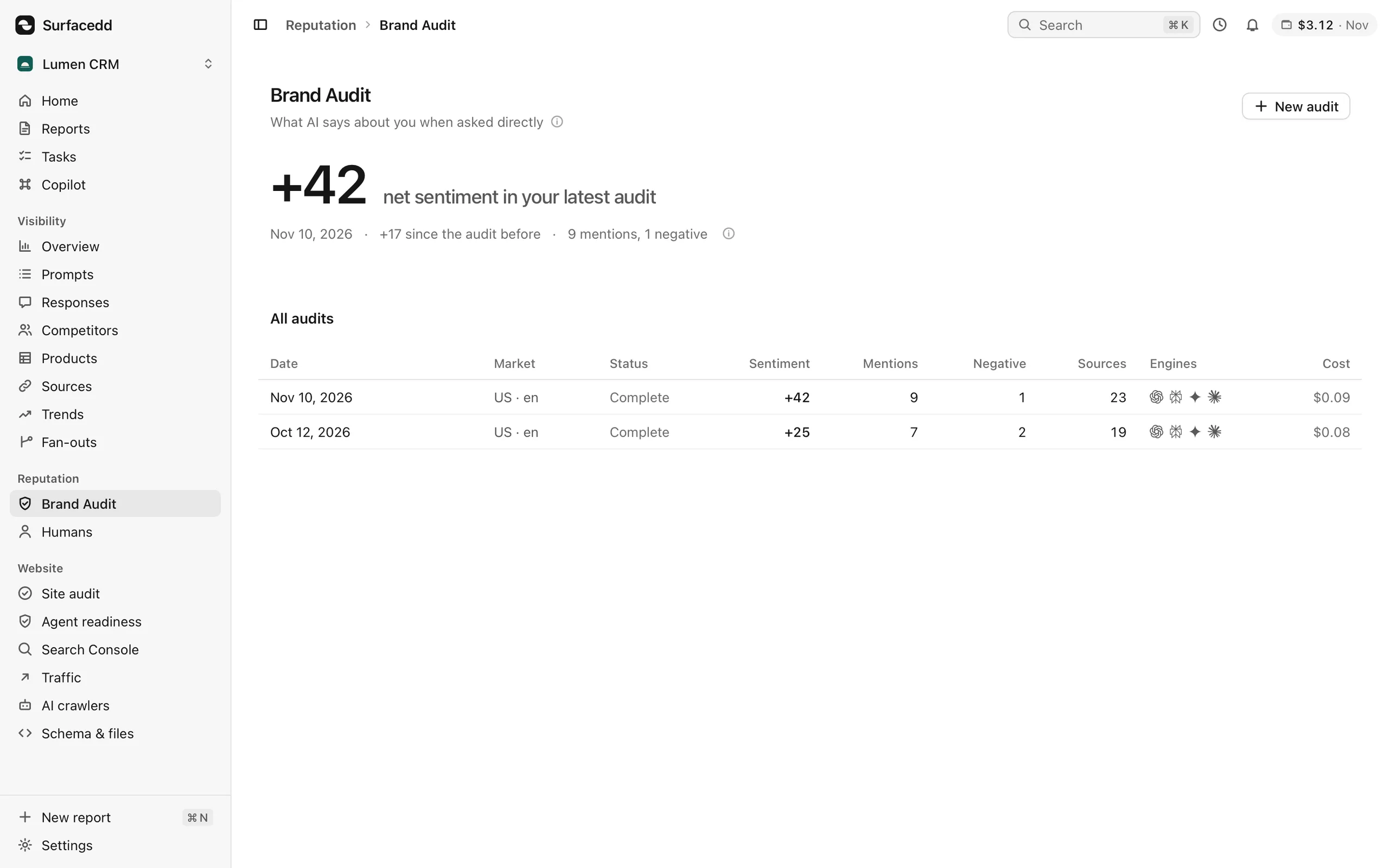
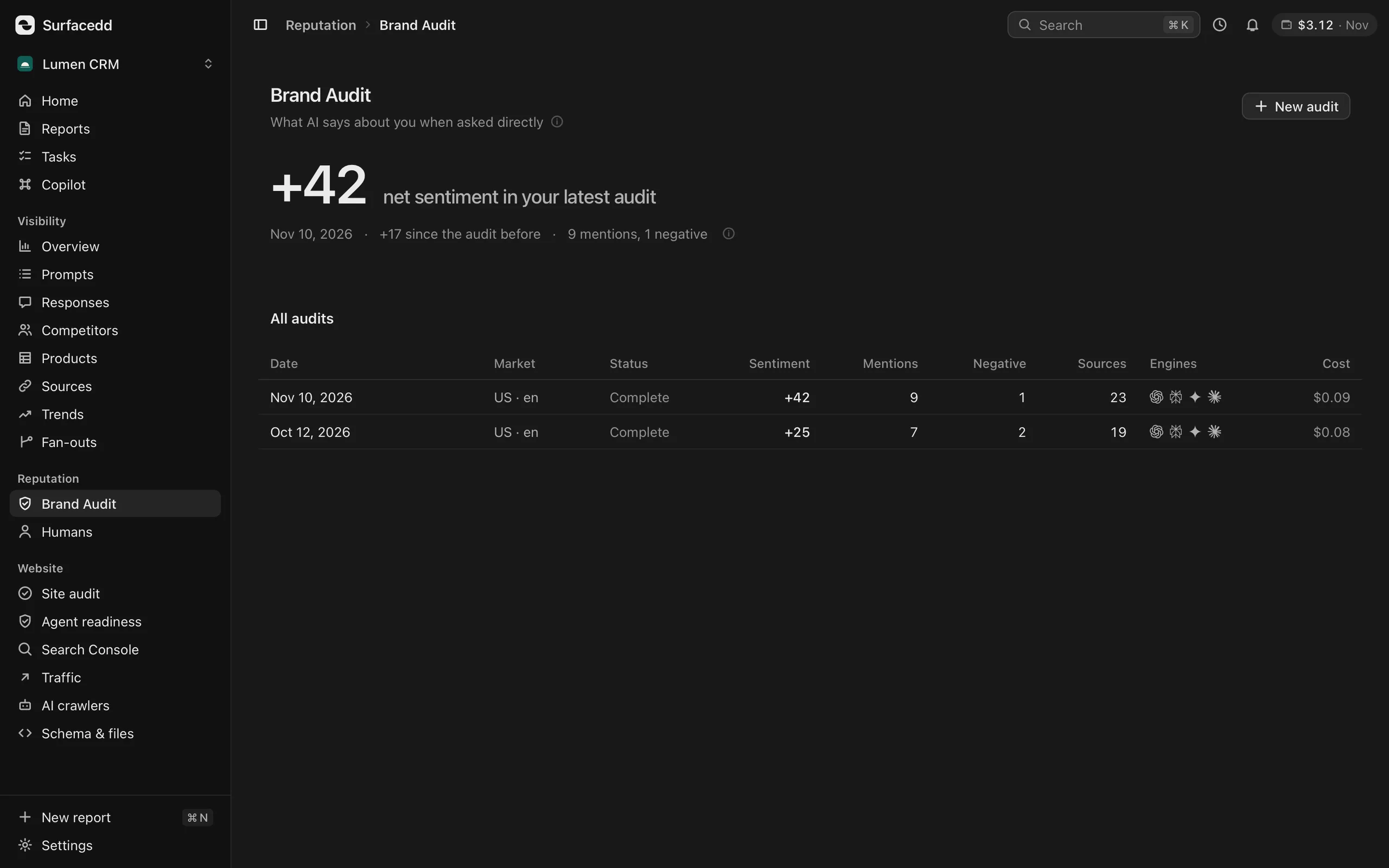
- Open Reputation › Brand Audit and press New audit (or Run the first audit).
- Check the estimated cost. It covers the answers plus judging the cited pages, and is charged by the providers to your own accounts.
- Press Run audit. It takes about a minute, and you get a notification.
Read the results
Overview shows net sentiment (positive minus negative mentions, divided by mentions, from −100 to +100), the models that name you, the names AI used for you, tone by source type, the pages behind negative answers, and what each model says. Sentiment only appears in Brand Audit and Humans; it is never part of visibility.
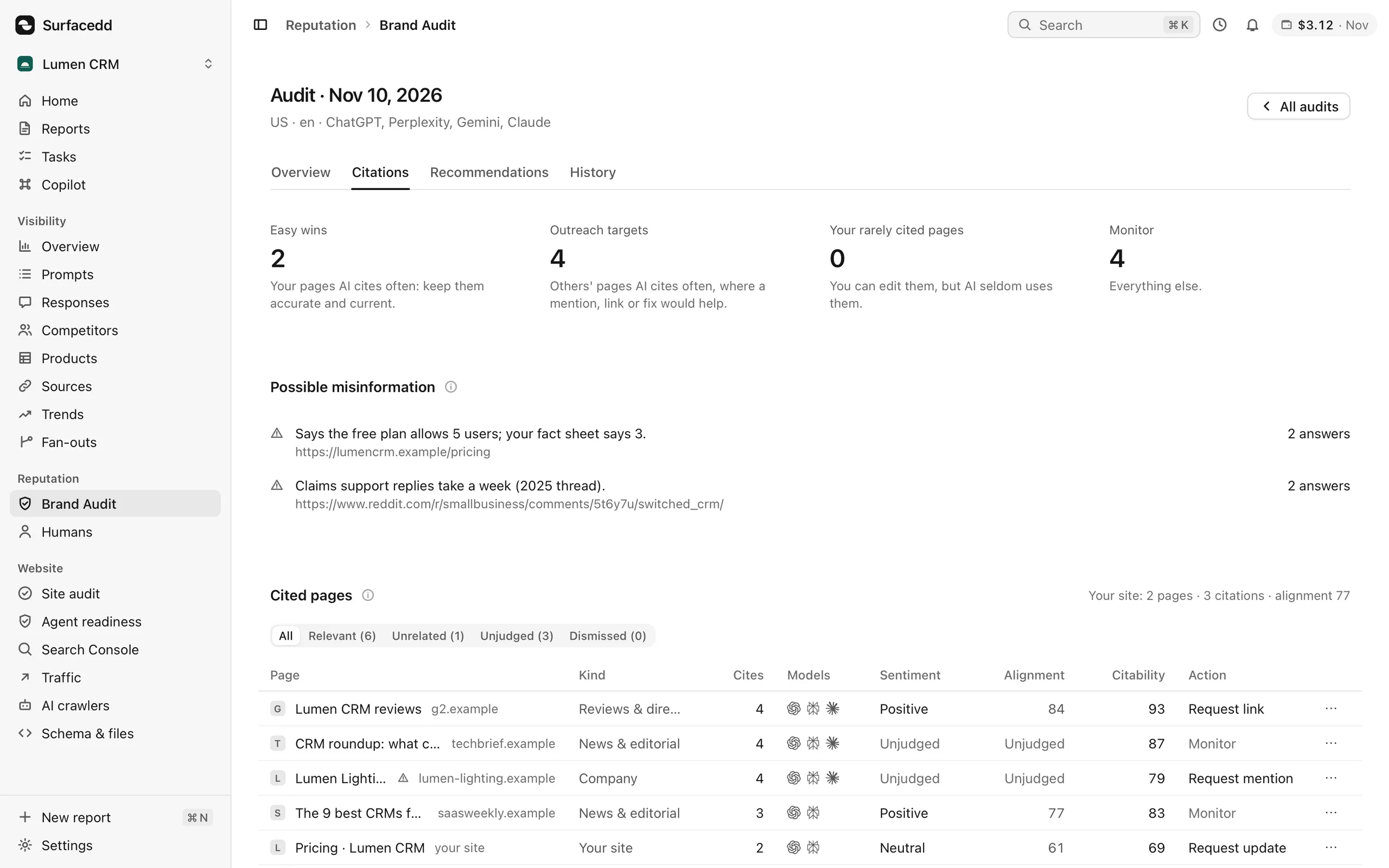
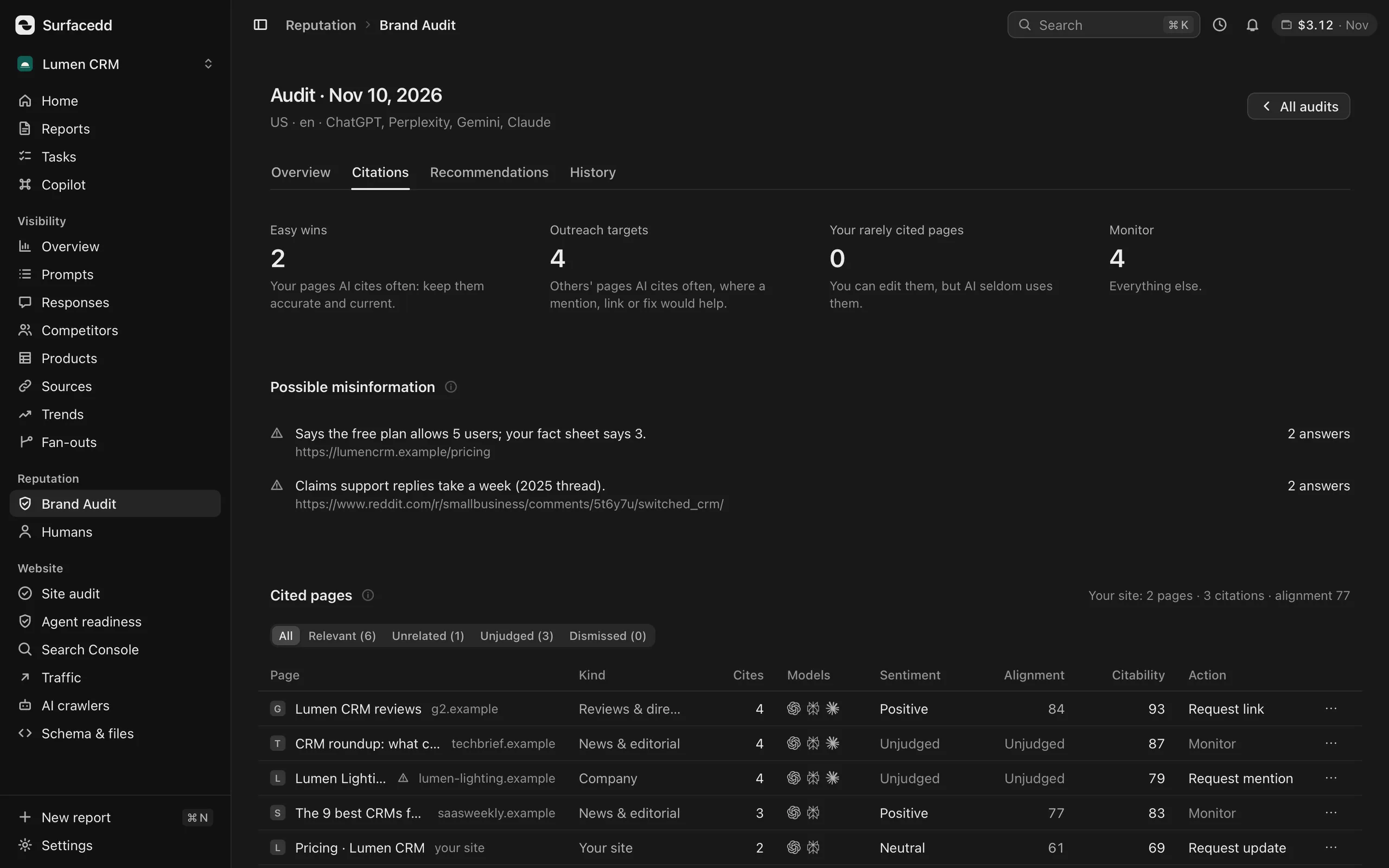
Citations lists every page the audit's answers cited, with:
- Citability (0–100): how much weight AI puts on the page, from how many models cited it, its average position and its source type. The formula is in a popover.
- Alignment (0–100) and AI sentiment: how well the answers that used the page match your fact sheet. Pages stay "Unjudged" until they are judged; nothing is guessed.
- Action: Request update (misinformation or alignment under 50), Request mention, Request link, Monitor or None, with the first matching rule winning.
- Opportunity matrix: Easy wins (your pages AI cites often), Outreach targets (others' pages where a mention, link or fix would help), Your rarely cited pages, and Monitor.
- Possible misinformation: what an answer stated that contradicts your fact sheet, and the page it used.
Move a page to Unrelated if it isn't about you; a dismissed page is never judged again.
Recommendations turns the audit into a to-do list, built only from what the audit found, with no extra AI call. Each item links to the answers behind it and has Copy brief for a writer or PR contact. Items are grouped:
| Group | Comes from |
|---|---|
| Correct what AI gets wrong | Others' pages behind possible misinformation, or with alignment under 50 |
| Fix your own pages | Your pages with misinformation or low alignment |
| Get mentioned where AI reads | Pages whose action is Request mention, most citable first |
| Ask for a link | Pages whose action is Request link |
| Answer negative sources | Pages cited in negative answers that aren't in a group above |
| Win back AI setups that don't name you | Setups that didn't name you, or named you in the previous audit and not now |
Pages you moved to Unrelated or dismissed don't appear.
Compare audits
Every audit's Overview shows its change against the audit before: net sentiment, models naming you, negative sources and self-citation.
The History tab compares any two audits of the brand: pick an earlier and a later one to see those four measures side by side with the change, and each AI setup's result in both (named or not, and its tone). Below it, every audit is listed with its net sentiment; click one to open it. Run an audit monthly, or after you fix a source, and compare.
Troubleshooting
| What you see | Cause | What to do |
|---|---|---|
| "Couldn't estimate the cost. Check your keys in Settings › API keys." | No key for any audit slot, or a key failed | Add or re-test an OpenAI, Anthropic, Perplexity or Gemini key |
| Claude appears instead of Gemini | Gemini was off when the audit ran | Add a Google key and turn Gemini on in Settings › Engines; the next audit uses it |
| Fewer than six setups ran | Keys missing for some slots | Add the missing provider keys |
| A page shows "Unjudged" | The judging step hasn't run on it | Expected for pages that couldn't be judged; read the answers instead |
| "The page couldn't be fetched, so it wasn't analyzed." | The cited page blocked or failed the fetch | Open it yourself; it still counts as a citation |
| History says "Run another audit to compare" | Only one finished audit so far | Run a second audit |
| "The audit didn't start" | The licence is inactive, or a provider refused the request; the message says which | Reactivate the licence or fix the key; past audits stay readable |
Related docs
- Brand Audit: what to do with the results.
- Fix what ChatGPT says about you: correcting the source of a wrong claim.
- Gemini API key: turning on the Gemini slots.
Keep reading
- ProductGet AI to describe your brand correctlyBrand Audit asks six AI setups who you are and what people say about you, then traces each wrong or negative claim to the page the answer cited.Read
- DocsEvery Surfacedd metric, with its formula and a worked exampleEach number in the app is a count of stored answers, shown next to the count behind it and, where it matters, a 95% range.Read
- GuidesFix what ChatGPT says about you, starting with where it came fromYou can't edit an AI's answer, but most wrong answers about a person have a findable cause. Identify which of three causes you're dealing with, then take the route that fits it.Read
How we research, write and correct pages: read our editorial policy.