Prove a Humans profile is yours, or that you're allowed to track it
Every Humans profile records how you showed it's yours: domain proof earns the Verified badge, self-attestation is labelled unverified, and client profiles need the client's written authorization.
By the Surfacedd teamUpdated 4 min readMarkdown
On this page
Short answer
Surfacedd verifies a Humans profile in one of three ways. Domain proof checks a DNS TXT record, a /.well-known/surfacedd-verify.txt file or a meta tag on a domain you list, from your computer and free, and earns the Verified badge. Self-attestation records your typed name. Client profiles require the client's written authorization file.
Humans profiles are for yourself, or for a client who has given you written authorization (acceptable use). Verification records which of those applies, how it was shown, and when. It runs on your computer and costs nothing.
The three methods
| Method | What you do | Result | Use it when |
|---|---|---|---|
| Domain proof | Put a token on a domain you control: DNS TXT record, /.well-known file or meta tag | Verified badge | You have your own site or can edit your company's |
| Self-attestation | Type your full name exactly as on the profile | Recorded, shown as Unverified | You have no domain you can edit yet |
| Client authorization | Attach the client's signed authorization (PDF or image) | Recorded with the profile | The profile is a client's, not yours |
The method and the date are stored with the profile and shown on its Verification & data tab.
Step 1: Choose whose profile it is
Start a new profile from Humans in the sidebar. The first step asks whose profile it is.
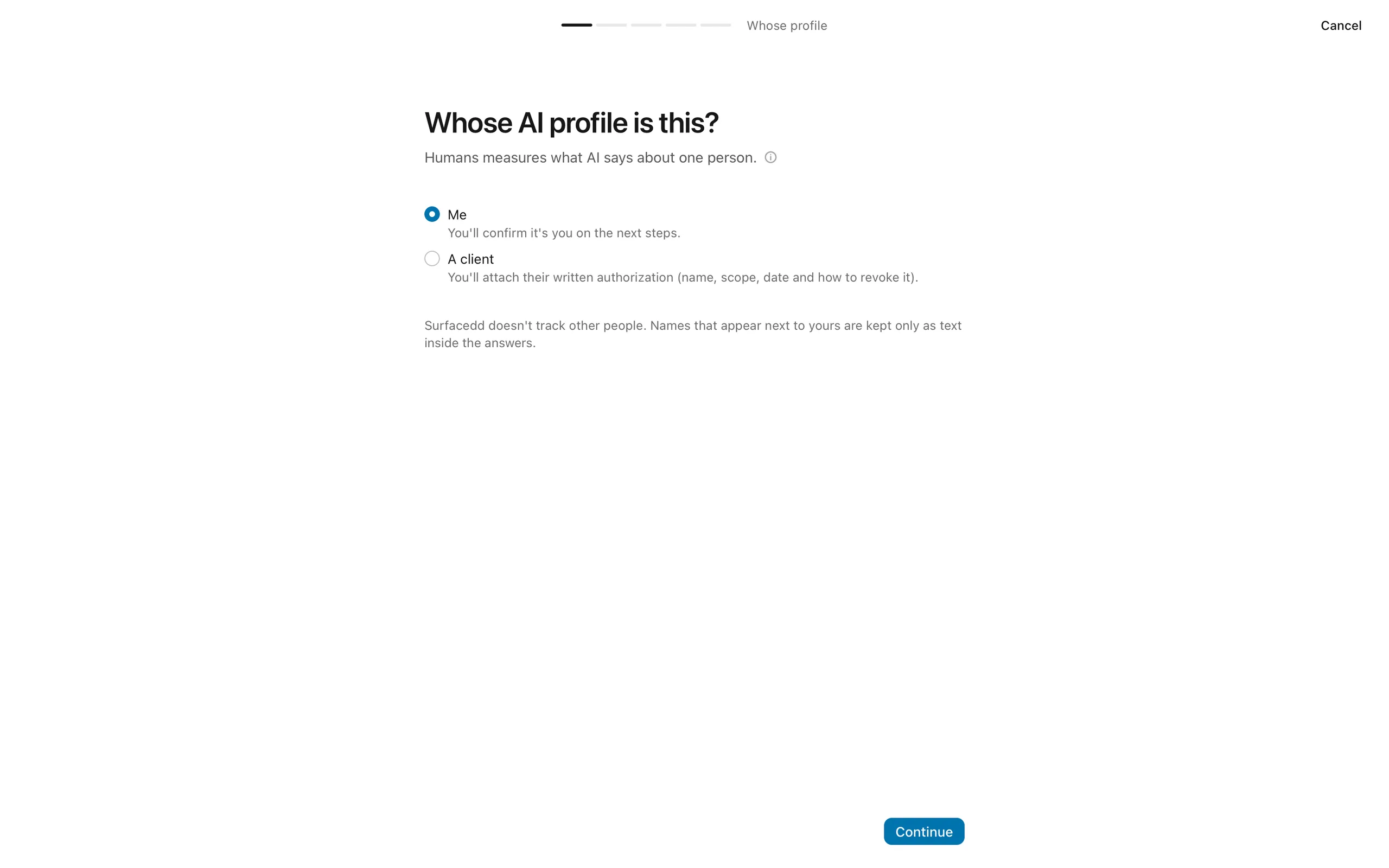
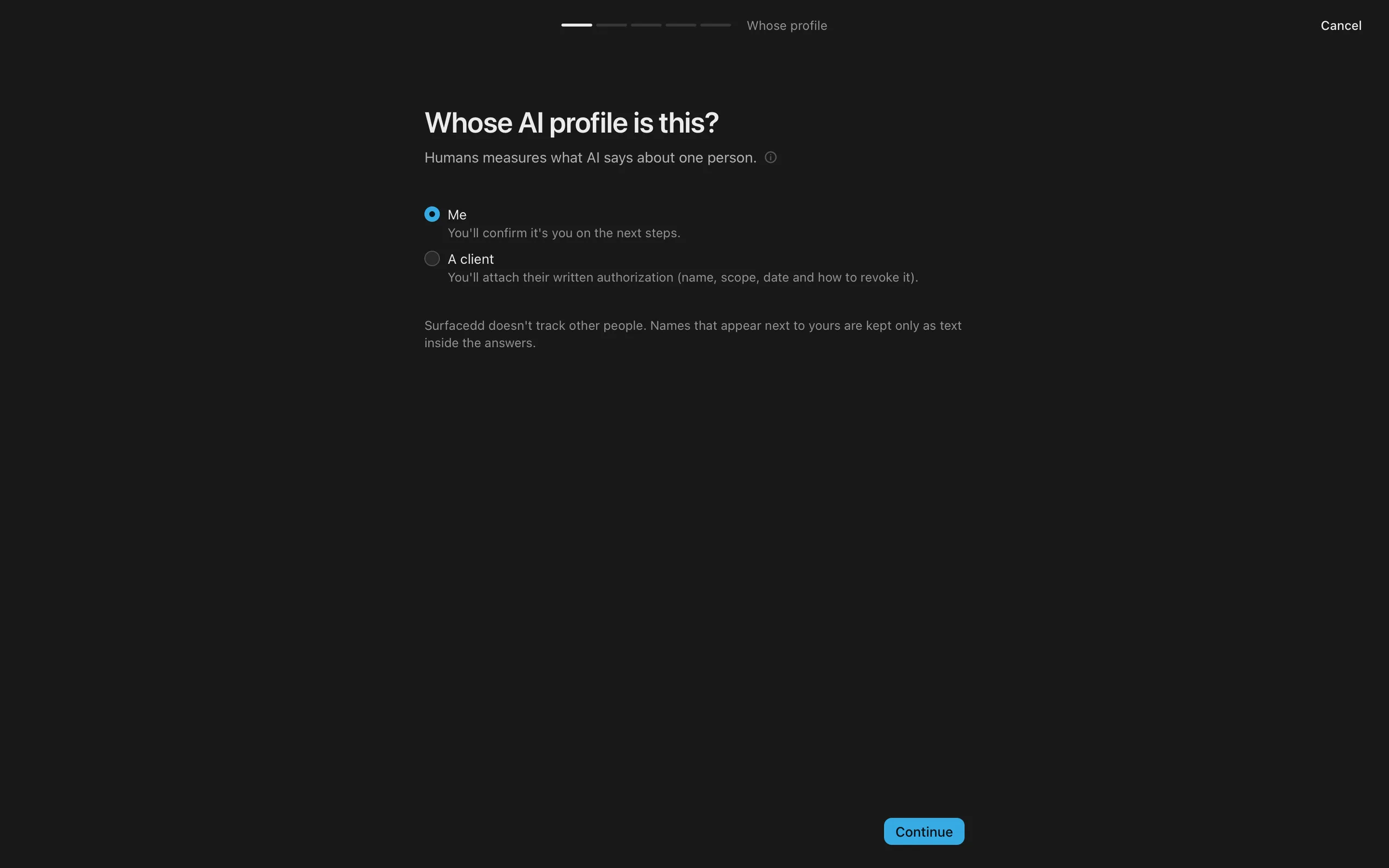
- Me: you'll verify with domain proof or self-attestation.
- A client: you must attach the client's written authorization before the profile can be created. It should name the person, the scope (what you'll monitor), the date, and how they can revoke it.
Step 2: Add your canonical page and links
In the fact sheet, add your canonical profile URL (the page about you) and your sameAs links. Domain proof is checked on the domains in these links, so at least one must be a domain you control, such as yourname.com or your company's site.
Shared platforms can't be used for domain proof, because you don't control the domain: LinkedIn, X and Twitter, Facebook, Instagram, GitHub, Medium, Substack, YouTube, TikTok, Wikipedia, about.me, Linktree, Crunchbase and Google. Keep them in sameAs anyway; they matter for your profile, just not for verification.
Step 3: Add the proof
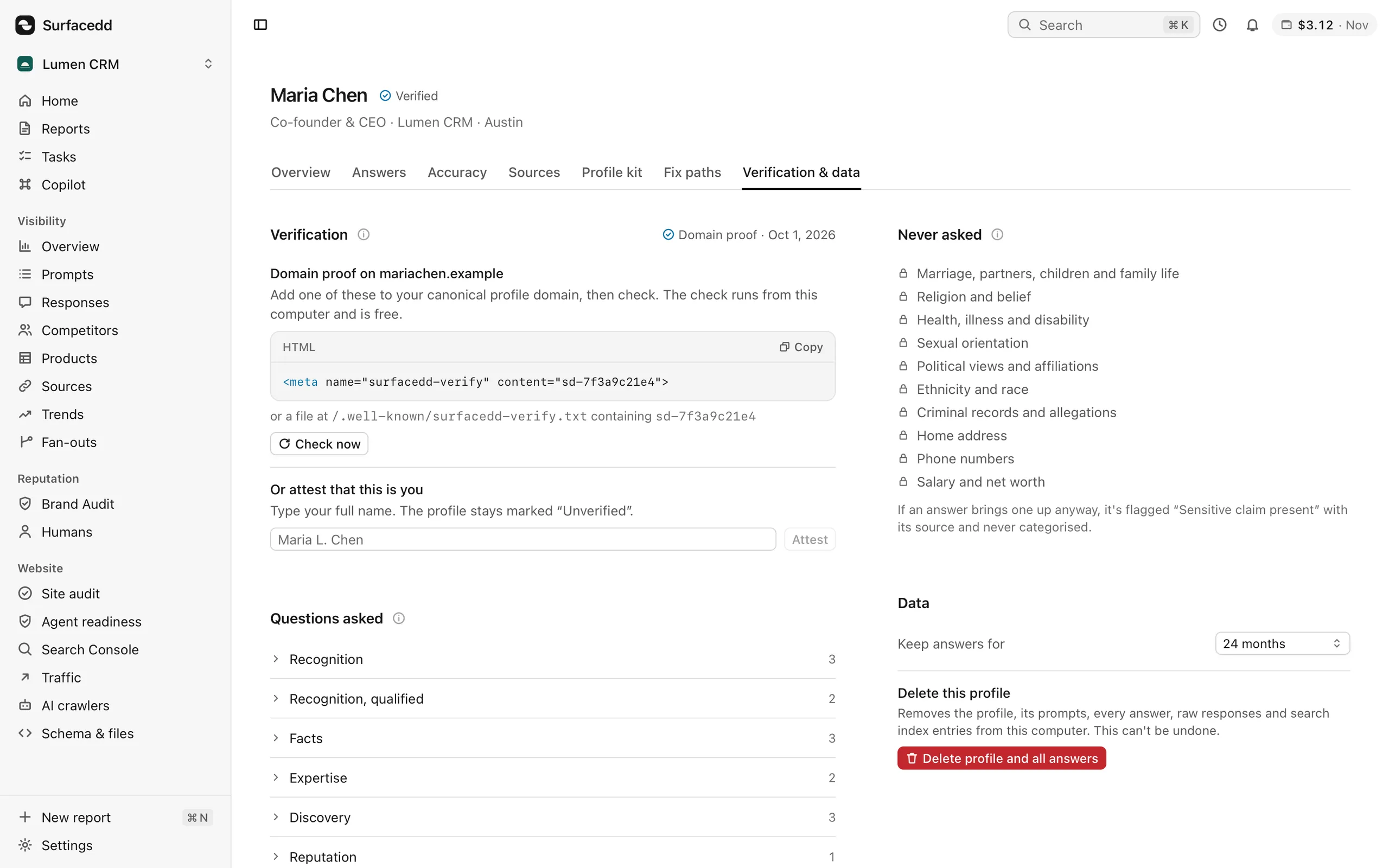
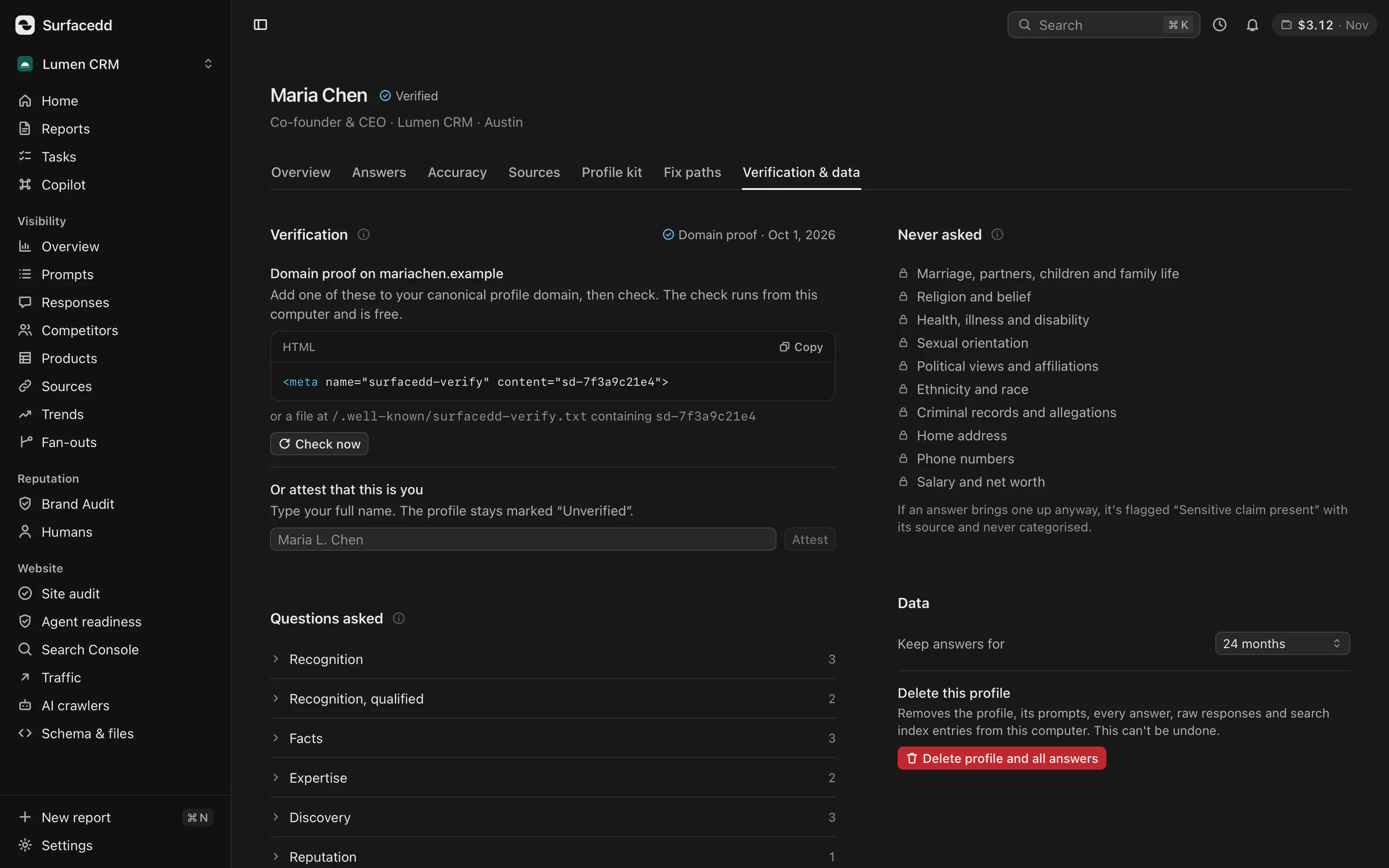
Open the profile's Verification & data tab. It shows your token (it starts with sd-) and the copyable tag. Use any one of the three forms on any domain from step 2:
DNS TXT record on the domain:
surfacedd-verify=sd-7f3a9c21e4
A file at https://yourdomain.example/.well-known/surfacedd-verify.txt containing the token on its own line:
sd-7f3a9c21e4
A meta tag in the <head> of the page you listed (the canonical URL or the sameAs link on that domain):
<meta name="surfacedd-verify" content="sd-7f3a9c21e4">
Use your own token; the one above is the sample profile's.
Step 4: Check now
Press Check now. Surfacedd checks each of your domains in order: the DNS TXT record, then the /.well-known file, then the meta tag on the page you listed. The first match marks the profile Verified and records which proof was found. If nothing matches, it tells you every location it checked.
Self-attestation
Under Or attest that this is you, type your full name exactly as it appears on the profile (your legal name or the name you go by) and press Attest. Surfacedd records the typed name and the time. The profile stays labelled Unverified until you add domain proof, which you can do at any time.
Client authorization
For a client profile, attach the authorization during setup. It must be a PDF or an image under 25 MB. Surfacedd copies it into the app's data folder, keeps it with the profile, and deletes it when you delete the profile. It's never uploaded anywhere.
Troubleshooting
| Message or symptom | Cause | Fix |
|---|---|---|
| "Add your own website (canonical URL or a sameAs link on a domain you control) first." | All your links are on shared platforms | Add a canonical URL or sameAs link on a domain you control |
| "No proof found yet (checked …). DNS changes can take a while to appear." | The record or file isn't visible yet, or the token is wrong | Wait for DNS to update (often minutes, sometimes longer), confirm the token matches exactly, and check again |
| The file exists but isn't found | It isn't served over HTTPS at exactly /.well-known/surfacedd-verify.txt, returns an error, or the token isn't on its own line | Open the URL in a browser; it should show only the token |
| The meta tag isn't found | It's on a different page, or added by JavaScript | Put it in the server HTML of the exact page you listed |
| "type your full name exactly as on the profile" | The typed name doesn't match the legal name or name you go by | Type it as it appears in the fact sheet (case doesn't matter) |
| "A client's profile needs their written authorization (name, scope, date, how to revoke)." | Client chosen without a file | Attach the authorization file |
| "the authorization must be a PDF or an image" / "must be under 25 MB" | Wrong file type or size | Export the authorization as a PDF or image under 25 MB |
What verification doesn't do
- It doesn't send anything to Surfacedd. Checks run from your computer.
- It doesn't affect what AI assistants say; it records that you're entitled to measure it.
- Sign-in verification with LinkedIn or Google is planned, not in 1.0.
Related
- Humans: what the module measures and costs
- Person schema guide: markup for the same canonical page
- Executive reputation in AI: client authorization for comms teams
Keep reading
- ProductGet AI to describe you correctlyHumans asks AI assistants the questions people ask about you, checks every answer against your own fact sheet, and shows the page behind each wrong fact so you know what to fix first.Read
- CompanyAcceptable use policySurfacedd runs on your computer with your own provider keys, so you are the provider's customer. These rules keep that use lawful and fair, especially when people are involved.Read
- GuidesHelp search engines and AI tell you apart with Person schemaPerson markup states in machine-readable form who a page is about: name, role, employer, topics and the profiles that are also you. Here is a complete template, and the mistakes that undo it.Read
- HumansGet AI to connect you to the company you builtHumans asks the questions investors, journalists and candidates ask about you and your company, links each wrong fact to the page it came from, and re-checks on a schedule.Read
How we research, write and correct pages: read our editorial policy.