Connect Meta's Muse API to see what Meta AI says about you
Meta AI's models have a paid API with web search. Surfacedd tracks it as an opt-in Preview, and never uses the cheaper models that let Meta train on your prompts.
By the Surfacedd teamUpdated 3 min readMarkdown
On this page
Short answer
To get a Meta Model API key, sign in to Meta's developer dashboard, open the API keys tab and create a key, which starts with LLM_. Add payment, then paste the key into Surfacedd and switch Meta AI on; it's an opt-in Preview. If Meta's API isn't open to your account's region, Surfacedd says so plainly.
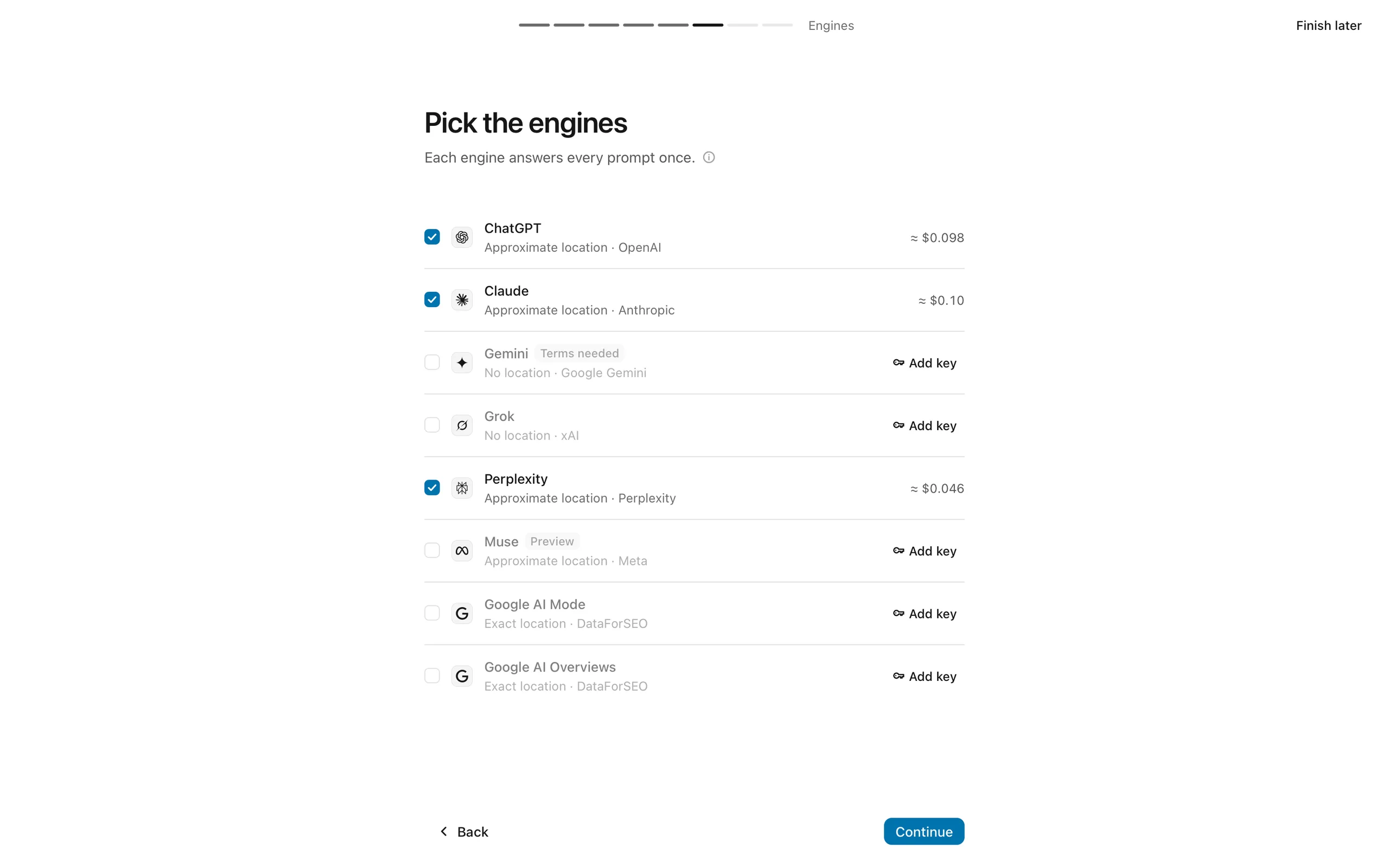
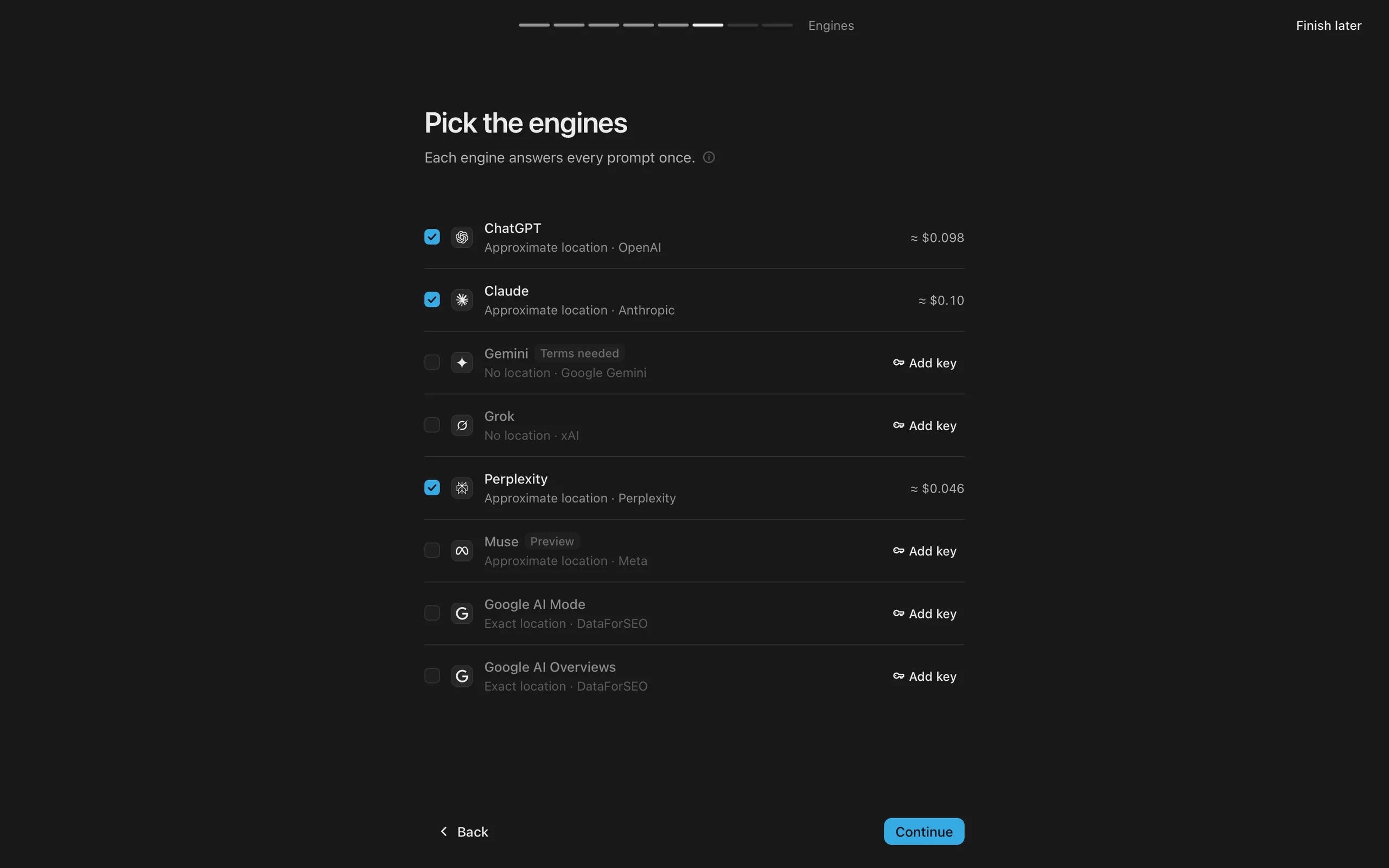
A Meta Model API key lets Surfacedd ask Muse, the model family behind Meta AI, your prompts with web search on, and store the answer with the pages it cited and every source it read. In Surfacedd, Meta AI is labelled Preview and is off until you turn it on. It's not part of the default engine set.
Preview and region availability
Meta describes its search grounding as still improving: coverage is incomplete, and single-fact questions work better than multi-step research, per its search grounding docs. That's why the engine is opt-in.
Meta's API may also not be available for your account's region. When Meta refuses a request for that reason, the key card shows Region unavailable with the message "Meta's API isn't available for your account's region yet." Leave the engine off; nothing else is affected. We don't list regions here, because Meta's docs don't state them and they're changing.
Create the key
- Sign in to Meta's developer platform at dev.meta.ai and open the Model API dashboard.
- Open the API keys tab and choose Create API key.
- Copy the key straight away; Meta says you see it only once. Keys start with
LLM_. - Add payment in the dashboard if your account asks for it.
Meta's authentication docs recommend a separate key per application, so give Surfacedd its own and delete it from the dashboard if you stop using it.
Contributor models are never used by default
Meta offers "contributor" versions of its Muse Spark models at lower prices, in exchange for permission to use your prompts and responses to train future Meta models, per its pricing page. Standard models don't train on your content. Surfacedd hides contributor models from the model picker and cost tables, and uses them only if you switch on an explicit opt-in in Settings, which states what Meta does with the data.
Paste and test
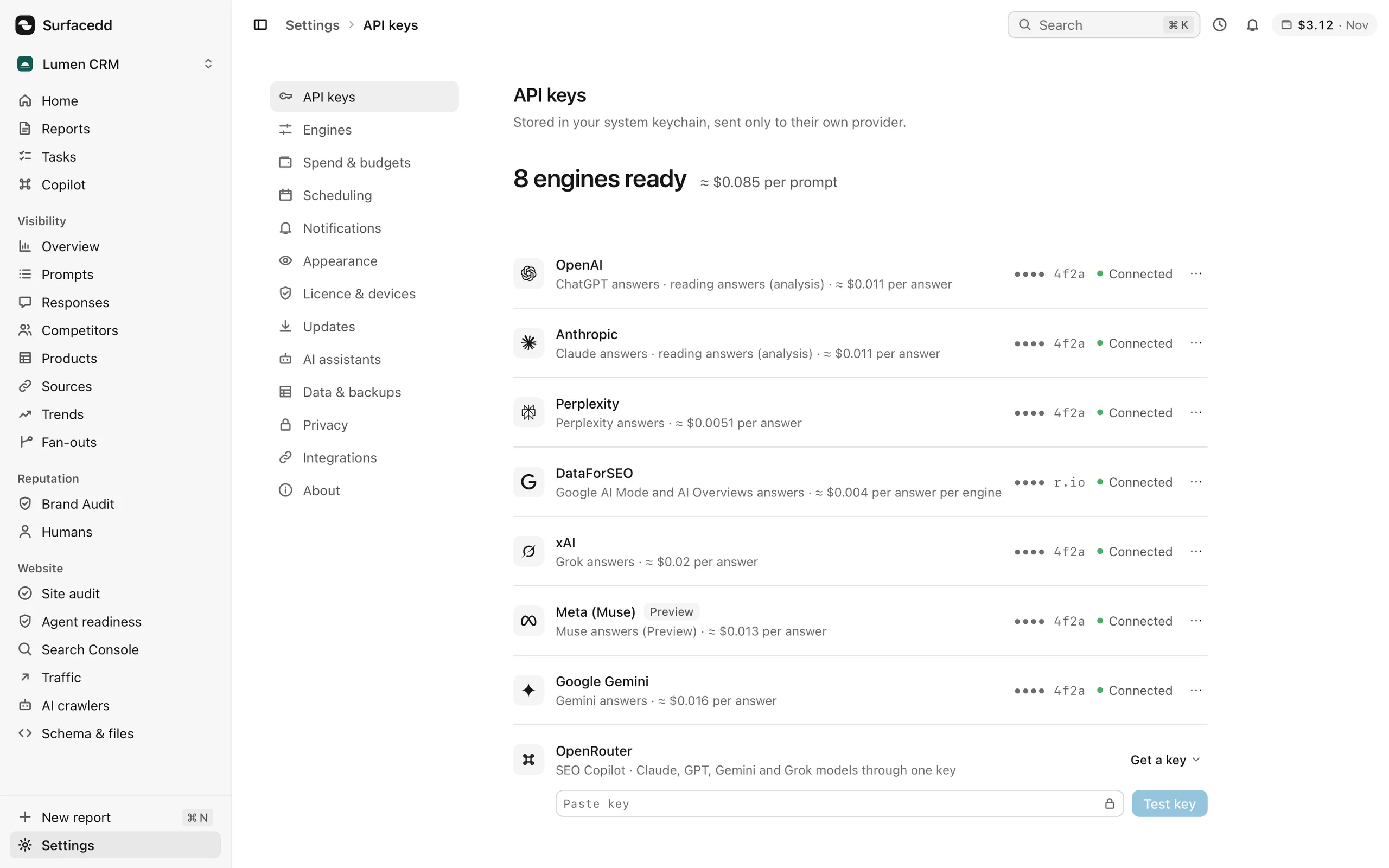
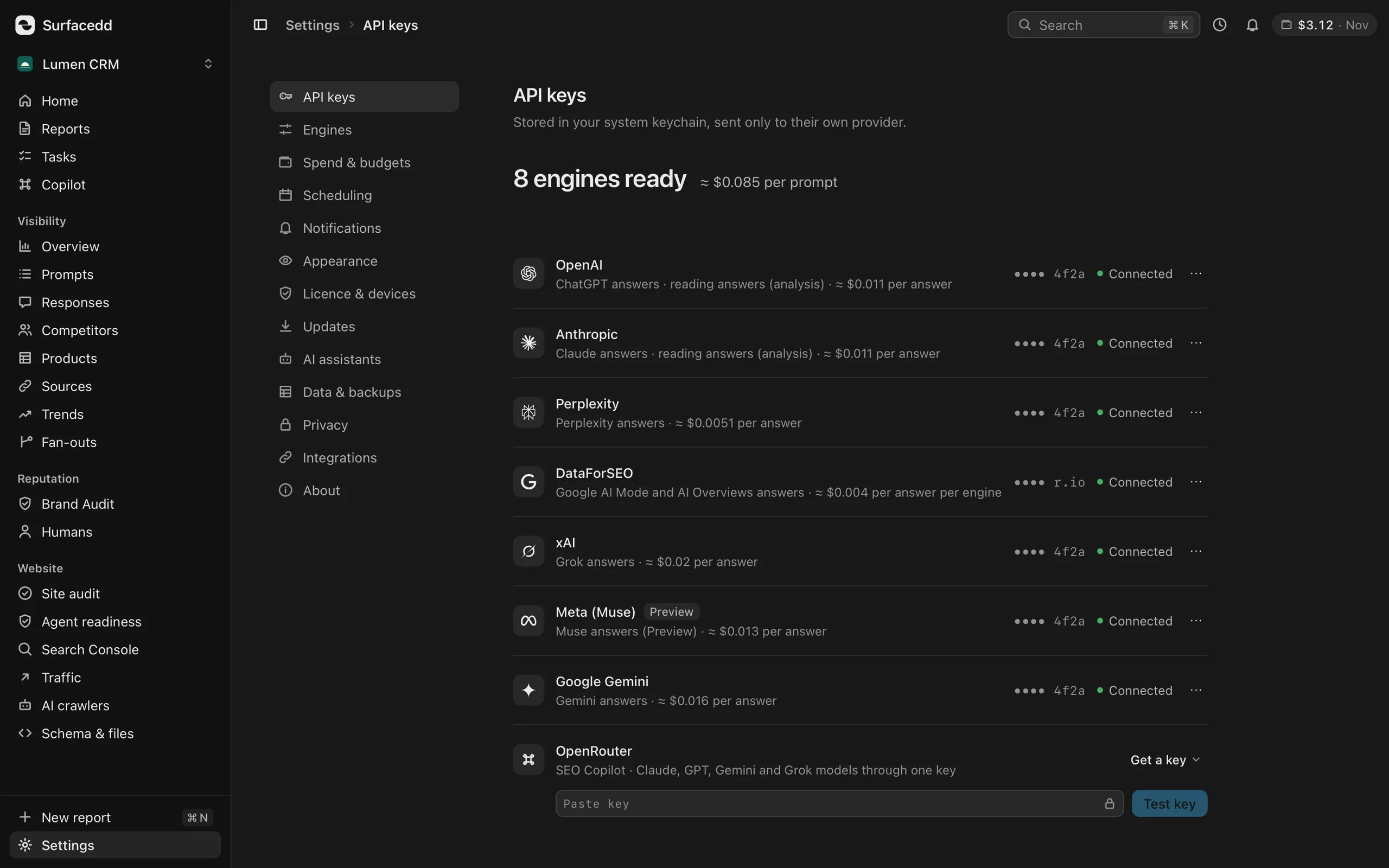
Paste the key into the Meta (Muse) card in Settings › API keys. The free check lists the models your key can use; after it passes, the key is saved to your system keychain and shown only by its last four characters. The optional Test search runs one grounded answer and shows its cost. Then switch Meta AI on in Settings › Engines or in a report.
What it costs here
Meta bills each web search query plus tokens.
| Model | Tier | Input per 1M tokens | Output per 1M tokens | Per 1,000 searches | Est. per answer |
|---|---|---|---|---|---|
| Muse Spark 1.3 (default) | cheap | $1.25 | $4.25 | $2.50 | $0.0129 |
| Muse Ember 1.0 | cheap | $0.10 | $0.50 | $2.50 | $0.0035 |
| Muse Wonder 1.0 | flagship | $4.00 | $20.00 | $2.50 | $0.0417 |
Estimates assume about 5,300 input and 900 output tokens and 1 search per answer, at Meta's list prices on 2026-11-23 (UTC), price table 2026-11-13.1.
On the default model (Muse Spark 1.3) one answer costs about $0.0129.
Troubleshooting
| What you see | What it means | What to do |
|---|---|---|
| Invalid | Meta rejected the key (invalid_api_key) | Re-enter it or create a new key |
| Region unavailable | Meta's API isn't open to your account or region | Turn the engine off; other engines are unaffected. Re-test later |
| Billing needed | The account can't be charged | Add payment in Meta's dashboard |
| Model unavailable | The chosen Muse model isn't available | Pick another model |
| Rate limited | Too many requests; Meta's limits are per team, shared by all your keys | Surfacedd retries with backoff |
Notes specific to Meta AI
- Meta's API doesn't return the searches it ran, so Meta AI answers have no fan-out queries.
- Muse takes an approximate location (country, region, city, time zone), passed from your market.
- Muse returns real page titles for its citations.
Related docs
Sources
Keep reading
- EnginesSee what Meta AI tells people about your brand, and which pages it citesMeta AI runs on Meta's Muse models, which now have a paid public API with web search. Surfacedd tracks it as an opt-in Preview, on your own key, and never uses the cheaper models that let Meta train on your data.Read
- DocsKnow what a report will cost before you run itEvery run shows an estimate with a range before it starts, every answer records what it actually cost, and budgets can pause schedules before they overspend. You pay providers their list price; Surfacedd adds nothing.Read
- DocsFix provider errors fast: what each message means and what to doSurfacedd turns every provider error into one sentence and one button. This page lists them all, per provider, with the underlying code, whether Surfacedd retries, and what to do.Read
- ProductPay AI providers at cost, and see the price before every runSurfacedd runs on your own OpenAI, Anthropic, Perplexity, Google, xAI, Meta and DataForSEO keys. Each provider bills you its list price, and the app prices every run before it starts.Read
How we research, write and correct pages: read our editorial policy.