Keep every feature you paid for, and renew only if you want what's new
Your licence includes a year of updates. Everything released in that year stays yours in every later version, and a renewal adds a year from whichever is later: today or your current end date.
By the Surfacedd teamUpdated 4 min readMarkdown
On this page
Short answer
Every Surfacedd licence has an updates-until date, one year after purchase. Features released on or before that date are yours in every later version. Later features show as available with a renewal. Bug fixes, security patches, engine and price-table updates reach everyone. Renewing adds 365 days from the later of today or your current end date.
This page explains the one rule that decides which features your licence includes, shows it on a dated timeline, and walks through renewing.
The rule in one paragraph
Every licence has an updates-until date. It starts one year after you buy. Every feature that exists on or before that date is yours permanently, in every later version of the app. A feature first released after that date shows in the app as Available with renewal. Nothing you already have is ever taken away, and no data is lost.
The app decides this with a feature list compiled into every build. Each feature carries the public release date of the first version that shipped it, and that date is never moved later. A feature is included when its release date is on or before your updates-until date. Every feature in version 1.0 carries the 1.0 baseline date, 2026-12-01, so every licence includes all of 1.0.
What always reaches you, renewed or not
Every new version is delivered to every licensed user, on every platform: the Mac updater, the Microsoft Store and the direct Windows installer. There is no "old build" for people who don't renew. These are never held back:
- bug fixes and security fixes;
- engine adapter changes when a provider changes its API, and new provider API versions;
- model lists and price-table updates, so cost estimates stay correct;
- new views over data you already have;
- exports, and reads by AI assistants over MCP.
That list is the reason renewal is optional. AI providers change models and endpoints often, and keeping the app working against them is part of what every licence gets.
The rule on a timeline
Here is one licence, followed over three years. The later feature is hypothetical, to show how the rule behaves; it is not an announced feature.
| Date | Event | Effect |
|---|---|---|
| 2026-12-10 | You buy a licence | Updates until 2027-12-10. All 1.0 features are included |
| 2027-06-01 | A new version adds a feature | Released before 2027-12-10, so it's yours permanently |
| 2027-12-10 | Your included year ends | The app keeps working. New versions still install with fixes and engine updates |
| 2028-02-15 | A version adds another feature | Released after your date: shows as Available with renewal |
| 2028-03-01 | You renew | Updates until 2029-03-01. The 2028-02-15 feature is now included |
How a renewal extends your date
A renewal adds 365 days, counted from whichever is later: your current updates-until date or the day you renew. Renewing early never wastes days, and renewing late doesn't backdate the year.
| You bought | You renew on | New updates-until | Why |
|---|---|---|---|
| 2026-12-10 | 2027-11-20 (early) | 2028-12-09 | 365 days after your current end, 2027-12-10 |
| 2026-12-10 | 2028-03-01 (late) | 2029-03-01 | 365 days after the renewal date |
| 2026-12-10 | 2027-11-20, then 2028-06-01 | 2029-12-09 | Each renewal adds 365 days to the later end |
The 2028-12-09 date isn't a typo: 2028 is a leap year, so 365 days after 2027-12-10 lands a day earlier on the calendar.
A renewal costs $49 and is a one-time payment, not a subscription. Nothing renews automatically.
Check your date
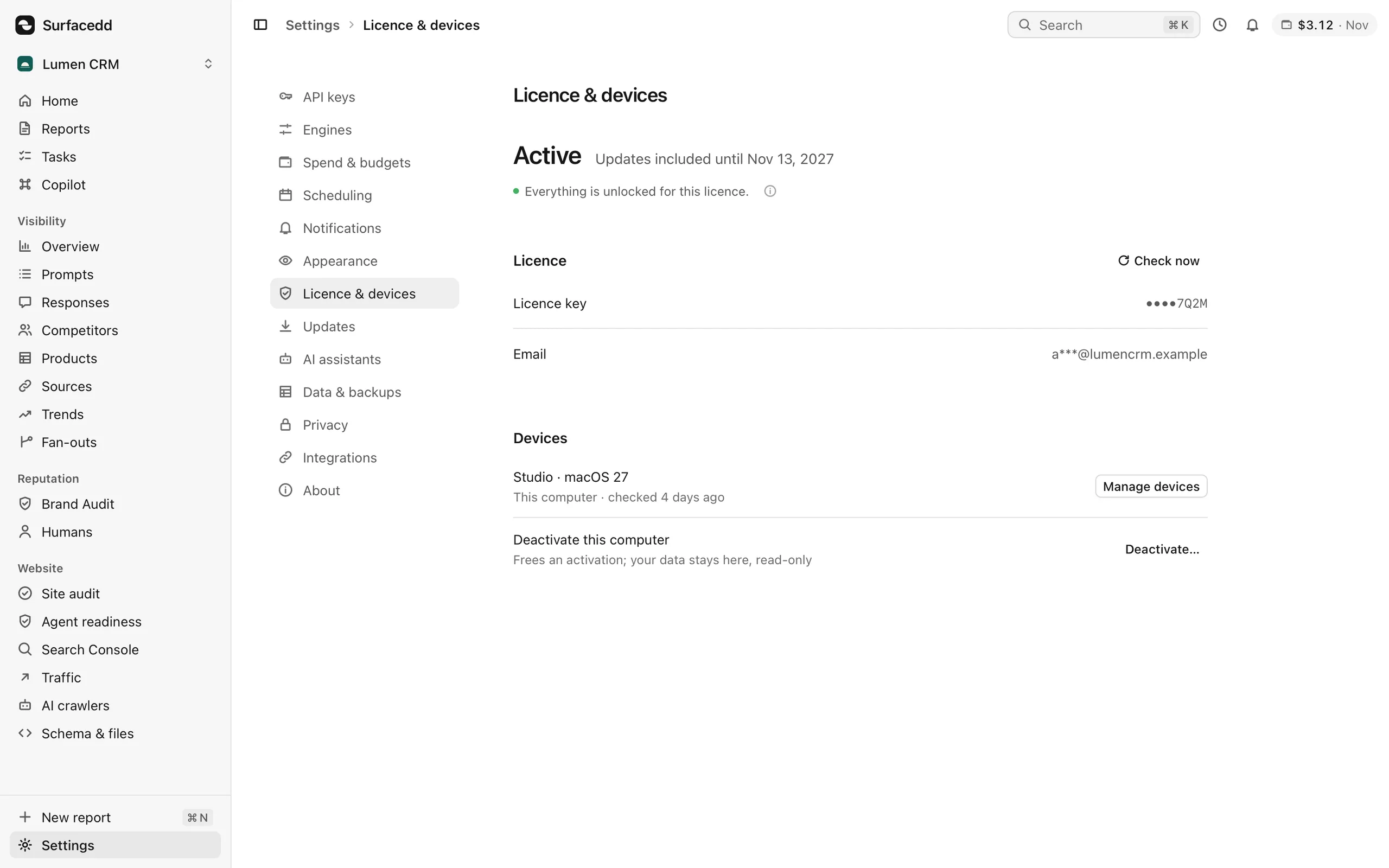
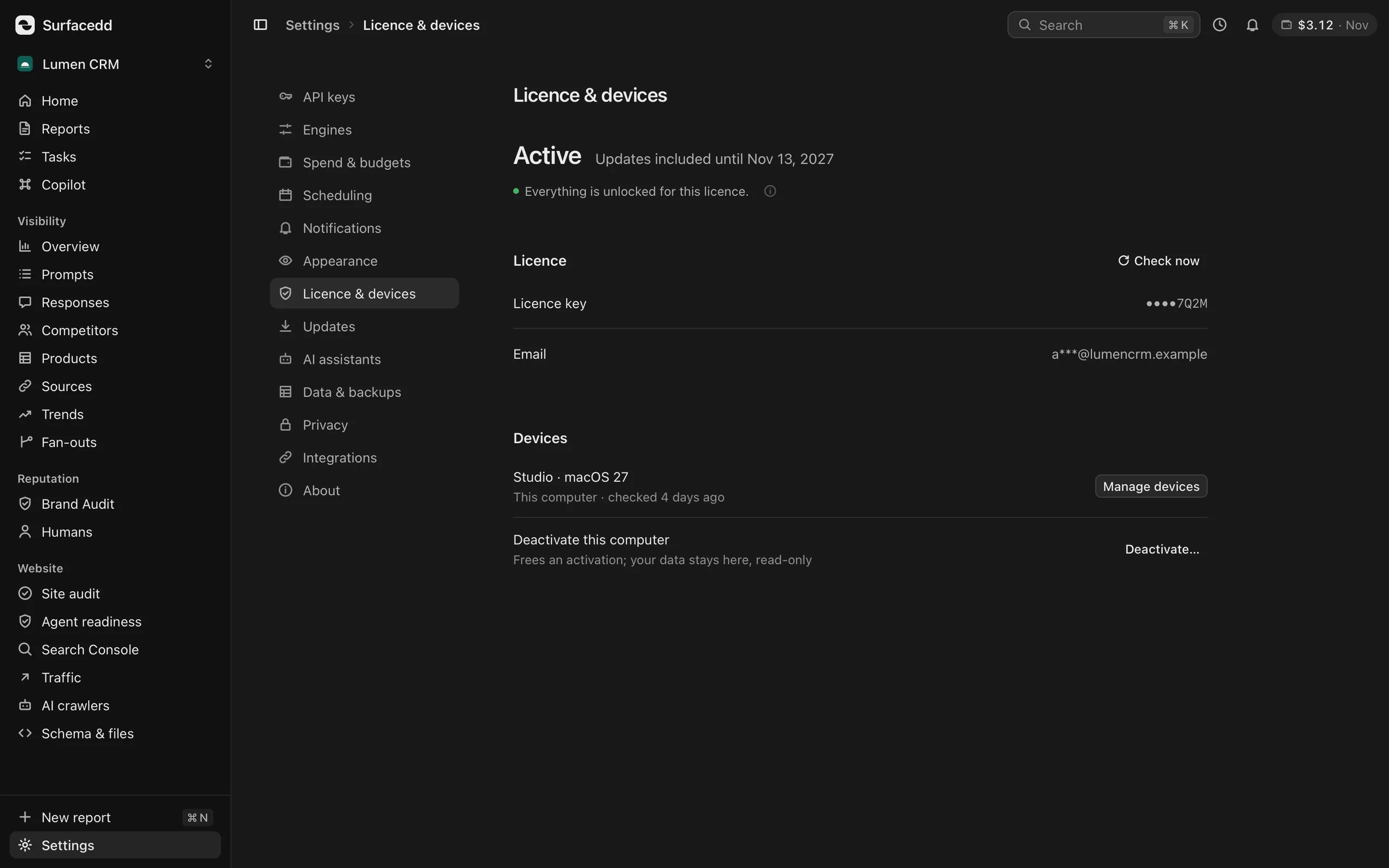
Open Settings › Licence & devices. The top line reads Updates included until followed by your date. If any feature in your installed version was released after that date, a group called Available with renewal lists it with the version and date it was added.
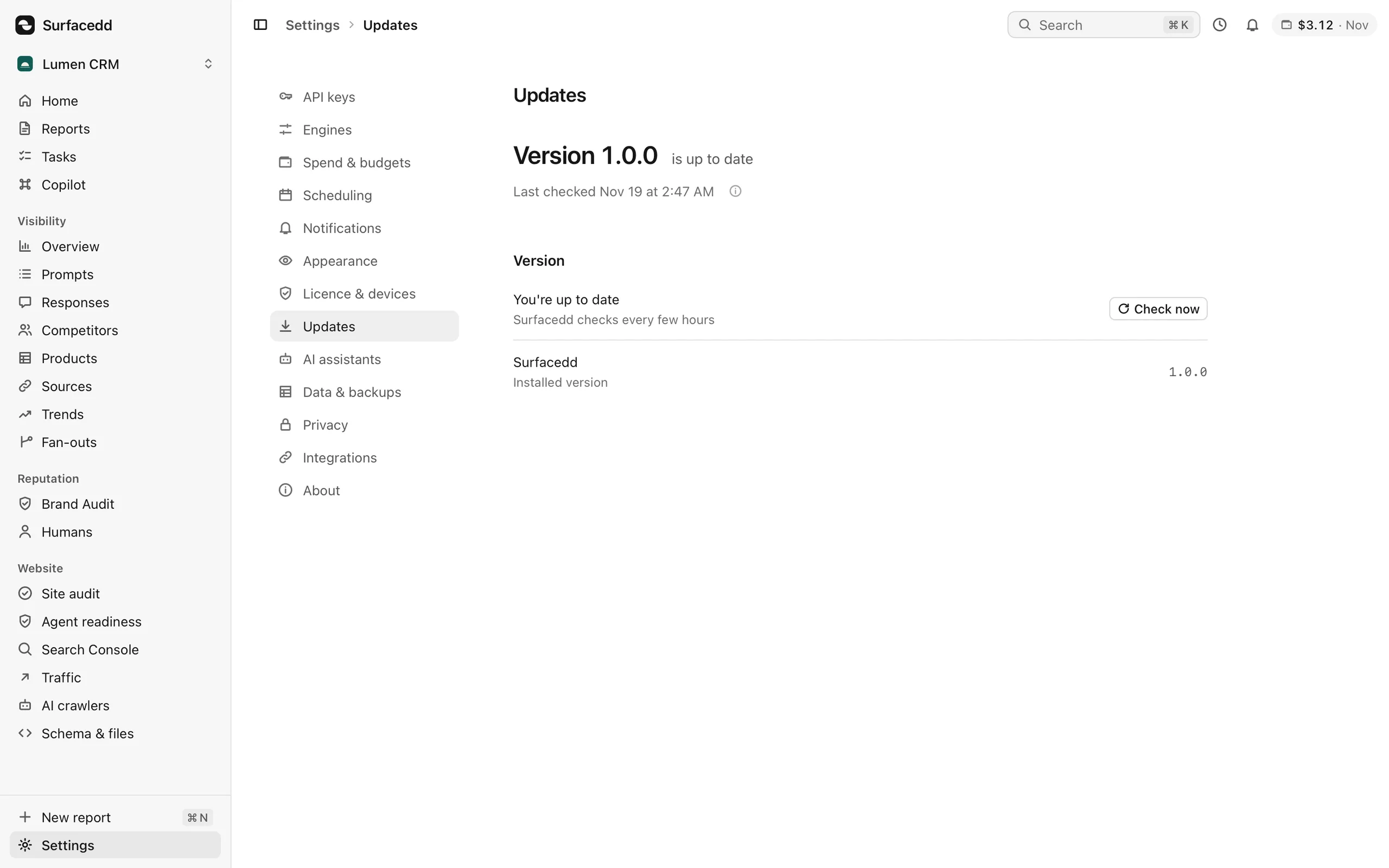
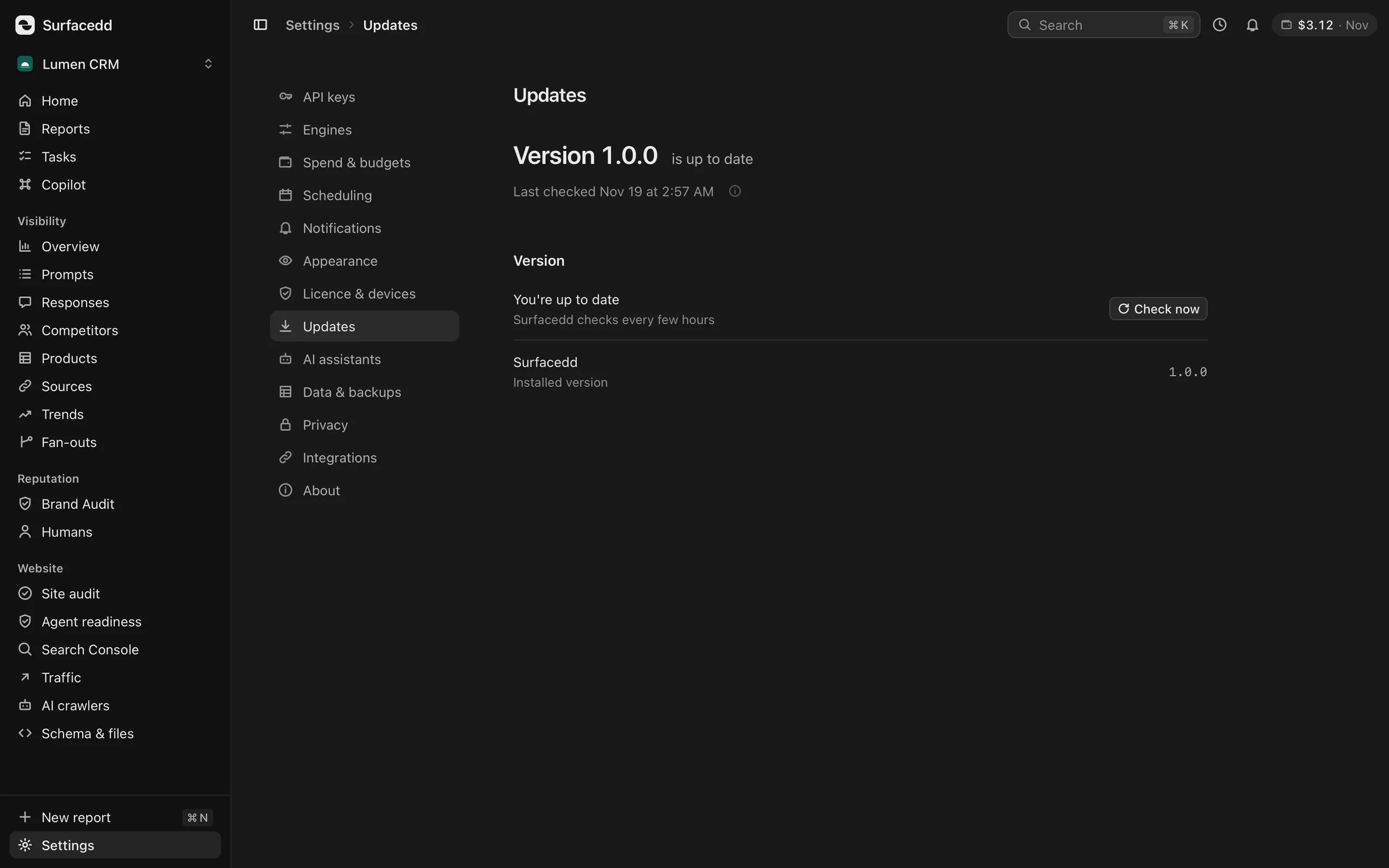
Settings › Updates shows the installed version and whether a newer one is ready. On the Mac and the direct Windows installer, the app checks every few hours and downloads updates itself, then asks you to restart. The Microsoft Store version gets its updates from the Store.
Renew
- In Settings › Licence & devices, click Renew updates in the Available with renewal group. This link carries your licence, so the renewal extends exactly that one.
- Or go to the renewal page on our website and pay with the email you bought with. That renewal extends one licence bought with that email, the oldest if you have several. A different email extends none, so use the in-app link if you're unsure.
- After paying, click Check now in Settings › Licence & devices. The new date appears once the check completes; otherwise it updates at the next automatic check.
A refunded renewal no longer counts toward your date.
Troubleshooting
| Problem | Cause | Fix |
|---|---|---|
| The date didn't change after renewing | The app hasn't checked since you paid | Click Check now in Settings › Licence & devices |
| The renewal extended a different licence | You renewed from the website with an email that has several licences | Write to hello@surfacedd.com with both keys' last characters |
| No Renew updates button | Nothing in your version is newer than your date, so there is nothing to add yet | Renew from the renewal page if you want to extend early |
| No update offered on Windows | You use the Store version | Updates come from the Microsoft Store |
Related docs
- Licence and devices: devices, licence states and moving computers.
- One-time purchase: why Surfacedd is a licence, not a subscription.
- Changelog: what each version added, with release dates.
Keep reading
- ProductTrack AI visibility without a monthly billBuy the licence once. Every feature released in your first year stays yours in every later version, and the app never stops working if you don't renew.Read
- DocsUse one licence on three computers, and move it when you need toOne key, three computers at a time, any mix of Mac and Windows. Free a slot from the app or the website, and nothing you collected is ever held back by a licence problem.Read
- ProductGet AI-visibility answers for pennies, not a subscriptionBuy the app once. You pay AI providers directly for each answer you collect, and Surfacedd shows the price of every run before it starts.Read
- CompanyChangelogRead
How we research, write and correct pages: read our editorial policy.