What leaves your computer when you use Surfacedd
A request-by-request list of what the app sends, to whom and when, with the settings that reduce it.
By the Surfacedd teamUpdated 5 min readMarkdown
On this page
Short answer
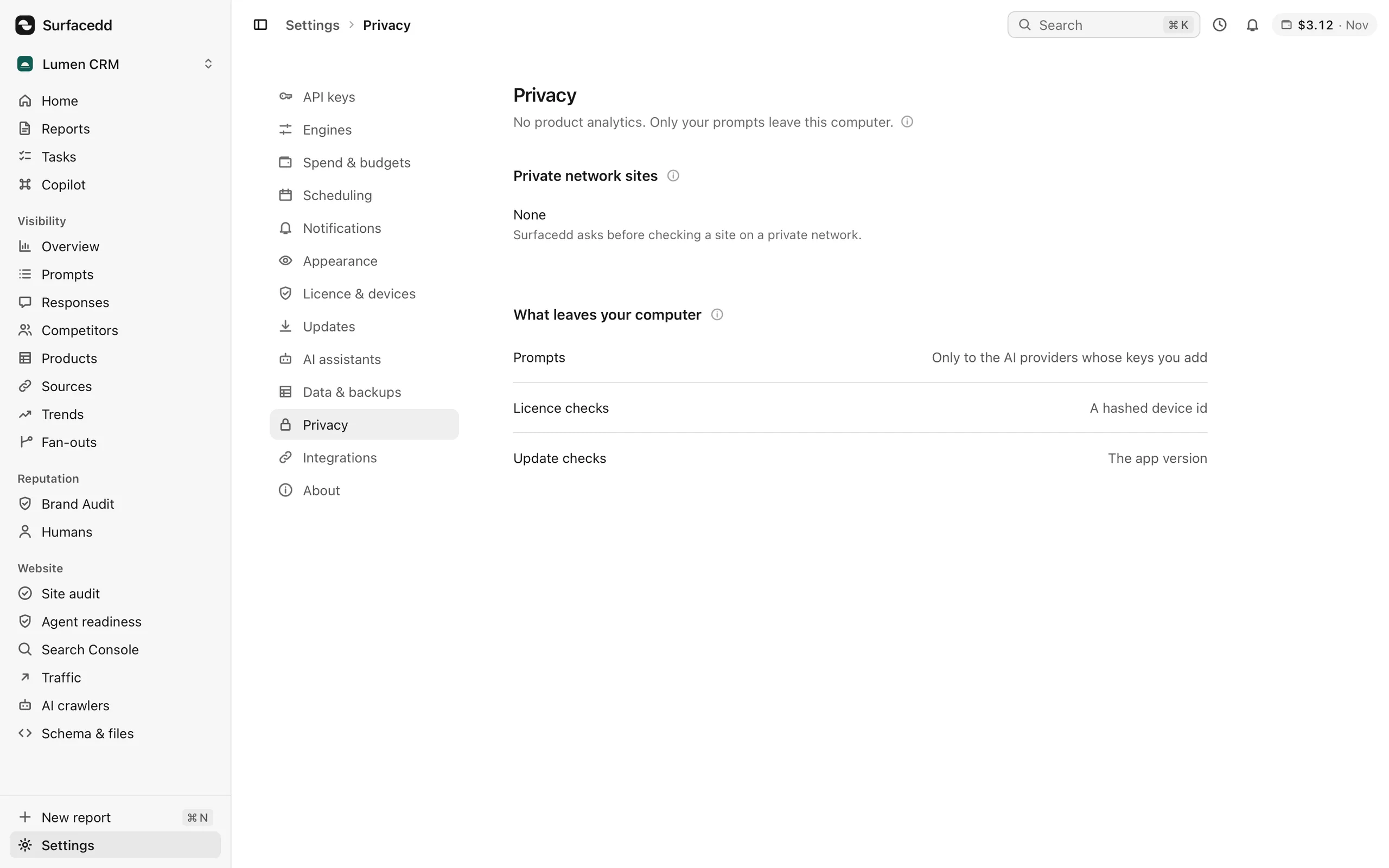
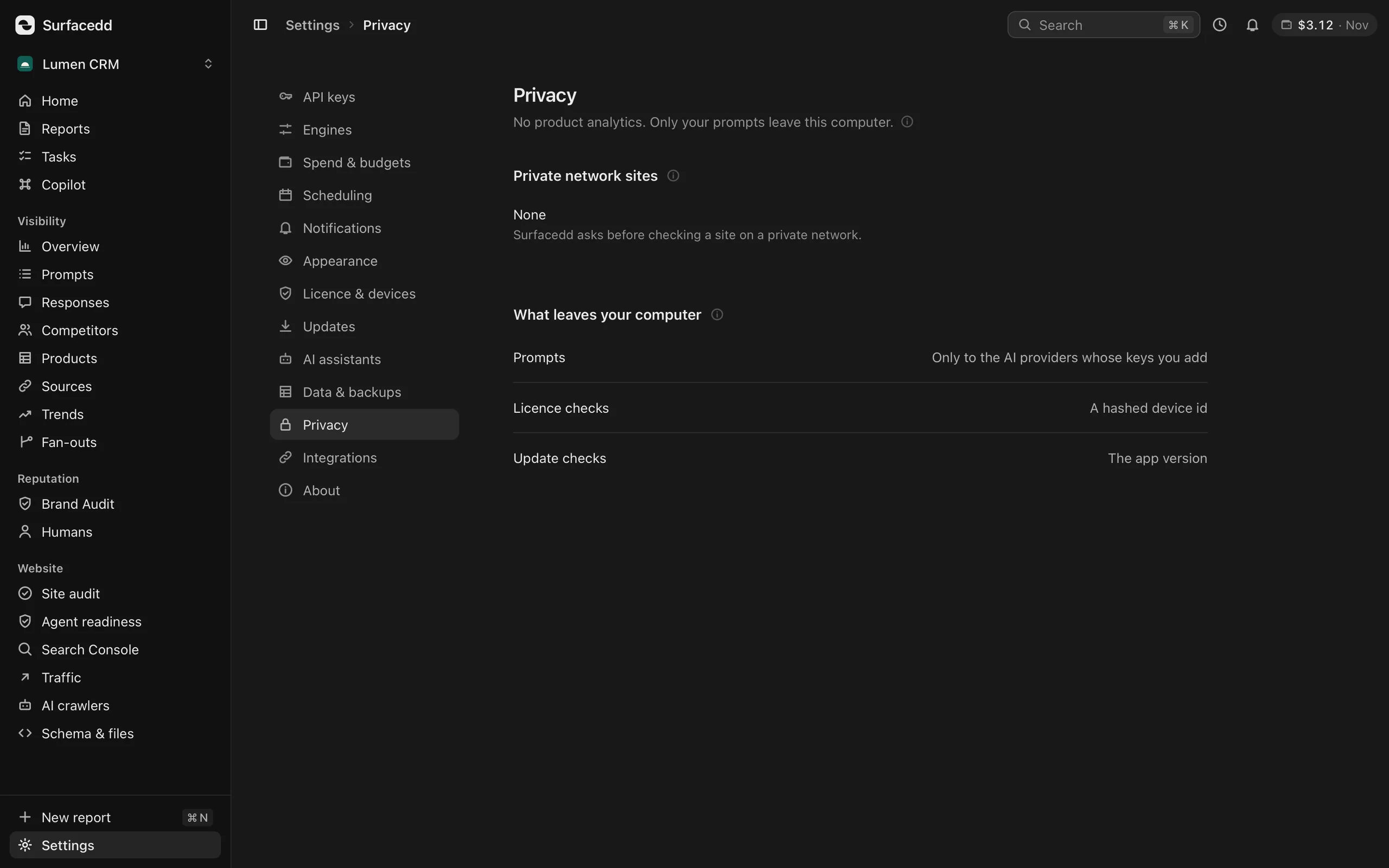
Surfacedd stores your data in a local database and sends requests only where a feature needs them: prompts to the AI providers you enable, page requests to websites you audit or that AI cites, Google API calls if you connect Google, and licence, update and configuration checks to surfacedd.com. None of those checks contain your prompts, answers or brands.
Use this page to check, before you install or during a security review, exactly what data the Surfacedd app sends over the network. Everything else stays in the app's local database on your computer.
Every request, by destination
The table is the same list as on private and local, checked against the app's source code. "Started by" says whether a request follows something you did or something the app does on its own.
| Destination | When | What is sent | Started by |
|---|---|---|---|
| AI engine providers: OpenAI, Anthropic, Perplexity, Google Gemini, xAI, Meta | Each answer in a run, Ask now, Brand Audit, Humans runs, key tests | The prompt text, the market's approximate location where the engine accepts one, the model name and your API key | You or your schedule |
| DataForSEO | Google AI Mode and AI Overviews answers; paid Copilot lookups you approve | The prompt or keyword, the market's location and language code, your DataForSEO login | You or your schedule |
| Your analysis model (the first available of OpenAI, Anthropic, Meta, Gemini, Perplexity, xAI) | After each answer; during brand setup, prompt suggestions and translations | The answer text with your brand name, aliases, website, category, a description of up to 600 characters and competitor names; for setup, text fetched from your website | The run |
| SEO Copilot provider: Anthropic, OpenAI or OpenRouter | Each Copilot message | Your question, a short brand description and the results of the tools it used; Search Console and GA4 figures only after you allow it | You |
| Websites you add or audit | Brand setup (home page and up to 8 linked pages), site audits (up to 500 pages), the brand's favicon | Ordinary page requests from the SurfaceddAudit/1.0 user agent. Agent readiness checks also request a few pages with AI agents' and a browser's user-agent strings, to spot bot walls | You or the weekly re-scan |
| Pages that AI answers cite | After a run, once per page, refreshed after 30 days | An ordinary page request from the Surfacedd/ user agent; robots.txt is honoured | The run |
| Crawler operators' published IP range files, and your DNS resolver | When you import a server log or refresh IP ranges | A request for each operator's public range file; reverse-DNS lookups for up to 2,000 bot IP addresses per import. Your log file is never uploaded | You |
| Google (accounts, Search Console, Analytics APIs) | When you connect Google, then a daily sync | Sign-in in your browser, then read-only report requests with your access token | You |
| Polar (licence-key API) | Activation and deactivation | Your licence key and a device name made of the computer's name and operating system, such as "studio · macOS 27" | You |
| surfacedd.com licence check | At activation and when a periodic check is due | Licence key, activation ID, a one-way hash of a device identifier, app version and platform | The app |
| surfacedd.com updates | Every 6 hours on the Mac and direct Windows builds (the Microsoft Store build updates through the Store) | App version, platform, architecture and the device hash, for staged roll-outs | The app |
| surfacedd.com configuration | Once a day while the app runs (first about 2 minutes after launch) for the signed price table and AI crawler list; shortly after each launch and then daily for the signed Google-update annotations; Google sign-in settings when you connect Google; the price table again when you click Check for updates | A plain request with nothing about you in it; the signed files are verified before use | The app, or you |
| Crash reports and analytics | Never | Nothing. Version 1.0 has no crash reporter and no product analytics, so no error report or usage data is ever sent | Nobody |
What Surfacedd's own servers receive
Only the last rows of the table touch surfacedd.com or our payment provider:
- Licence activation (Polar): the licence key and a device name.
- Licence checks (surfacedd.com): licence key, activation ID, hashed device identifier, app version, platform.
- Update checks (surfacedd.com, Mac and direct Windows builds): app version, platform, architecture and the hashed device identifier used to stage roll-outs. The Microsoft Store build asks the Store instead.
- Configuration (surfacedd.com): signed files (the price table and AI crawler list once a day, Google-update annotations after each launch and daily), fetched with a plain request.
Like any internet request, each one reveals your IP address to our hosting provider. None contains your prompts, answers, brands, competitors, keys or Google data. There is no fifth kind: the app has no crash reporter and no telemetry, so nothing about errors or usage is ever sent to us.
Steps to reduce what is sent
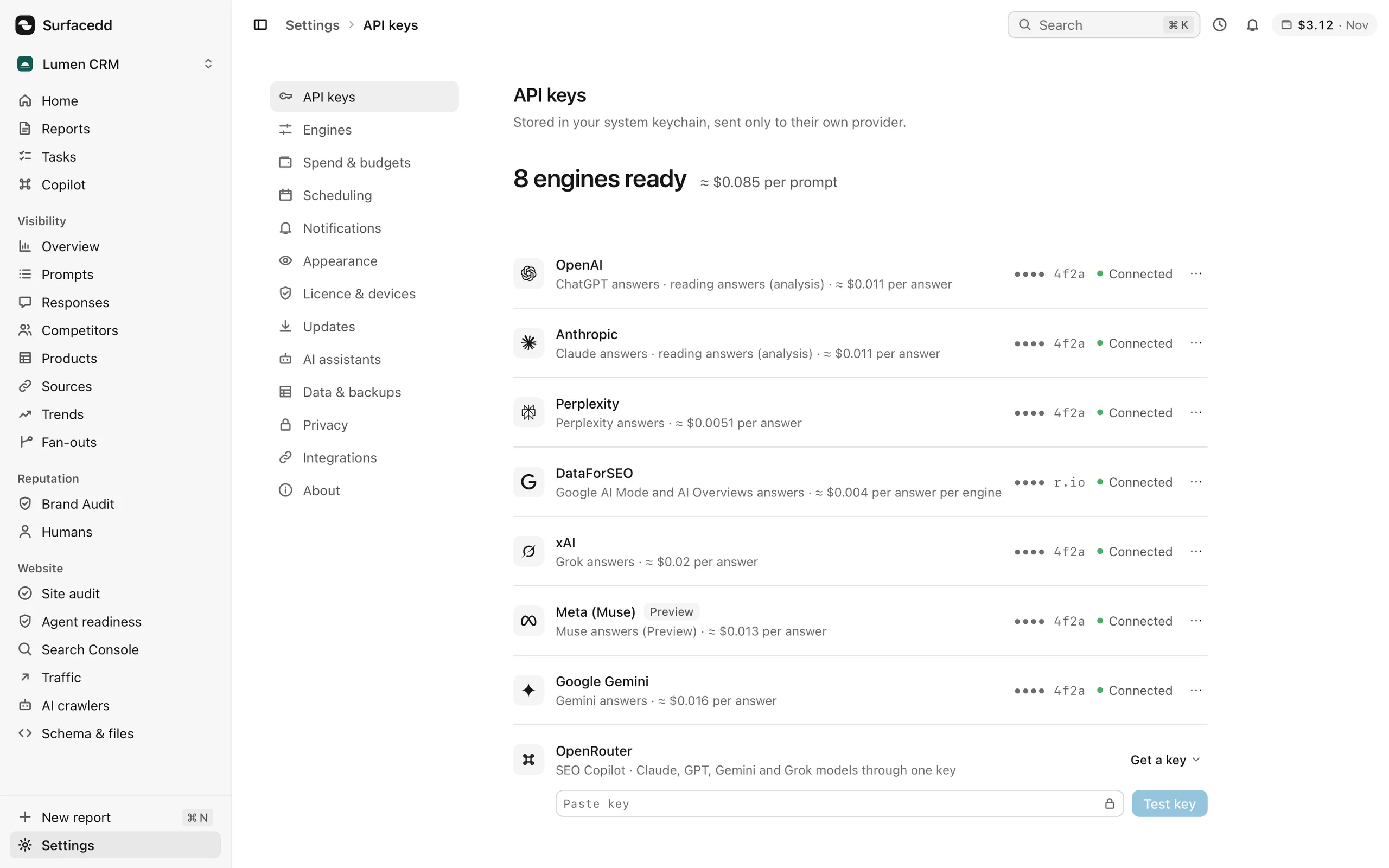
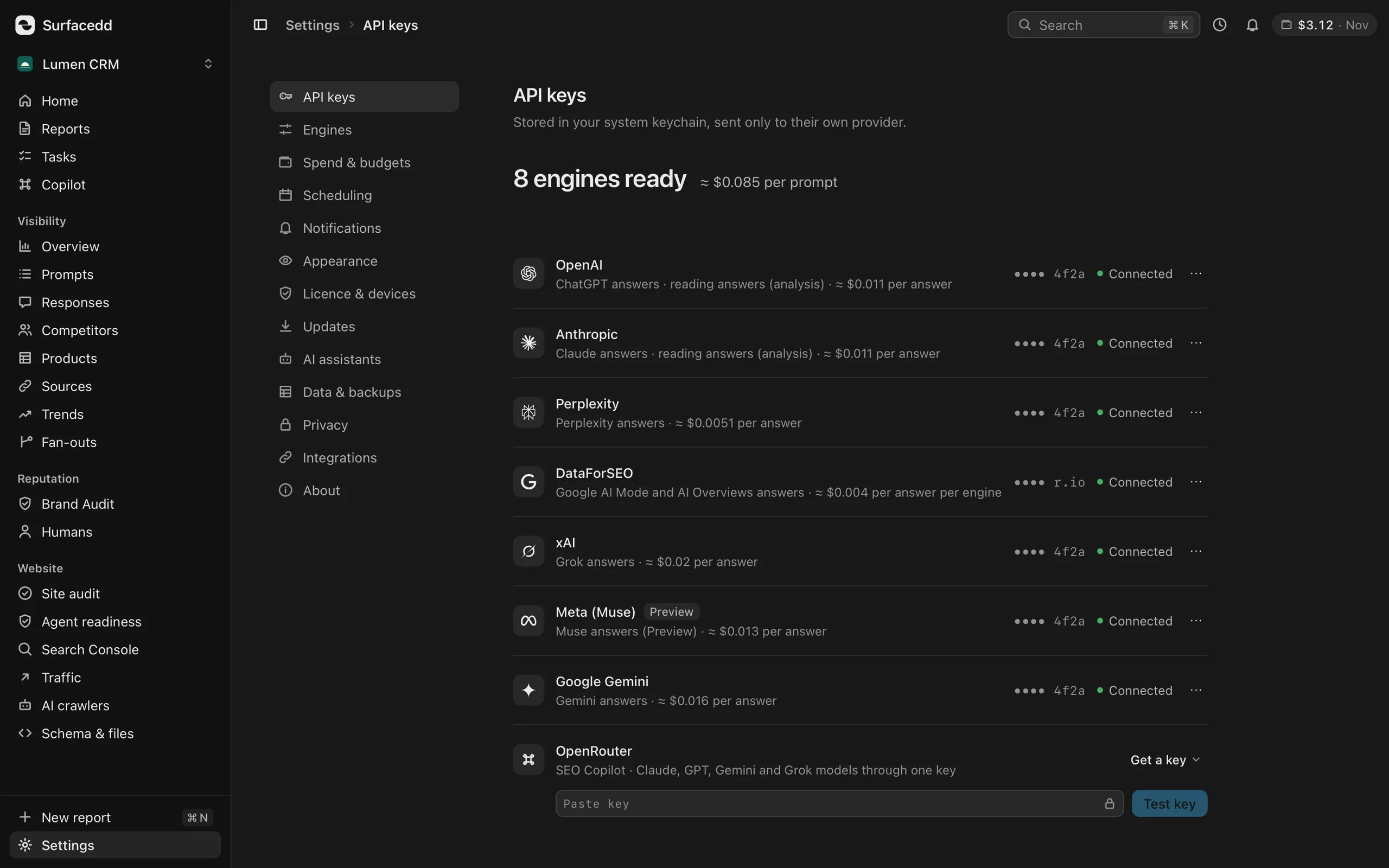
- Enable only the engines you need. Open Settings › API keys and remove keys for engines you don't track. Each removed key is one provider that never sees your prompts.
- Pick your analysis model. In Settings › Engines › Reading answers, choose which provider reads your answers. It receives every answer text, so pick the one whose terms you prefer.
- Keep Google data out of Copilot chats. In Settings › Integrations, turn off "Let SEO Copilot use Google data". The Copilot then answers without Search Console or GA4 figures.
- Connect MCP only to assistants you trust. An assistant reading your data through the local MCP server sends what it reads to its own provider.
How to check it yourself
You don't have to trust this list. Run the app behind an outbound firewall or network monitor, such as Little Snitch or LuLu on macOS or the Windows Defender Firewall log on Windows, and compare the hosts it contacts with the table. Expect connections to the provider hosts you configured, to sites you audit or that AI answers cite, to Google's APIs if connected, and to surfacedd.com and Polar (api.polar.sh) for licensing.
Troubleshooting
| Situation | Why it happens | What to do |
|---|---|---|
| Firewall shows requests to sites you never visited | After a run, the app fetches pages AI answers cited, to read their title, author and date | Expected. Each page is refreshed after 30 days; requests carry the Surfacedd/ user agent and honour robots.txt |
| Requests to OpenAI or Anthropic range files while importing logs | Crawler verification downloads operators' published IP ranges | Expected. Your log file itself is never uploaded |
| Many DNS lookups during a log import | Some crawlers are verified by reverse DNS | Capped at 2,000 lookups per import, through your normal DNS resolver |
| Corporate proxy blocks provider APIs | Runs need direct HTTPS to each provider | Allow the provider hosts for the engines you use |
| App says it can't reach the licence server | Network or firewall blocks surfacedd.com | The app keeps working for 30 days; allow surfacedd.com to clear it |
Related docs
- Private and local: why Surfacedd keeps data on your computer
- Privacy policy: the legal terms, including Google user data
- Security: the threat model
- Delete everything: removing brands, profiles and the whole workspace
Keep reading
- ProductTrack AI visibility without handing your strategy to another serverYour prompts, answers, competitors and Google data stay in a database on your own computer. This page lists every request the app makes, where it goes and what it carries.Read
- CompanyPrivacy policySurfacedd keeps your data on your computer, including Google Search Console and GA4 data. We see licence and payment data only. No product analytics.Read
- CompanySecurity at SurfaceddThe safest data is data we never receive. Here is what the app protects, against what, and what it leaves to your operating system.Read
- DocsDelete a brand, a person or everything, and know what's leftBrands wait 48 hours in case you change your mind. A Humans profile goes at once. This page also lists the copies that outlive a delete, so nothing is left by surprise.Read
How we research, write and correct pages: read our editorial policy.