Know who needs to look today, without opening the app
Surfacedd sends a Slack message or a signed JSON webhook when a run completes or fails, and when something changes beyond noise: AI visibility, Google top-10 rankings or a local grid's top-3 share. It's free.
By the Surfacedd teamUpdated 4 min readMarkdown
On this page
Short answer
To get Surfacedd alerts in Slack, create an Incoming Webhook in Slack, then add it in Surfacedd's Settings › Integrations › Webhooks and Slack. Surfacedd posts when a run finishes or fails and when visibility, Google top-10 rankings or a local grid change significantly. JSON webhooks to Zapier, Make or n8n are signed with HMAC-SHA256.
A report nobody opens doesn't change anything. Webhooks put the few events that need a person into the channel where the team already works: a run failed, a client's AI visibility dropped, a keyword left Google's top 10, a local grid lost the pack. Everything else stays in the app.
What gets sent
| Event | When | What to do with it |
|---|---|---|
run.completed | Any run finishes | Update a client sheet or dashboard automatically |
run.failed | Any run fails | Fix the key or budget before the next schedule |
significant_change | A report's visibility moved beyond run-to-run noise, keywords entered or left Google's top 10 in a rank check, or a local grid dropped (top-3 share down 15+ points or average rank 2+ places worse) | Look at that client today |
The significance test is the same one the app uses for its change arrows, so a webhook doesn't fire on noise. A visibility move that could be sampling variation stays a "no clear change" and stays quiet. See ranges and samples for how that's decided.
Slack in four steps
- In Slack, open Apps › Incoming Webhooks, choose Add to channel, pick the channel and copy the Webhook URL (it starts with
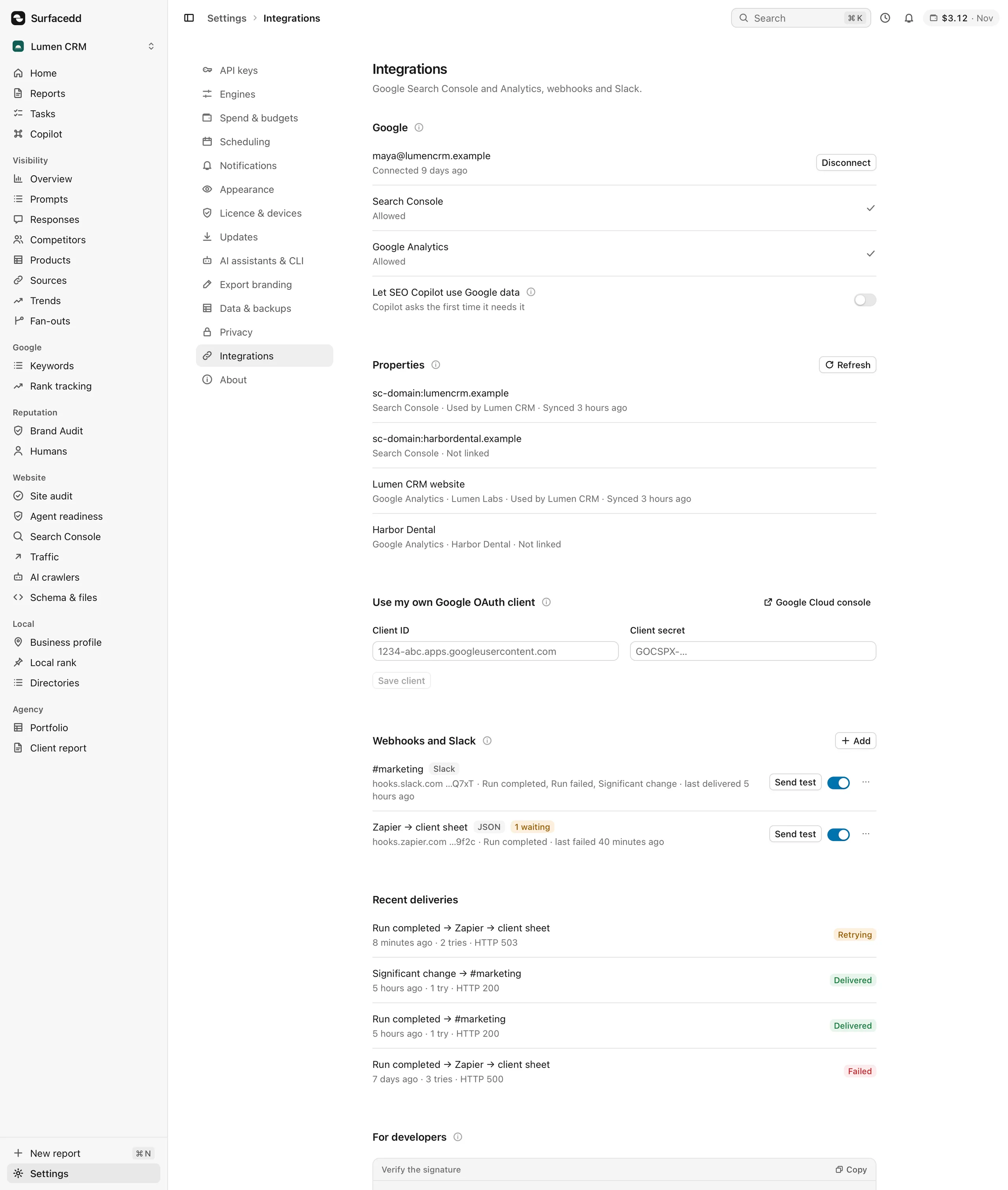
https://hooks.slack.com/services/). - In Surfacedd, open Settings › Integrations and choose Add under Webhooks and Slack. The Add a webhook dialog opens.
- Pick Slack, paste the URL, name it, and choose the events and brands. One channel per client works well: pick that client's brand only.
- Choose Send test. A message appears in the channel.
Slack messages are formatted with the numbers behind the event: the brand, what happened and the figures, so the person reading knows whether to act without opening anything.
Zapier, Make, n8n or your own endpoint
Choose JSON instead of Slack and paste any https:// URL, such as a Zapier "Catch Hook", a Make custom webhook or an n8n Webhook node. Each delivery is a POST with a small JSON body:
{
  "id": "…",
  "type": "run.completed",
  "created_at": "2026-11-20T09:00:00Z",
  "brand": { "id": "…", "name": "…" },
  "title": "…",
  "data": { … }
}
Common uses:
- Client sheet: a Zap appends each
run.completedto the client's Google Sheet, so their dashboard updates itself. - Ticketing: a
run.failedopens a ticket for whoever owns API keys. - Escalation: a
significant_changefor a key client also pages the account lead.
Every JSON delivery carries a Surfacedd-Signature header: t=<unix seconds>,v1=<hex>, an HMAC-SHA256 of "<t>.<raw body>" with a signing secret shown once when you add the webhook. Verify it on your endpoint and reject requests older than five minutes. A ready-to-paste Node.js verifier is in the webhooks docs and in the app under For developers.
Delivery you can check
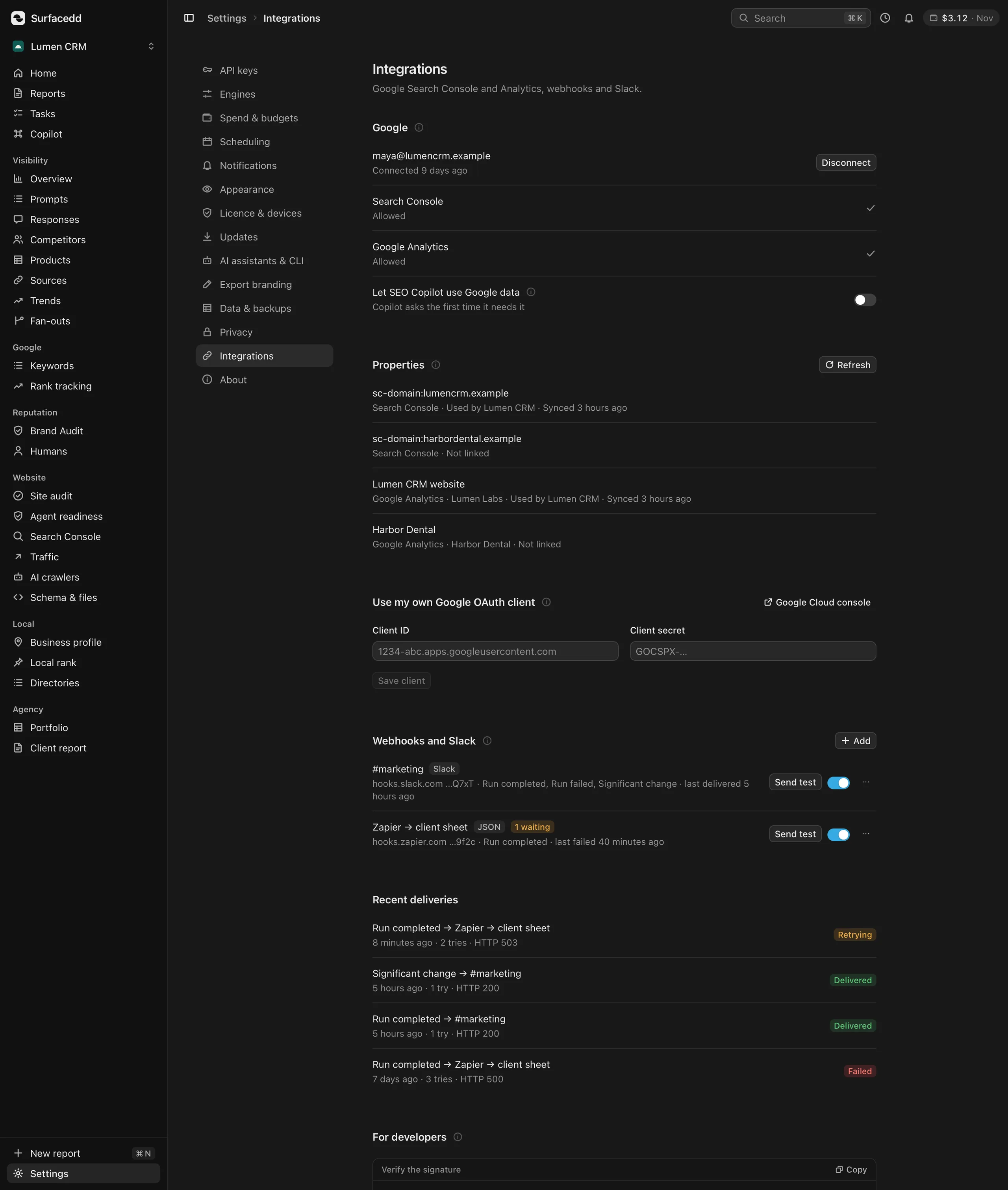
Every delivery is written to a log before it's sent, then tried up to three times: at once, a minute later and five minutes after that. Recent deliveries in Settings shows each one with its tries and HTTP codes. If all three fail, a notice goes to your inbox.
Where your URLs and secrets are kept
Webhook URLs and signing secrets are stored in your system keychain, not in Surfacedd's database. Settings and logs show only a shortened form such as "hooks.slack.com …Q7xT". Deleting a webhook removes its URL from the keychain and drops anything still queued. The sample workspace never sends.
A webhook sends the brand name and the event's numbers to the URL you chose, nothing else. For everything else that leaves your computer, see what leaves your computer.
Cost
Free. Deliveries are plain HTTPS requests from your computer; there's nothing to pay Surfacedd or a provider.
What it doesn't do
Fair questions
Does Surfacedd have a Slack integration?
Yes. Add a Slack Incoming Webhook URL in Settings › Integrations › Webhooks and Slack, choose the events and brands, and Surfacedd posts a formatted message with the numbers when a run finishes or fails, or when something changes beyond noise. It's free, and you can have one webhook per client channel.
Can I connect Surfacedd to Zapier, Make or n8n?
Yes. Add a JSON webhook with the catch-hook URL your tool gives you. Each event arrives as a signed JSON POST with the event type, the brand, a title and the numbers. From there your automation can update a sheet, open a ticket or notify someone. There's no Surfacedd app listing in those tools; the webhook is the connection.
Will I get spammed with an alert after every run?
Only if you subscribe to run.completed. The significant_change event uses the same test as the app's change arrows, so it fires only when a change is larger than run-to-run noise, when keywords enter or leave Google's top 10, or when a local grid drops by the set thresholds. Most teams subscribe client channels to significant changes and failures only.
How do I verify a webhook really came from Surfacedd?
Check the Surfacedd-Signature header. It holds a timestamp and an HMAC-SHA256 of the timestamp and the raw body, keyed with your signing secret. Recompute it on your server, compare in constant time and reject anything older than five minutes. A copyable Node.js example is in the app and in the docs.
What happens if my computer is off?
Nothing is sent while Surfacedd isn't running, because there's no server. Scheduled runs and their events happen when the app is open. When you open it again, deliveries that were due are sent, with up to three tries each. If you need alerts around the clock, keep Surfacedd running on a computer that stays on.
How we research, write and correct pages: read our editorial policy.