Connect Gemini, after you've read Google's grounding terms
A Gemini key is quick to create, but grounded answers need billing on the key's project, and Surfacedd keeps Gemini off until you've read a short note on Google's terms.
By the Surfacedd teamUpdated 4 min read
On this page
Short answer
To get a Gemini API key, open Google AI Studio's API keys page and create a key in a Google Cloud project. Grounding with Google Search isn't available on the free tier, so set up billing for that project and prepay. Then paste the key into Surfacedd and turn Gemini on after acknowledging Google's terms.
[verify: OQ-2 counsel result on Google's Gemini API terms (SPEC §11); the Gemini engine may be hidden in 1.0, in which case this page must change before it publishes.]
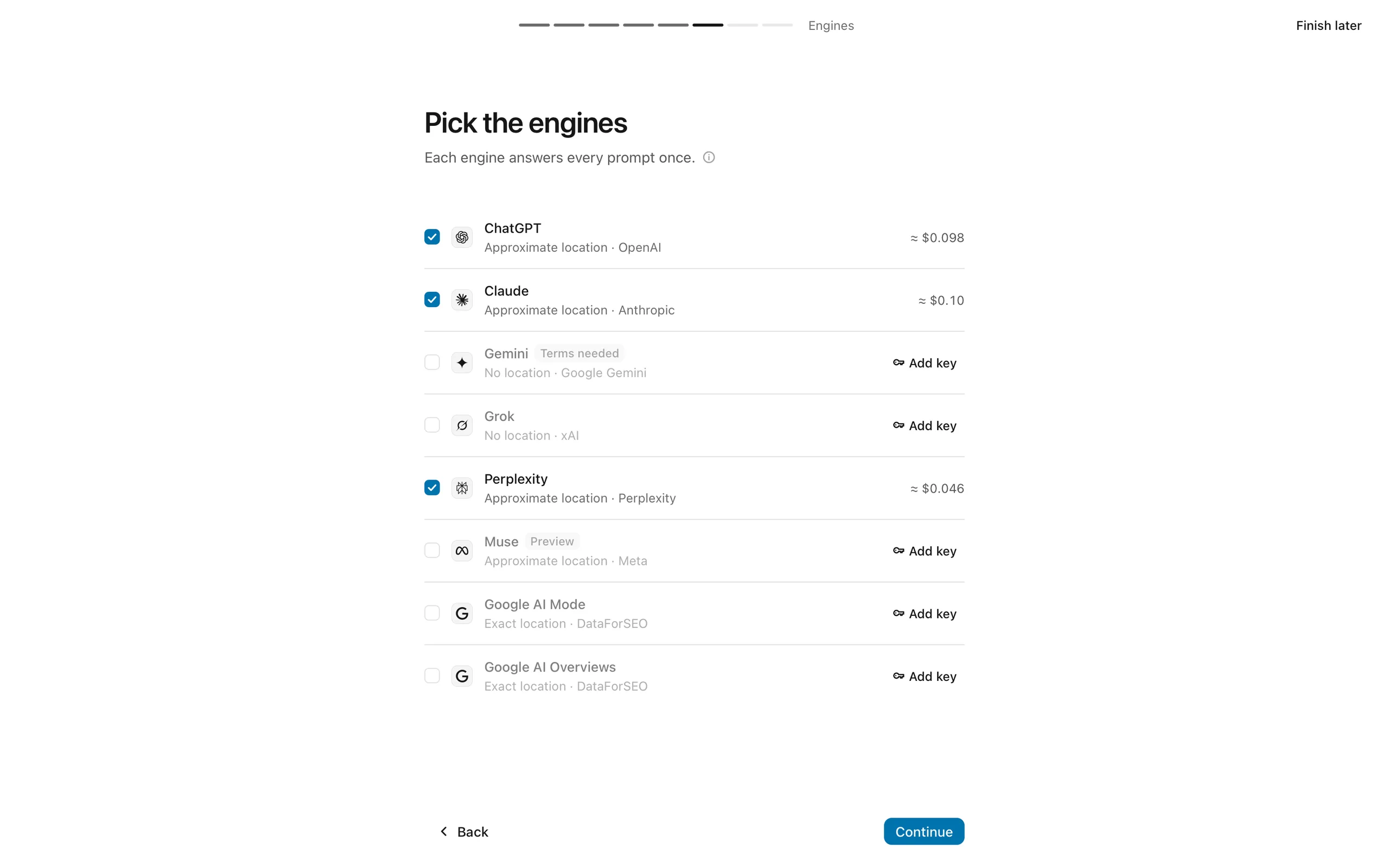
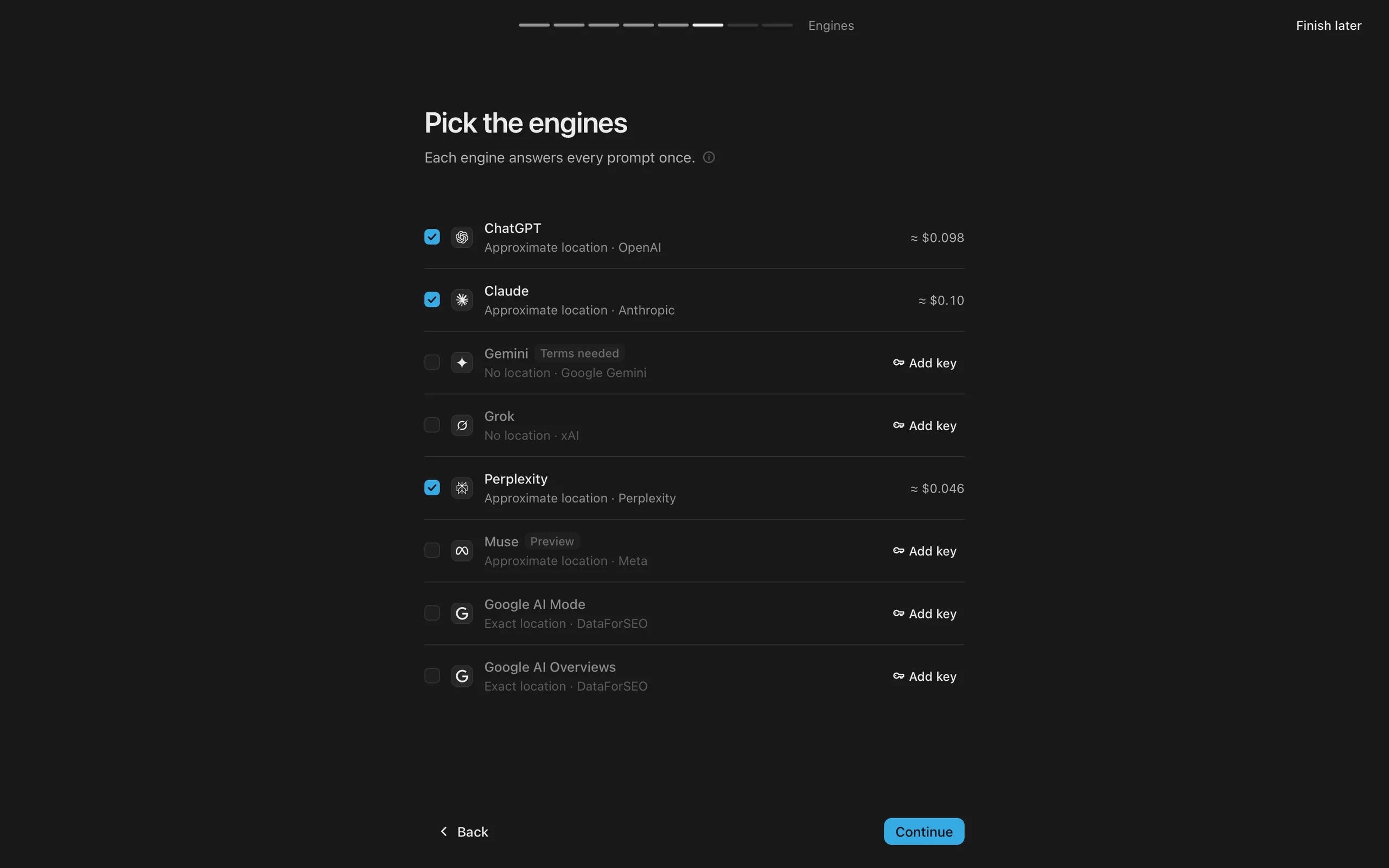
A Gemini key lets Surfacedd ask Google's Gemini models your prompts with Grounding with Google Search, and store the answer, the pages it cited and the searches it ran. Gemini is off by default. You can add the key any time; the engine stays off until you accept the acknowledgment below.
Why Gemini is off by default
Google's Gemini API terms restrict what may be done with "Grounded Results", answers that use Google Search, including analysing them, and require them to be shown with Google's Search Suggestions to the person who asked. Surfacedd runs on your key, so you are Google's API customer and the one bound by those terms. Turning Gemini on shows this text first:
Before you turn on Gemini. Google's Gemini API terms limit what may be done with "Grounded Results" (answers that use Google Search), including analysing them. Surfacedd runs on your own Gemini key, so you are Google's API customer and responsible for complying with those terms. Gemini answers will always be shown with Google's search suggestions, as Google requires. If you're unsure, leave Gemini off — every other engine works without it.
The time and app version of your acknowledgment are stored and shown on every Gemini answer. This isn't legal advice; read Google's terms yourself.
Create the key
- Open aistudio.google.com/apikey and sign in with a Google account. Every key belongs to a Google Cloud project; new users get a default project.
- Create a key. On the API keys page you can choose Add restrictions › Restrict to Gemini API only, which limits what the key can be used for if it ever leaks.
- Set up billing: on the API keys or Projects page, choose Set up billing for the key's project, link a billing account and prepay. Google's billing docs give the prepay minimum as $5 or the local equivalent, which can vary by region.
- Copy the key.
Grounding with Google Search is listed as "Not available" on the free tier for current Gemini models, per Google's pricing page. Without billing, the key works for plain answers but every grounded request fails.
Spend, free quota and the daily cap
Linking billing puts the project on Google's Tier 1, which Google caps at a monthly spend limit; higher tiers open up after cumulative payments and time. Surfacedd's in-app budget and per-run estimates are your own hard stop on top.
Google gives 5,000 grounded searches a month free, shared across Gemini 3 and newer models in the project, then charges per search; and it caps grounded requests at 1,500 a day per project by default. Surfacedd counts against both. While you're inside the free quota it lowers estimates and labels them "approx.", because anything else on that project uses the same quota. At the daily cap it pauses Gemini with a notice and resumes the next day.
| Model | Tier | Input per 1M tokens | Output per 1M tokens | Per 1,000 searches | Est. per answer |
|---|---|---|---|---|---|
| Gemini 3.5 Flash-Lite (default) | cheap | $0.30 | $2.50 | $14.00 | $0.0163 |
| Gemini 3.1 Flash-Lite | cheap | $0.25 | $1.50 | $14.00 | $0.0154 |
| Gemini 3.6 Flash | mid | $0.75 | $3.75 | $14.00 | $0.0176 |
| Gemini 3.8 Flash | mid | $0.75 | $3.75 | $14.00 | $0.0176 |
| Gemini 4 Hydrogen | mid | $1.50 | $7.50 | $14.00 | $0.0212 |
| Gemini 4 Carbon | flagship | $2.00 | $10.00 | $14.00 | $0.0236 |
| Gemini 4 Argon | flagship | $2.00 | $10.00 | $14.00 | $0.0236 |
Estimates assume about 300 input and 900 output tokens and 1 search per answer, at Google's list prices on 2026-11-23 (UTC), price table 2026-11-13.1. The first 5,000 searches each month are free.
Paste and test
Paste the key into the Gemini card in Settings › API keys. The free check lists the models your key can use; after it passes, the key is saved to your system keychain and shown only by its last four characters. The optional Test search makes one grounded call, shows its exact cost and needs the acknowledgment first. Then switch Gemini on in Settings › Engines or in a report's engine list.
Troubleshooting
| What you see | What it means | What to do |
|---|---|---|
| Invalid | Google rejected the key | Re-enter it or create a new key |
| Billing needed | Grounding failed because the project has no billing | Set up billing for the project in AI Studio and prepay |
| Terms needed | Gemini was switched on without the acknowledgment | Read and accept the note in Settings |
| Daily cap reached | The project hit 1,500 grounded requests today | Gemini resumes tomorrow; other engines continue. Ask Google for a higher limit if needed |
| Request fails after restricting the key | The key was restricted to the wrong API in Google Cloud console | Use AI Studio's "Restrict to Gemini API only" option instead |
Notes specific to Gemini
- Grounding takes no location, so every Gemini answer is marked "location not applied" and the language is set in the prompt.
- Citations can arrive as Google redirect links with the domain as the title; Surfacedd resolves them to the real page and fetches titles.
- If you leave Gemini off, nothing else changes: reports, Humans and Brand Audit work with the other engines.
Related docs
Sources
Keep reading
- EnginesTrack GeminiRead
- GuidesHow to get cited when Gemini searches GoogleGemini looks things up with Google Search, so most of what gets you found in Google gets you found in Gemini. The exceptions are one robots.txt token and the fact that Gemini writes its own searches.Read
- DocsKnow what a report will cost before you run itEvery run shows an estimate with a range before it starts, every answer records what it actually cost, and budgets can pause schedules before they overspend. You pay providers their list price; Surfacedd adds nothing.Read
- DocsFix provider errors fast: what each message means and what to doSurfacedd turns every provider error into one sentence and one button. This page lists them all, per provider, with the underlying code, whether Surfacedd retries, and what to do.Read
How we research, write and correct pages: read our editorial policy.