Know what a report will cost before you run it
Every run shows an estimate with a range before it starts, every answer records what it actually cost, and budgets can pause schedules before they overspend. You pay providers their list price; Surfacedd adds nothing.
By the Surfacedd teamUpdated 4 min readMarkdown
On this page
Short answer
One prompt asked once on one engine costs from a fraction of a cent to a few cents, paid to the AI provider on your own key. Surfacedd estimates each run before it starts, calibrates the estimate from your last 50 answers per engine and model, records the actual cost of every answer, and pauses schedules at budgets you set.
Cost per answer, by engine
The table is generated from the same price table the app uses, so it changes when provider prices change. Each row is the engine's default model with typical token counts and one search.
| Engine | Default model or source | Est. per answer | Per 100 answers |
|---|---|---|---|
| ChatGPT | GPT-6 Luna | $0.0109 | $1.09 |
| Claude | Claude Haiku 5.5 | $0.0112 | $1.12 |
| Gemini | Gemini 3.5 Flash-Lite | $0.0163 | $1.63 |
| Perplexity | Sonar | $0.0051 | $0.51 |
| Grok | Grok 4.3 | $0.0201 | $2.01 |
| Meta AI | Muse Spark 1.3 | $0.0129 | $1.29 |
| Google AI Mode | DataForSEO SERP (standard queue) | $0.0012 | $0.12 |
| AI Overviews | DataForSEO SERP (standard queue) | $0.0012 | $0.12 |
Estimates use typical token counts and one search per answer, at list prices on 2026-11-23 (UTC) from price table version 2026-11-13.1. Reading each answer (extraction on GPT-6 Luna) adds about $0.0015 per answer. The app recalibrates from your own last 50 answers and always shows its own estimate before a run.
Surfacedd never adds a margin. You pay each provider its list price on your own key, and Surfacedd's licence is a separate one-time purchase ($29$79 today). Per-model tables for each engine are on the engine pages.
How the estimate is calculated
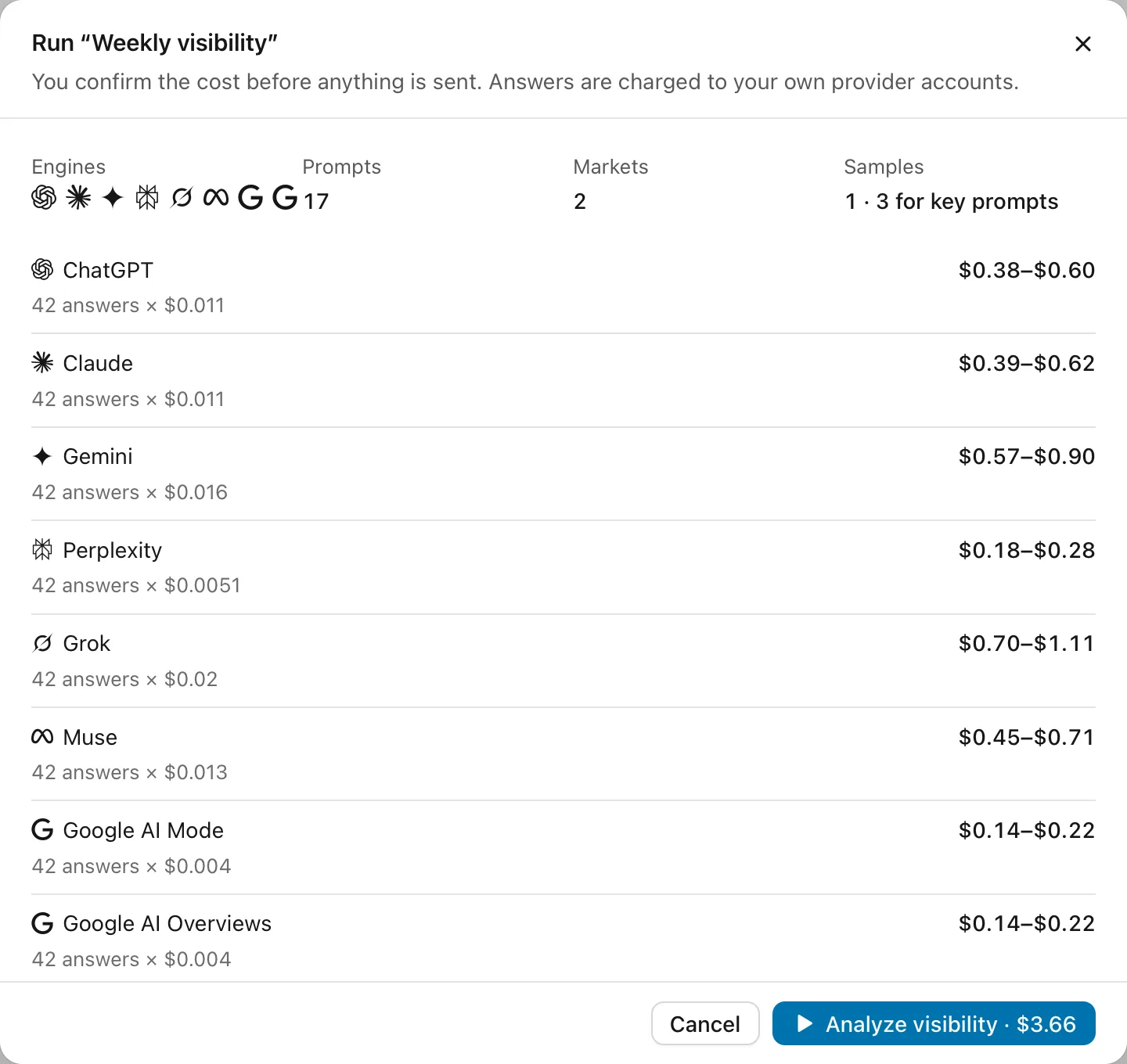
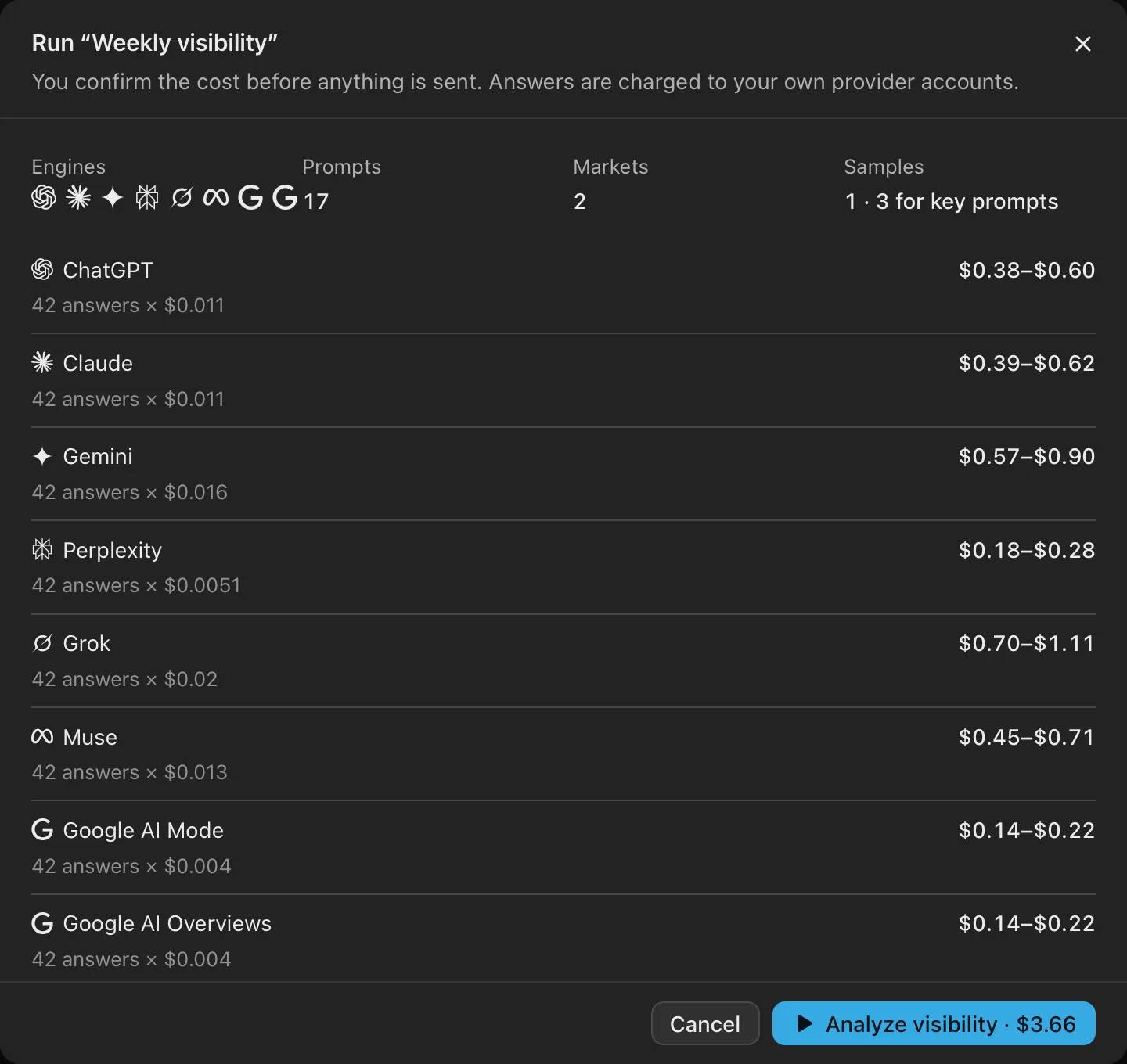
Before every run, Surfacedd adds up three things for each prompt on each engine:
- Web searches. Most engines charge per search they run while answering. Surfacedd multiplies the typical number of searches by that engine's search price.
- Tokens. The text sent to the model (your prompt plus the search results it reads) and the text it writes are billed per token. Surfacedd multiplies typical input and output sizes by the model's prices.
- Reading the answer. After each answer is stored, one small call to your analysis model works out which brands it names and in what order. It adds a fraction of a cent per answer, the same for every engine.
For Google AI Mode and AI Overviews, which come through DataForSEO, the cost is DataForSEO's price per results page for the queue used: standard for scheduled runs, live for Run now.
The total is multiplied by prompts, engines, markets and samples, and shown as a likely figure with a low and a high end.
Estimate vs actual
After a run, Surfacedd shows what it actually cost next to the estimate, per engine.
| Engine | How actual cost is measured |
|---|---|
| Perplexity | The cost Perplexity reports with each response (usage.cost) |
| Grok | The cost xAI reports with each response, in ticks |
| AI Mode, AI Overviews | The cost DataForSEO reports per task |
| ChatGPT, Claude, Gemini, Meta AI | Computed from the token and search counts the provider returns, at the price table version stamped on the answer |
Every answer stores the price table version it was costed with, so old costs never shift when prices change. A price increase published after you confirm a run is never applied to that run, and the app refuses to start a run whose re-computed estimate exceeds the amount you confirmed by more than a quarter.
Calibration from your last 50 answers
Answers vary in length, and engines decide for themselves how many searches to run, so a fixed estimate drifts. Before you have data, Surfacedd uses typical values per engine. Once you have answers, it calibrates from your own last 50 answers per engine and model: the median for the main figure, the quieter and busier quarters (25th and 75th percentiles) for the range. Rows with fewer than 10 answers keep using the defaults and are marked so in Settings › Spend & budgets.
The effect: after a few runs, the estimate reflects your prompts. Long comparative prompts that trigger several searches cost more than short factual ones, and the calibration learns that.
Gemini's free allowance
Google gives a monthly allowance of free grounded searches per project, shared across Gemini 3 and newer models. While you're inside it, Surfacedd lowers Gemini estimates and labels them "approx.", because other software on the same project may use the allowance too. Actual costs are recorded at the full search price, so your spend report never understates.
Budgets
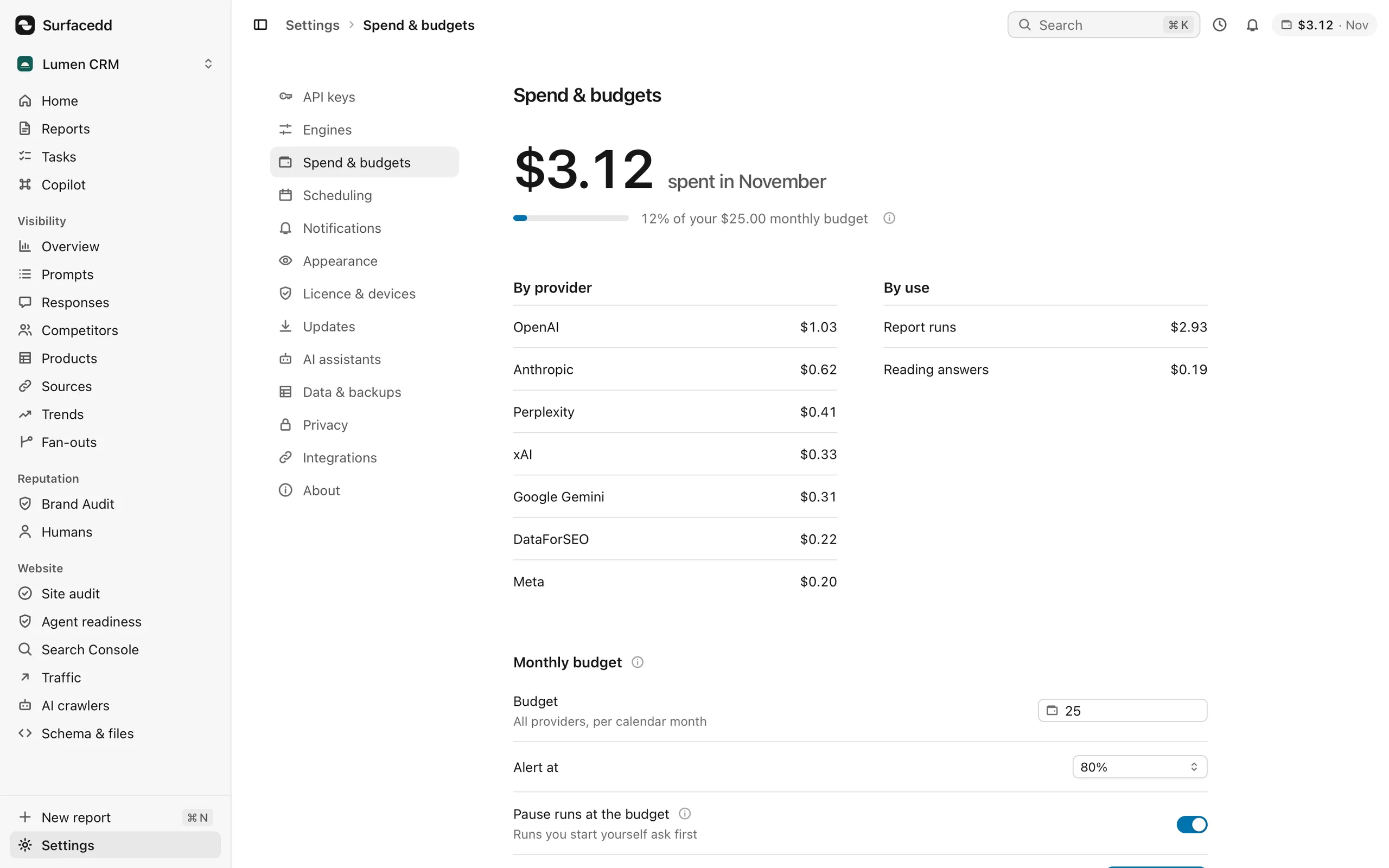
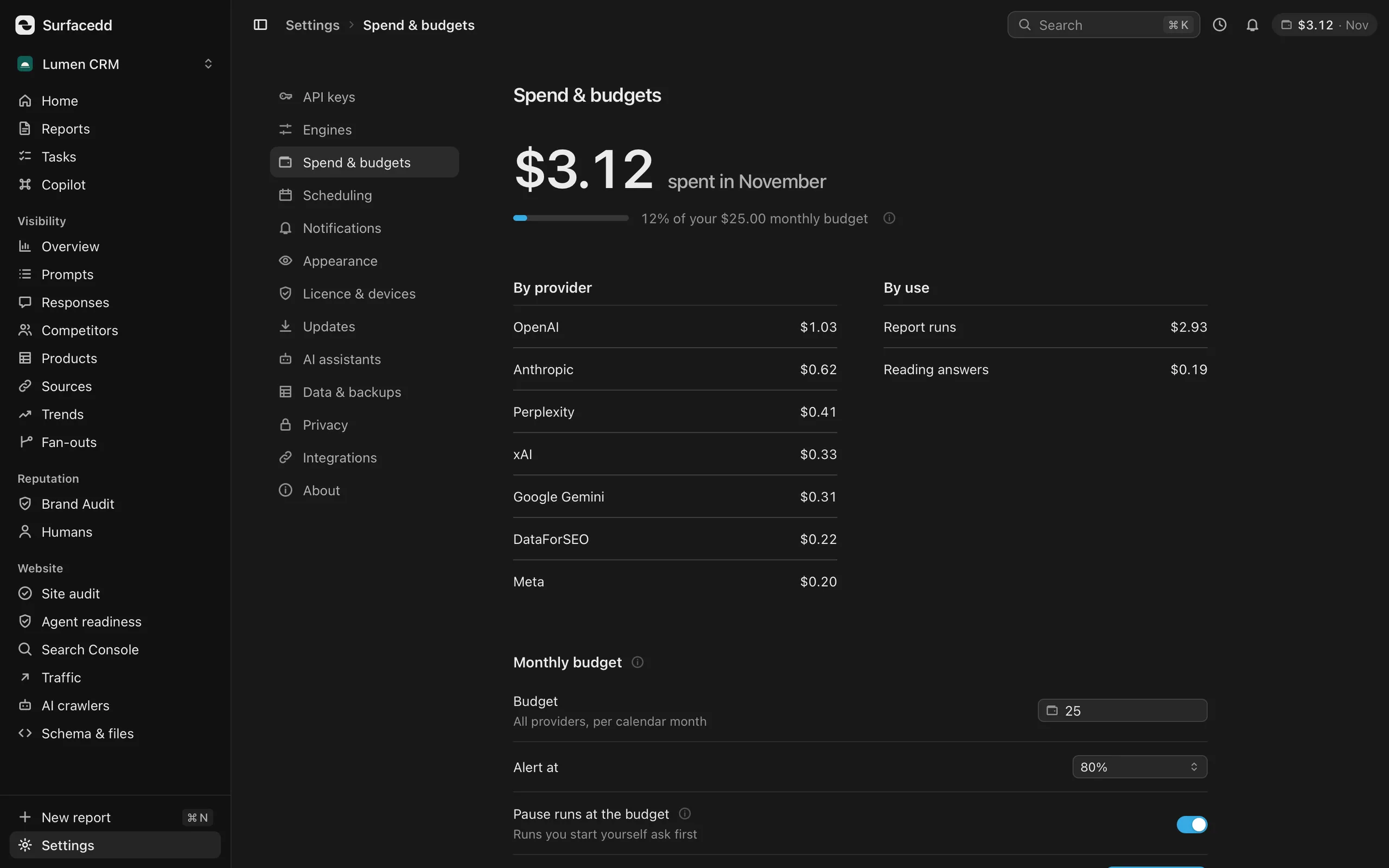
Set budgets in Settings › Spend & budgets, for all providers together or for one provider.
- Monthly cap. A spending limit for the month, across all features: runs, analysis, Brand Audit and Copilot.
- Alert threshold. A percentage of the cap at which you get a notification.
- Hard cap. When on, a scheduled run that would take you past the cap isn't started: the schedule pauses with the reason "budget" and you're notified.
Spend is broken down by provider, brand and feature for the month, from a ledger of every charge. Provider-side limits (OpenAI and Anthropic spend limits, prepaid balances elsewhere) are your independent backstop.
Worked example: a weekly report
A report with 25 prompts on the default four engines (ChatGPT, Claude, Perplexity, Google AI Mode), one sample each, asked weekly, makes 100 answers per run, each followed by one small reading call. Both are included in the figures below. At today's prices that's about $3.75 a month. The same report with three samples per prompt costs about $11.23, and asked daily with one sample about $26.21.
The cost calculator does this for any combination, and pricing covers the licence.
Troubleshooting
| What you see | Why | What to do |
|---|---|---|
| Actual cost well above the estimate | Engines ran more searches or longer answers than typical | Let calibration catch up over a few runs; check fan-out counts per answer |
| "Estimate changed" before a run | Prices or calibration moved since you confirmed | Review and confirm again |
| Schedule paused: budget | A hard cap would have been passed | Raise the budget or wait for next month |
| Gemini estimate marked approx. | Free allowance in use | Nothing to fix; actuals use the full price |
| Provider spend limit reached | Your limit at the provider, not in Surfacedd | Raise it at the provider; see provider errors |
Related docs
Keep reading
- ToolsFree tools to check whether AI can read, understand and measure your siteEight small tools for the parts of AI search you can check yourself. No sign-up, no AI calls and no cost per use: most run entirely in your browser.Read
- ProductGet AI-visibility answers for pennies, not a subscriptionBuy the app once. You pay AI providers directly for each answer you collect, and Surfacedd shows the price of every run before it starts.Read
- EnginesTrack your brand in every AI answer engine that mattersChatGPT, Claude, Gemini, Perplexity, Grok, Meta AI, Google AI Mode and AI Overviews each search the web differently. Here's how Surfacedd asks each one, what it can see and what one answer costs.Read
- DocsFix provider errors fast: what each message means and what to doSurfacedd turns every provider error into one sentence and one button. This page lists them all, per provider, with the underlying code, whether Surfacedd retries, and what to do.Read
How we research, write and correct pages: read our editorial policy.