Help search engines and AI tell you apart with Person schema
Person markup states in machine-readable form who a page is about: name, role, employer, topics and the profiles that are also you. Here is a complete template, and the mistakes that undo it.
By the Surfacedd teamUpdated 7 min readMarkdown
On this page
Short answer
Person schema is schema.org markup that describes a person on a web page. Put it in a ProfilePage on the one page about you, with name, jobTitle, worksFor, knowsAbout, sameAs links to your own profiles, and identifier for IDs like ORCID. It helps engines match your profiles; it won't by itself win a rich result or an AI mention.
What Person schema does, and doesn't do
Person is the schema.org type for a person. On a web page it's a block of JSON-LD that says, in a form machines read without guessing: this page is about this person, this is their job, this is their employer, these are the topics they work on, and these other profiles are also them.
That last part, sameAs, is what matters most. It lets search engines and the systems that feed AI answers connect your website, your LinkedIn, your GitHub and your author pages into one identity, instead of several similar-looking people. That's the job: reducing ambiguity.
What it doesn't do:
- It doesn't make an assistant mention you. Assistants mostly repeat what pages say in text; markup supports the text, it doesn't replace it.
- It doesn't earn you a rich result or a knowledge panel by itself. Google decides those.
- It can't make false claims stick. Markup that disagrees with the visible page is a reason to distrust both.
ProfilePage or Person?
Use both, nested. ProfilePage describes the page; its mainEntity is the Person it's about. Google documents ProfilePage for pages where "the primary focus of the page must be a single person or organization that is affiliated with the overall website", and lists examples that include an "About Me" page on a blog and an employee page on a company website (Google Search Central).
| Page | Use |
|---|---|
| Your personal site's About page | ProfilePage with mainEntity → Person |
| Your page on your employer's team section | ProfilePage with mainEntity → Person (same @id style, see below) |
| A blog post you wrote | Article with author → a short Person reference, not a ProfilePage |
| Your company's homepage | Organization, optionally with founder → a Person reference |
Google lists mainEntity as required on ProfilePage and recommends dateCreated and dateModified. For the Person, name is required and alternateName, description, identifier, image and sameAs are recommended.
The template
Copy this into a <script type="application/ld+json"> tag on your canonical profile page, and replace every value. Delete any property you can't fill truthfully rather than leaving a placeholder.
{
  "@context": "https://schema.org",
  "@type": "ProfilePage",
  "dateCreated": "2026-11-19T09:00:00Z",
  "dateModified": "2026-11-19T09:00:00Z",
  "mainEntity": {
    "@type": "Person",
    "@id": "https://janedoe.example/#person",
    "name": "Jane Doe",
    "alternateName": ["Jane M. Doe", "J. M. Doe"],
    "jobTitle": "Head of Product",
    "description": "Jane Doe is Head of Product at Example Co in Leeds, where she leads work on payments for small retailers.",
    "url": "https://janedoe.example/about",
    "image": "https://janedoe.example/images/jane-doe.jpg",
    "worksFor": {
      "@type": "Organization",
      "@id": "https://example.com/#org",
      "name": "Example Co",
      "url": "https://example.com"
    },
    "alumniOf": { "@type": "EducationalOrganization", "name": "University of Leeds" },
    "knowsAbout": ["payments", "retail software", "product management"],
    "sameAs": [
      "https://www.linkedin.com/in/janedoe-example",
      "https://github.com/janedoe-example",
      "https://example.com/team/jane-doe"
    ],
    "identifier": [
      { "@type": "PropertyValue", "propertyID": "ORCID", "value": "0000-0000-0000-0000" }
    ]
  }
}
What each part is for:
| Property | Put in it | Why |
|---|---|---|
@id | A stable URL with #person, on your own domain | Lets other pages refer to the same person without repeating everything |
name, alternateName | The name you use; then initials, maiden names, transliterations | Matches the variants other pages use |
jobTitle, worksFor | Current title; employer as an Organization with its URL | Ties you to your company's entity |
description | Your one-sentence bio, identical to the first line of the page | Gives one canonical sentence to repeat |
alumniOf, knowsAbout | Education; three to five topics | Disambiguates and connects you to topics |
image | A real photo URL | Placeholders are worse than nothing |
sameAs | Profiles that are you and link back | The identity links that matter most |
identifier | ORCID, ISNI, Wikidata QID, if you have them | Stable IDs no namesake shares |
All of these properties exist on Person in the schema.org vocabulary; worksFor expects an Organization and alumniOf an EducationalOrganization or Organization (schema.org).
The free Person schema generator builds the same block from a form in your browser, turns a Wikidata QID or ORCID into a proper identifier, and warns about missing sameAs links or non-URL values.
sameAs: which profiles to list
List a profile only if both are true: it's yours, and it links back to your canonical page (or at least clearly identifies you).
Good candidates, in rough order of usefulness:
- LinkedIn (use the custom URL).
- Your page on your employer's team section.
- GitHub, for people who work in software.
- ORCID and Google Scholar, for researchers.
- Author pages on publications you write for.
- Your X, Mastodon, YouTube or Bluesky profile, if active.
- Wikidata or Wikipedia, only if an item or article about you already exists.
Don't list your employer's homepage (that's worksFor), other people's articles about you (those are mentions, not profiles), or a profile you abandoned years ago with stale facts.
Make the links two-way in HTML too. On your canonical page, mark each profile link with rel="me"; on each profile, link back. Mastodon, for example, verifies a profile link when the linked page contains an a or link tag with rel="me" pointing back to the profile, in the static HTML rather than added by JavaScript (Mastodon docs). See the rel="me" glossary entry.
Five mistakes that break entity matching
- sameAs links that aren't you. A namesake's LinkedIn, a company page, or a search URL. One wrong link tells engines two different people are the same, which is the exact problem you're trying to solve.
- Markup that disagrees with the page. The markup says "Head of Product", the page says "Product Lead", LinkedIn says "VP Product". Pick one title and use it everywhere, visible text first.
- Several identities for one person. Your personal site and your company's team page each mark you up with different
@ids, names or titles. Use the same name and facts on both, and link the team page from yoursameAs. - ProfilePage on the wrong page. A ProfilePage on a blog post or a homepage that isn't primarily about you breaks Google's guideline. Use
Articlewith anauthorreference instead. - Placeholders and stuffing. A stock avatar in
image, a made-upidentifier, orknowsAboutwith twenty keywords. Fewer, true values beat many weak ones.
A sixth, technical one: if your site injects JSON-LD with client-side JavaScript, not every crawler will see it. Put the markup in the HTML the server sends.
Test it
- Google's Rich Results Test. It reports which rich result types it finds and any errors, and Google's ProfilePage documentation says to validate with it and fix critical errors (Google).
- The Schema Markup Validator is schema.org's own validator. Use it to see the full parsed markup, including properties Google's test doesn't report on.
- Read it back. Open the page source and check every value against your fact sheet and the visible text.
- Check the other side. Open each
sameAsprofile and confirm it links back.
Then measure whether the picture improves: ask assistants "Who is {name}, {role} at {company}?" before you publish and again a few weeks later. The guide what does AI know about me has a 12-question self-audit for this.
Where Person schema fits in the bigger picture
Markup is one layer of making every page agree on who you are. The others are a clear canonical page, consistent profiles, and independent coverage. The structured data guide covers the other schema types that matter for AI search, and the entity SEO guide covers consistency across all your sources.
In Surfacedd
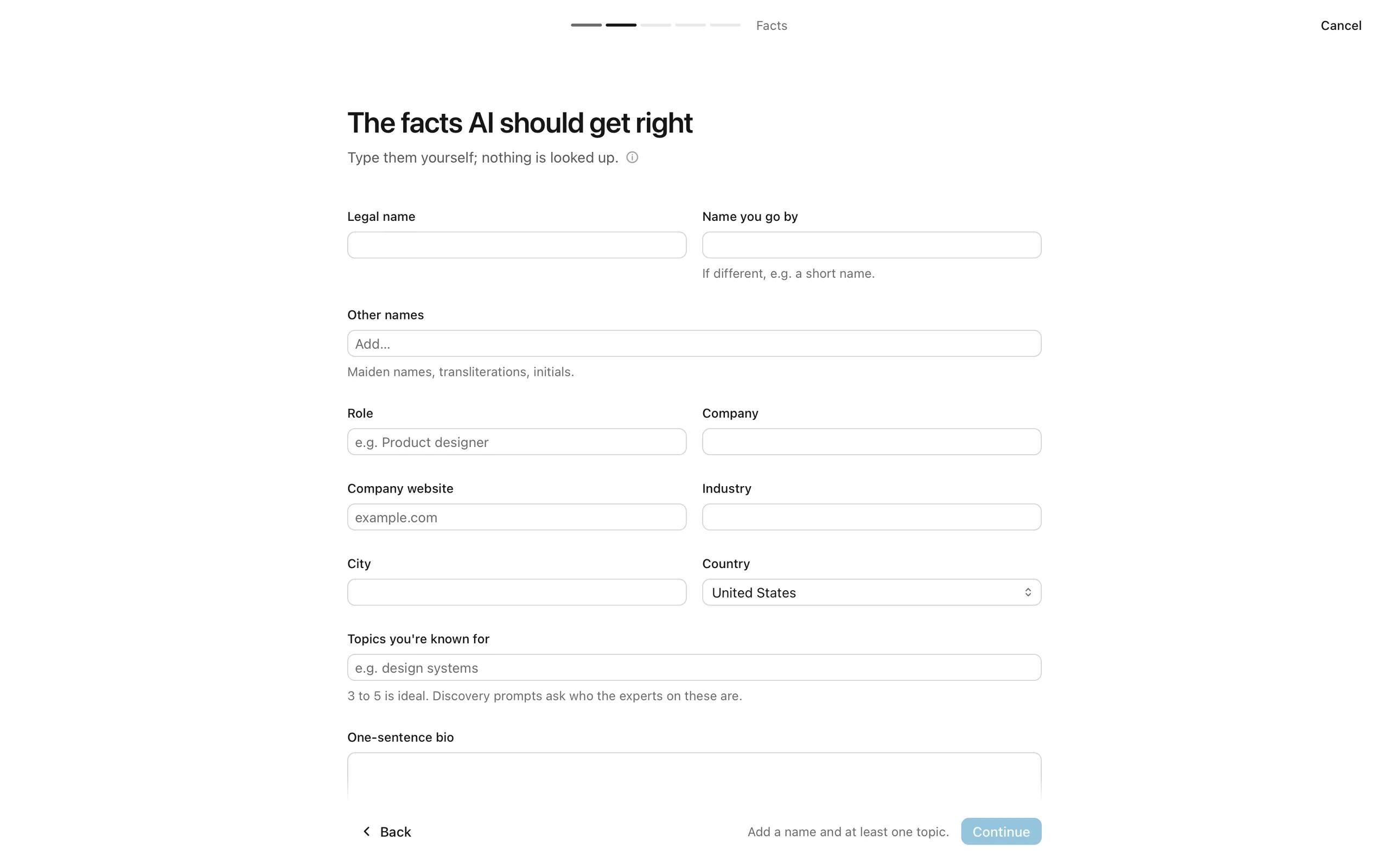
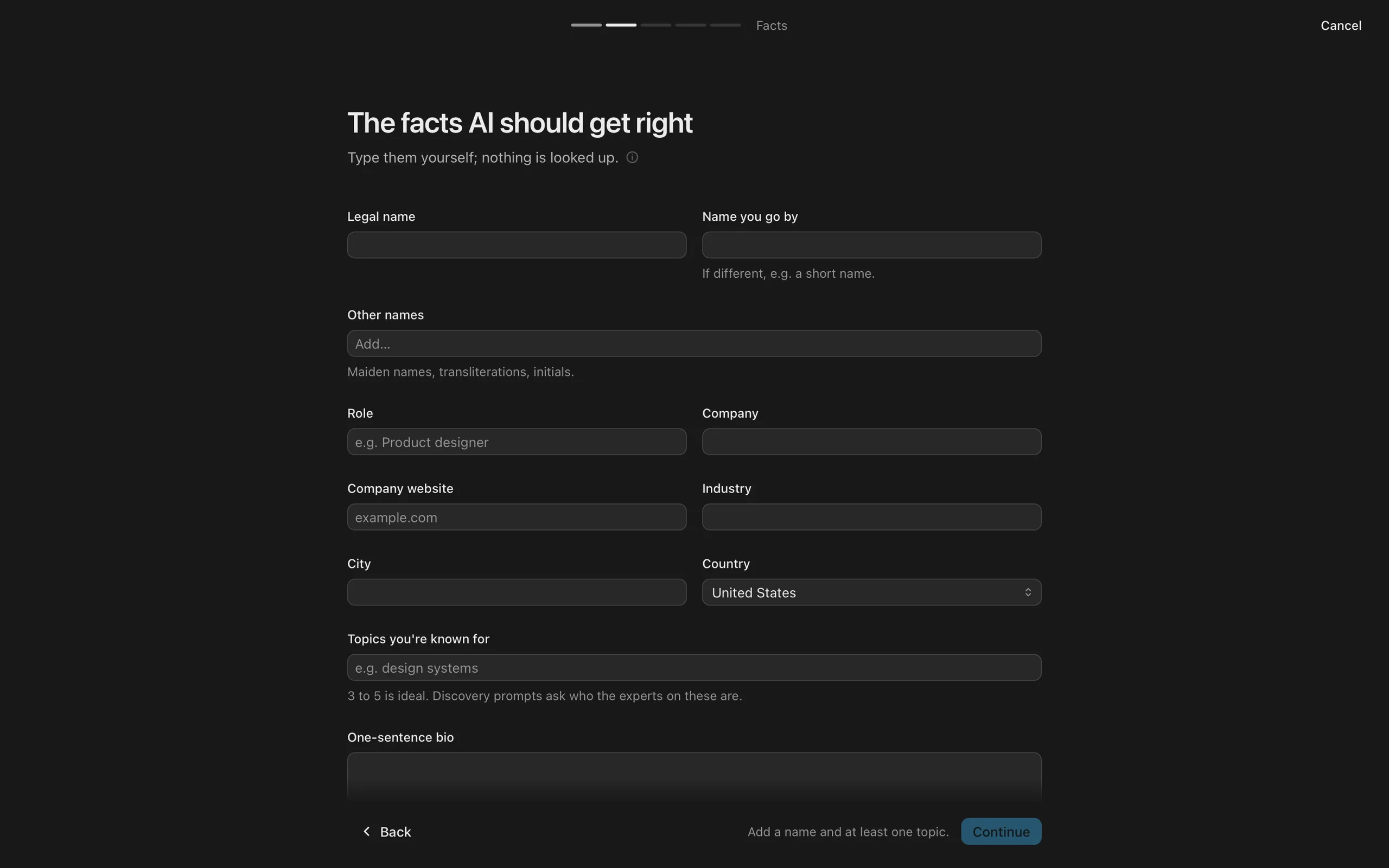
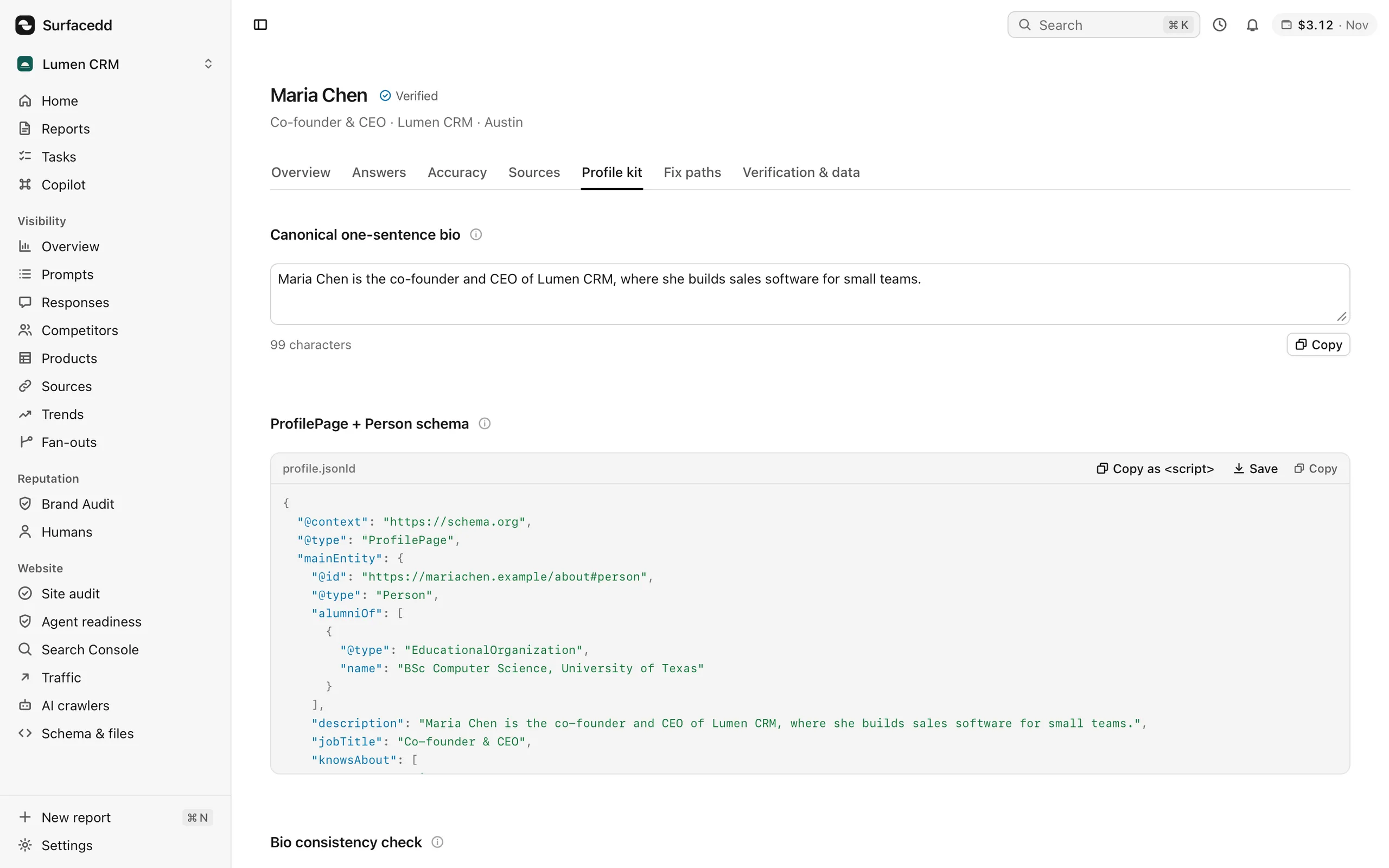
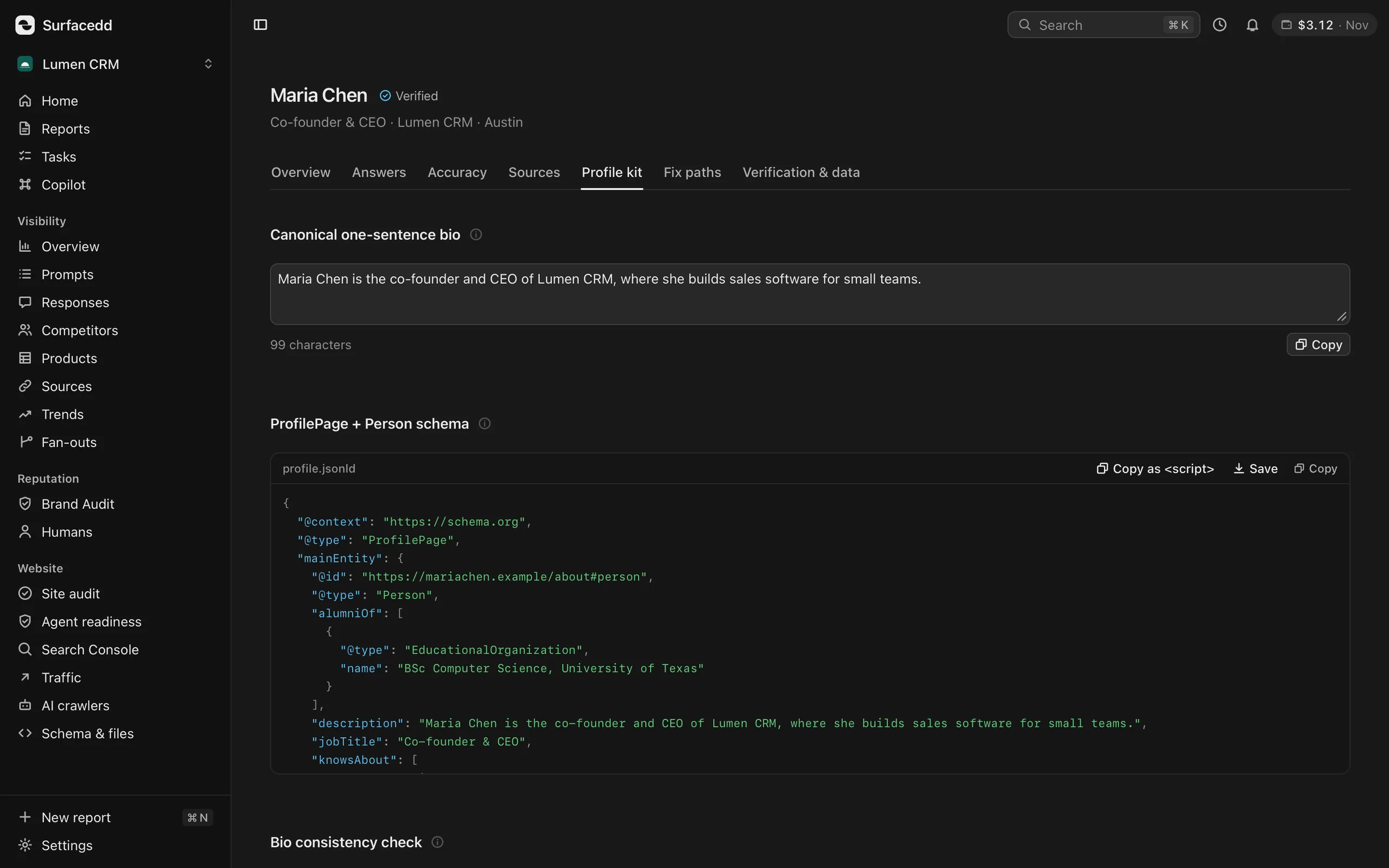
Surfacedd's Humans module generates ProfilePage and Person markup from the fact sheet you type when you set up your profile: name, role, company and website, topics, education, canonical page and sameAs links. It also produces the canonical one-sentence bio, checks pasted bios against your facts, and gives rel="me" guidance.
Verification uses the same canonical domain: a meta tag, DNS record or /.well-known file on the profile domain proves the profile is yours (how verification works).
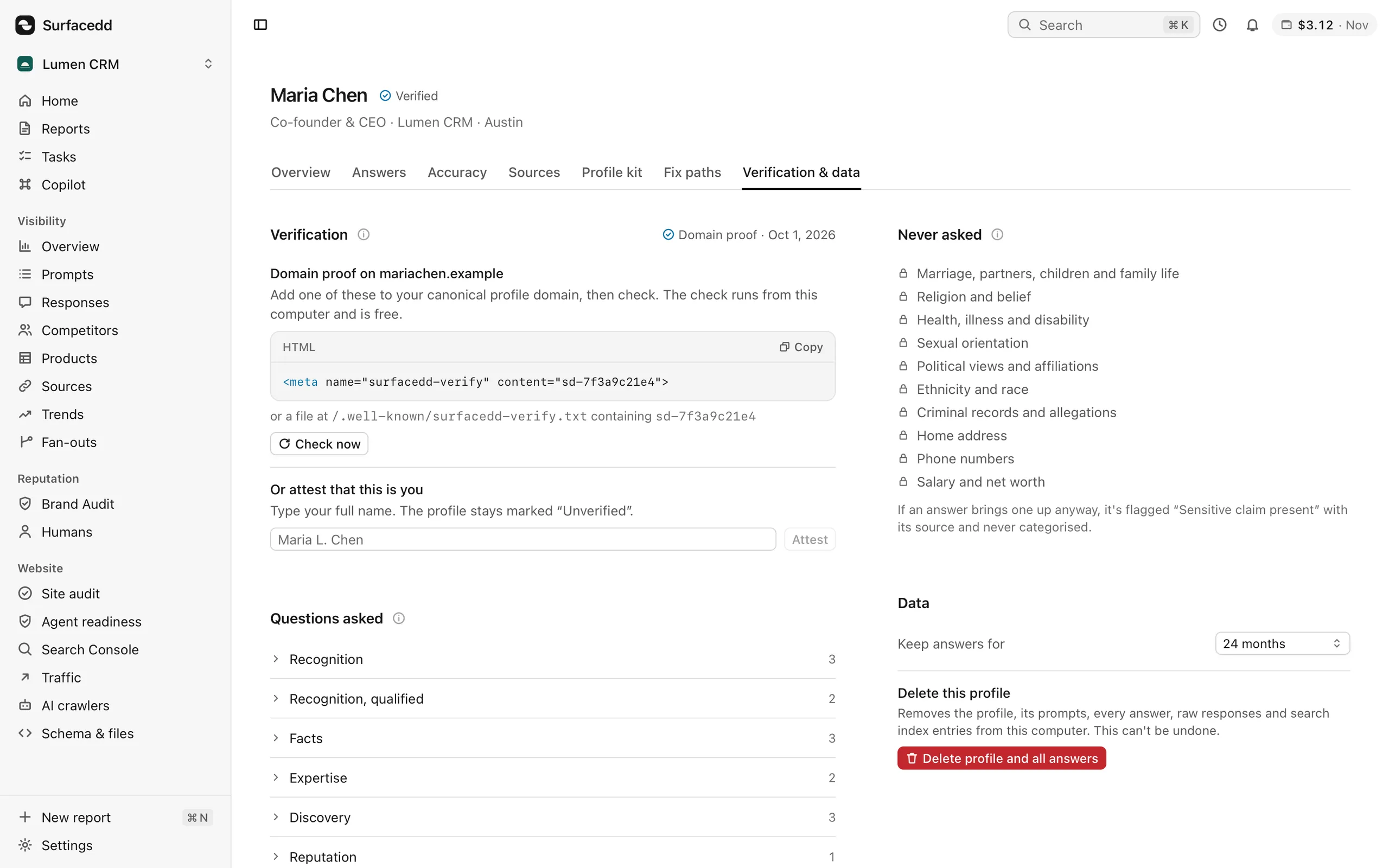
Then Humans measures whether assistants describe you correctly, field by field, and which pages they cite when they don't. See Humans.
Sources
Fair questions
What is Person schema?
It's the schema.org type for describing a person in structured data, usually as JSON-LD on a web page. It states the person's name, job, employer, topics and the other profiles that are also them, so search engines and other systems can identify the person without guessing from the text.
Should I use ProfilePage or just Person?
On the page that's about you, use ProfilePage with the Person as its mainEntity. Google documents ProfilePage for pages whose main focus is a single person affiliated with the site, such as an About page or an employee page. On articles you wrote, reference yourself as the author instead.
Does Person schema help with ChatGPT or other AI answers?
Indirectly at best. Assistants mostly repeat what retrieved pages say in text, and we know of no public evidence that markup alone changes their answers. What markup does is make your identity unambiguous to systems that read it, which supports a clear canonical page and consistent profiles. Measure answers before and after rather than assuming.
How many sameAs links should I add?
As many as are genuinely yours and link back, typically three to eight. Quality matters more than count: one wrong link to a namesake's profile does more harm than leaving out a minor profile. Start with LinkedIn, your employer's team page and any profile you actively maintain.
What goes in identifier?
Stable IDs that belong only to you: an ORCID for researchers, an ISNI for authors and performers, or a Wikidata QID if an item about you exists. Use a PropertyValue with the propertyID naming the scheme. Leave identifier out if you have none; never invent one.
Can I add Person schema to my company's team page too?
Yes, and it helps if it agrees with your personal page: same name, same title, same topics, and a link between the two. Ask whoever manages the company site to use your canonical page in the team page's sameAs, and list the team page in yours.
Free tools for this guide
How we research, write and correct pages: read our editorial policy.