Model Context Protocol: how AI assistants plug into your tools and data
What MCP is in one paragraph, the difference between a local server your assistant starts and a remote one it connects to, and a real config file you can read line by line.
By the Surfacedd teamUpdated 4 min readMarkdown
On this page
Short answer
The Model Context Protocol (MCP) is an open standard, introduced by Anthropic on 25 November 2024, that lets AI applications such as Claude Desktop or Cursor call tools and read data from separate programs called MCP servers. Servers run locally over stdio or remotely over Streamable HTTP, using JSON-RPC 2.0 messages.
Definition
The Model Context Protocol (MCP) is an open protocol that standardises how an AI application connects to outside tools and data. Anthropic introduced it on 25 November 2024 as a way to replace one-off integrations with a single protocol: developers expose data through MCP servers, and AI applications connect to those servers as MCP clients.
The specification names three roles. The host is the AI application you use (Claude Desktop, Cursor, Claude Code). The client is the connector inside the host. The server is the program that provides capabilities. Messages are JSON-RPC 2.0. A server can offer three kinds of feature:
- Tools: functions the model can call, such as "get my visibility for last month".
- Resources: data for the user or model to read, such as a report in Markdown.
- Prompts: templated messages and workflows the user can pick.
The specification also sets safety principles: hosts must get explicit user consent before invoking a tool or exposing user data to a server, and tool descriptions from untrusted servers should be treated as untrusted.
In practice: local stdio vs remote Streamable HTTP
MCP defines two standard transports. Which one a server uses decides where it runs, who can reach it and what it can see. Facts below are from the current specification (protocol version 2026-07-28): the stdio binding and the Streamable HTTP binding.
| Local server (stdio) | Remote server (Streamable HTTP) | |
|---|---|---|
| How it starts | The client launches the server as a subprocess on your computer | The server runs independently and can serve many clients |
| How messages travel | Newline-delimited JSON-RPC over the process's stdin and stdout; logs go to stderr | Each message is an HTTP POST to one MCP endpoint, e.g. https://example.com/mcp; replies are JSON or a request-scoped event stream |
| Who can reach it | Only the app that started it | Anyone who can reach the URL and pass its authentication |
| Security duties in the spec | The server must write nothing to stdout except valid MCP messages | Servers must validate the Origin header, should bind to 127.0.0.1 when local, and should authenticate every connection |
| Where your data goes | Stays on your machine unless the server itself makes network calls | Travels to the server's host |
| Typical use | Your files, a local database, a desktop app's data | SaaS products, shared team services |
The 2025-06-18 revision of the specification says clients should support stdio whenever possible. For data that should never leave your computer, a local stdio server that makes no network calls is the narrowest design: the only party that sees the data is the AI app you're already using, and the model provider it sends prompts to.
The current revision also changed Streamable HTTP: protocol-level sessions and the separate GET stream were removed, and each request now carries its own metadata. Servers written for revisions from 2025-03-26 to 2025-11-25 still work through the backward-compatibility rules in the spec.
A worked example: a local MCP server config, line by line
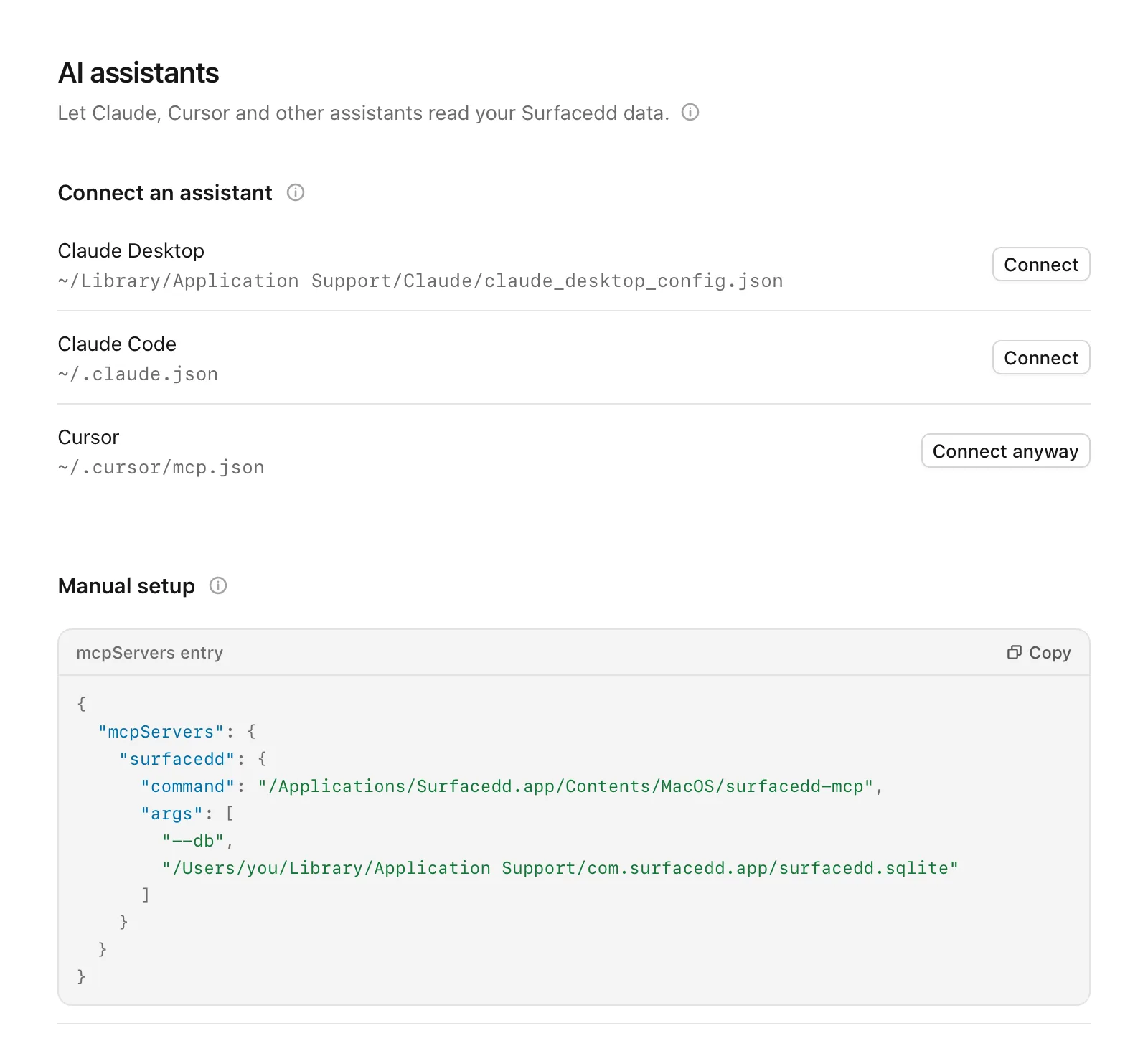
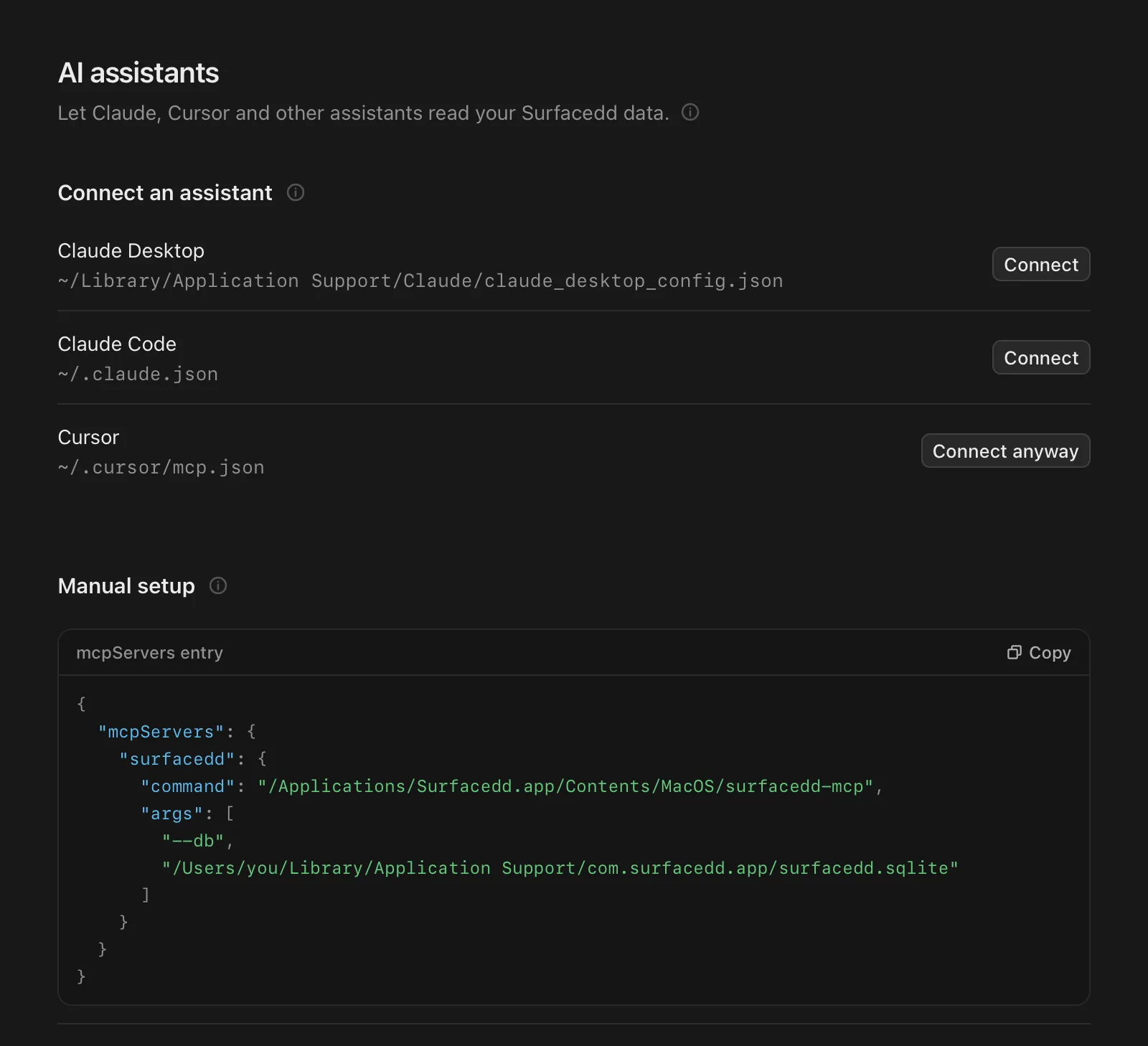
This is the entry Surfacedd shows in Settings › AI assistants, which you can paste into an MCP host's config file (or let the app write for you after you confirm):
{
  "mcpServers": {
    "surfacedd": {
      "command": "/Applications/Surfacedd.app/Contents/MacOS/surfacedd-mcp",
      "args": ["--db", "/Users/you/Library/Application Support/com.surfacedd.app/surfacedd.sqlite"]
    }
  }
}
mcpServersis the map of servers the host should know about;surfaceddis just the name the host shows.commandis the program the host starts as a subprocess. Because there is a command and no URL, this is a stdio server.argstells the server which database to open. The host never needs an API key or a password for it, because the server reads a file on your disk.
When you then ask Claude "Which competitor gained the most share of voice in ChatGPT last month?", the host sends a tools/call request for a tool such as competitor_share down stdin, the server runs a read-only query on that SQLite file, and the answer comes back on stdout. Nothing goes over the network on the server side.
How it shows up in Surfacedd
Surfacedd ships a local, read-only MCP server with 25 tools over your own Surfacedd database: visibility, prompts, answers, competitors, sources, fan-outs, tasks, crawler stats, site-audit issues, and your Search Console and GA4 data. It opens the database read-only, never reads your API keys, makes no network calls and can't start a paid run. It still answers when your licence is in read-only mode, because the data is yours.
The app installs it into Claude Desktop, Claude Code and Cursor with one click; see connect Claude Desktop and the MCP setup doc. For a comparison of SEO-focused MCP servers, including remote ones, read our SEO MCP servers guide.
Related terms
- Retrieval-augmented generation: answering from retrieved data, which MCP tools are one way to supply.
- Grounding: basing an answer on fetched sources rather than memory.
- Answer engine: assistants that answer directly, some of which act as MCP hosts.
Sources
- Anthropic: Introducing the Model Context Protocol (25 November 2024)
- Model Context Protocol: Specification (latest, 2026-07-28)
- MCP specification: stdio transport (2026-07-28)
- MCP specification: Streamable HTTP transport (2026-07-28)
- MCP specification: transports (2025-06-18), incl. "clients SHOULD support stdio whenever possible"
How we research, write and correct pages: read our editorial policy.