See where AI recommends you, from an app that lives on your Mac
A notarized, universal Mac app that asks the AI engines your customers use, keeps every answer on your Mac, and keeps its schedules running from the menu bar.
Short answer
Surfacedd for Mac is a notarized desktop app for macOS 14 Sonoma or later on Apple silicon and Intel. It tracks how ChatGPT, Claude, Gemini, Perplexity, Grok, Meta AI and Google's AI answers mention your brand, stores everything in your Library folder, and runs scheduled checks from the menu bar.
Mac
macOS 14 Sonoma or later, Apple silicon or Intel
Signed with an Apple Developer ID and notarized by Apple. Updates install from inside the app.
Download for MacVersion 1.0.0 · 43 MB · Universal · November 20, 2026
SHA-256 7938cff269bdf1f4c1f06b563be751da80bed9bfc04b8f59720a844965ce1caf
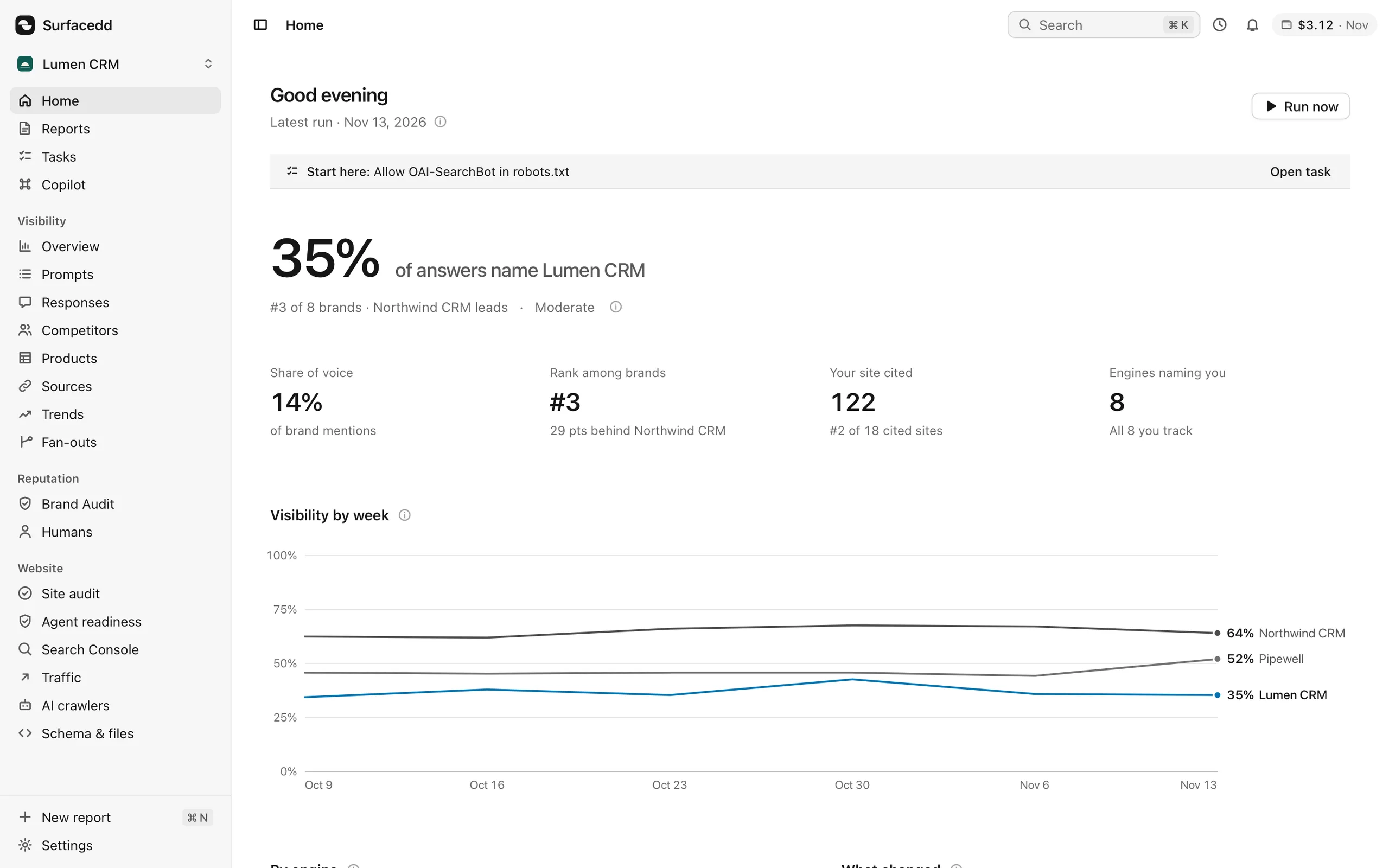
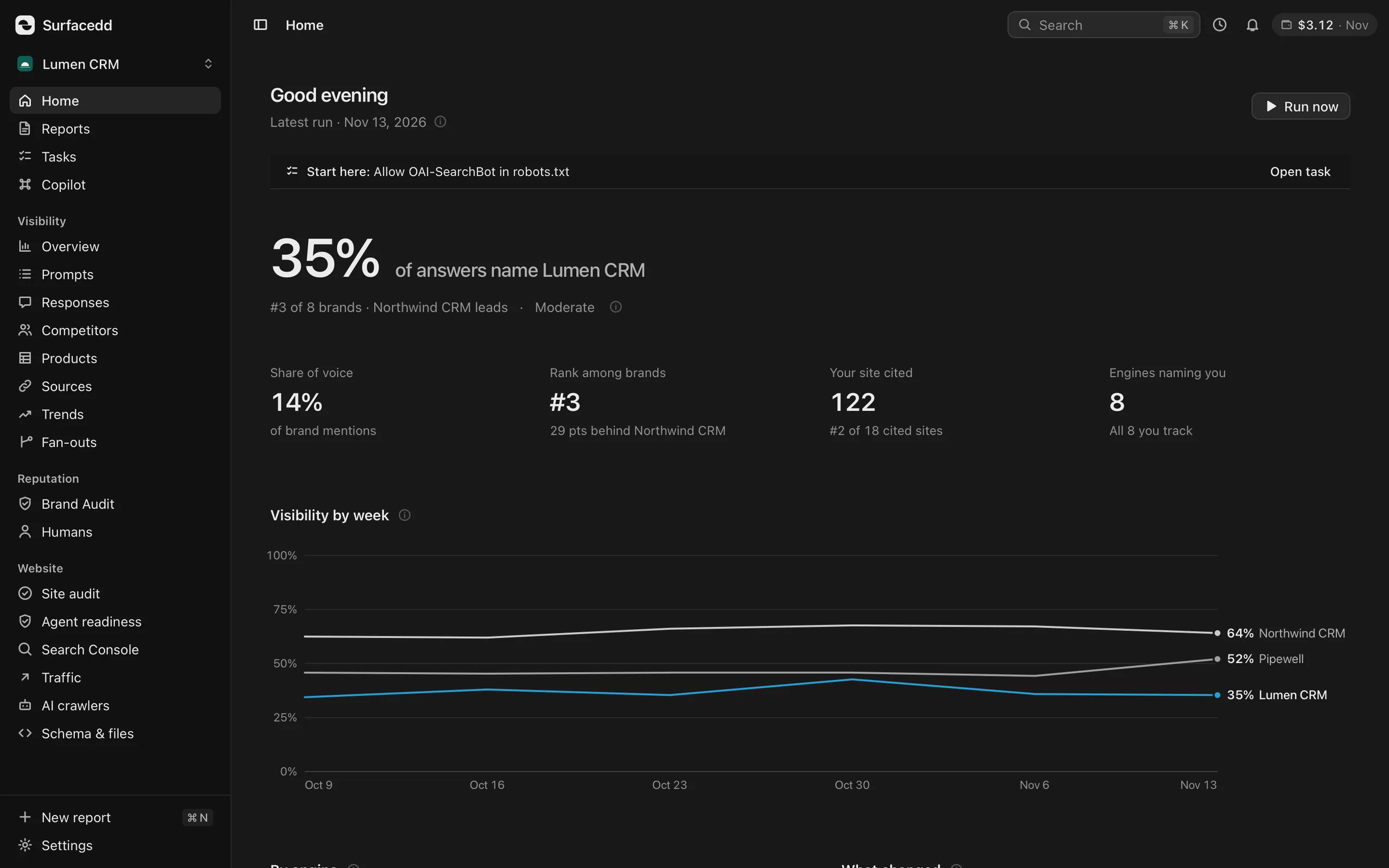
Surfacedd is SEO software for the part of search that now happens inside AI answers. You give it the questions your customers ask, it asks them on ChatGPT, Claude, Perplexity, Google AI Mode and the other engines you turn on, and it shows who gets named, in what order, and which pages each engine read to decide. On a Mac it behaves like a Mac app: signed, notarized, updated from inside the app, and happy to sit in the menu bar until the next scheduled run.
Requirements
| What | Requirement |
|---|---|
| macOS | 14 Sonoma or later. The app won't open on macOS 13 or earlier. |
| Processor | Apple silicon or Intel. The website download is one universal build that runs natively on both. |
| Disk | The app, plus a local database that grows with the answers you collect. |
| Network | Needed for runs, key tests and updates. Browsing, filtering and exporting your data work offline. |
| Keys | At least one AI provider key (OpenAI or Anthropic is enough to start). See bring your own key. |
The macOS 14 minimum is deliberate: the app's interface relies on web platform features that need macOS 14, so older systems aren't supported rather than half supported.
Install and first launch
- Download the disk image from this page and open it.
- Drag Surfacedd into Applications.
- Open Surfacedd from Applications. Because the app is signed with an Apple Developer ID and notarized by Apple, macOS only asks you once to confirm that you want to open an app downloaded from the internet. There is no "unidentified developer" workaround to perform.
- Choose Get started, or Explore sample workspace to look around first. The sample is a fictional brand with six weeks of results and needs no licence or keys.
- When you're ready, paste your licence key and add a provider key. Setup takes about three minutes.
Apple's Gatekeeper checks three things before a downloaded app opens the first time: that it comes from an identified developer, that Apple notarized it, and that it hasn't been altered since. If macOS ever shows a different warning for Surfacedd, the file didn't come from us intact; the Gatekeeper troubleshooting guide covers what to do. The full walkthrough, including the licence step, is in the install guide.
Updates you don't have to think about
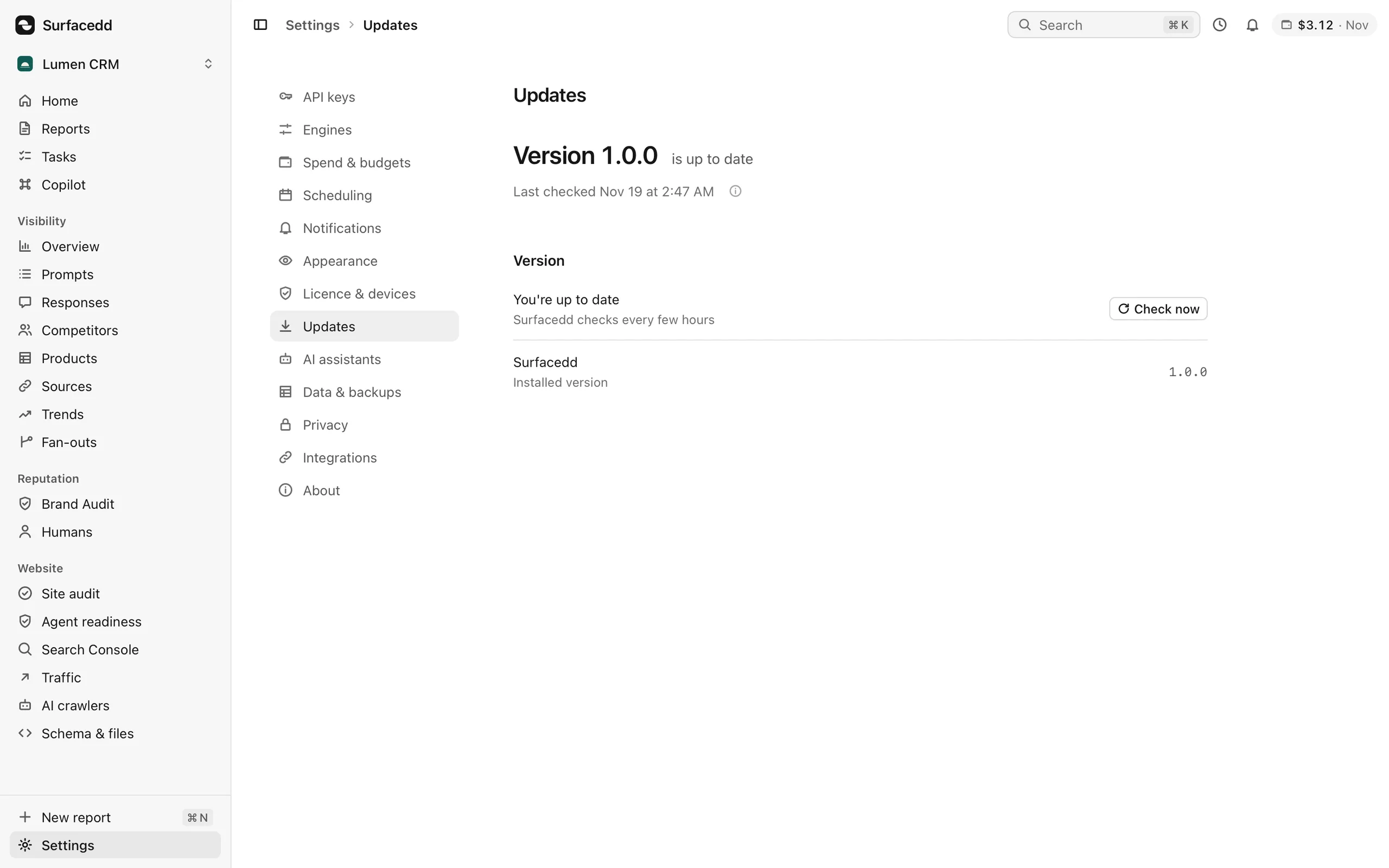
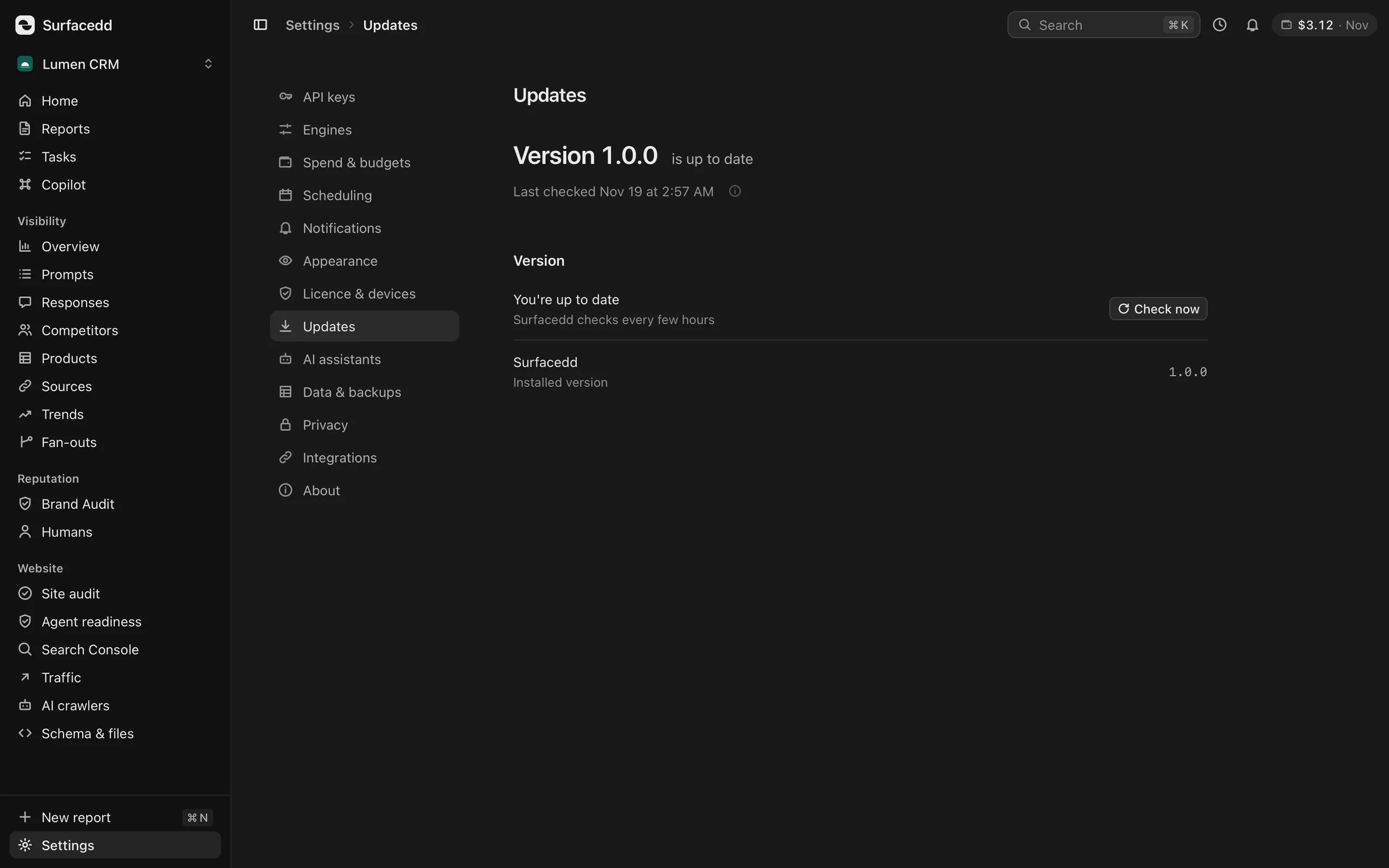
The Mac app updates itself. It checks for a new version every six hours, downloads it in the background, verifies its signature with our update key and shows Update ready · Restart when it's done. An update that fails the signature check is refused. New versions roll out in stages, so not every Mac gets a release in the same hour.
Every licensed user gets every build. Your licence decides which features are open, not which versions you may install: features released during your update year stay yours in every later version, and fixes, security patches, engine adapters and price-table updates always arrive. The one-time purchase page explains the rule with dates.
Schedules that keep running from the menu bar
AI answers change from week to week, so one check tells you little. Surfacedd is built to re-ask the same prompts on a schedule and show what changed, with a 95% range so you can tell a real shift from noise. On a Mac that means:
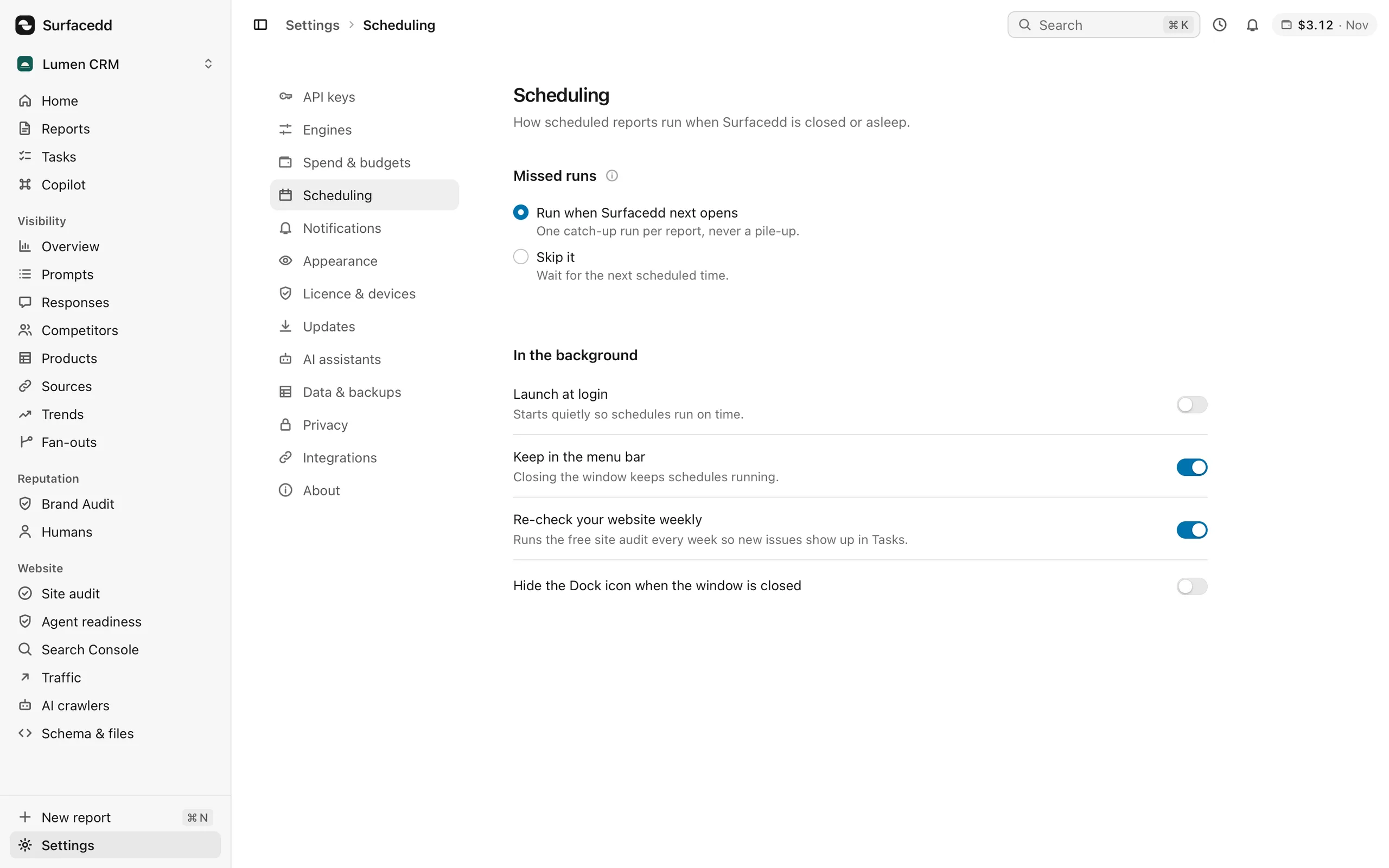
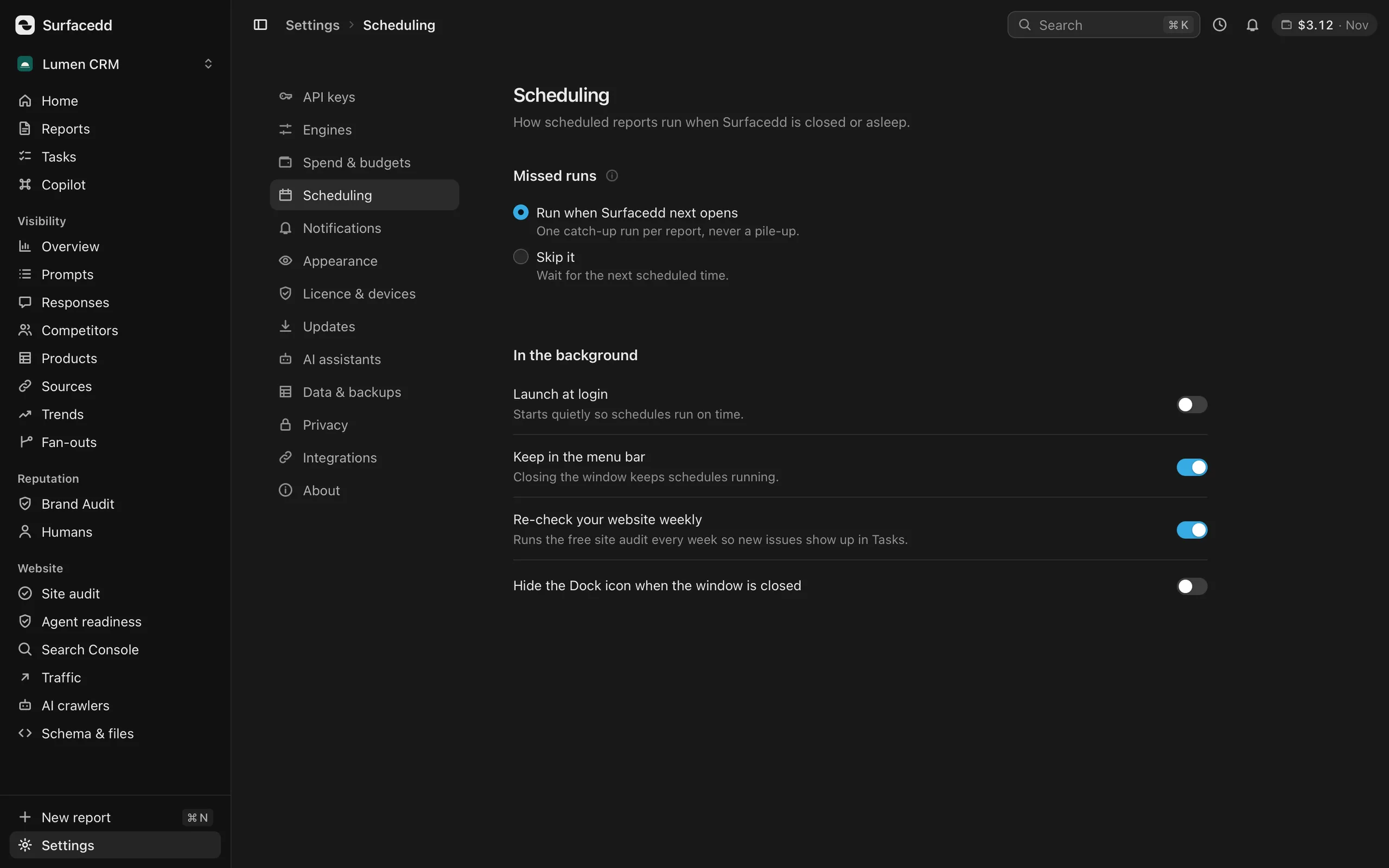
- Closing the window doesn't stop it. With "Keep in the menu bar" on, closing the window hides it and scheduled runs keep going. ⌘Q or Quit in the menu bar icon exits.
- Launch at login. An opt-in LaunchAgent starts Surfacedd quietly in the menu bar when you log in, so a Monday 09:00 run happens on time.
- No Dock clutter. You can hide the Dock icon while the window is closed.
- No sleeping mid-run. While a run is in progress the app tells macOS not to idle-sleep, and opts out of App Nap.
- Catch-up after sleep. If your Mac was asleep or off at the scheduled time, Surfacedd runs one catch-up per report when it next opens, never a pile of them. You can choose to skip missed runs instead.
Runs happen while your Mac is awake. A laptop with its lid closed on battery won't run a schedule until it wakes; the catch-up rule is how nothing gets silently lost.
Where your data lives on a Mac
Brands, prompts, every answer and every report live in one SQLite database in ~/Library/Application Support/com.surfacedd.app. API keys are stored in the macOS Keychain, one entry per provider under com.surfacedd.app, and are never written to the database, to logs or to our servers. The app keeps nightly backups, and you can export an encrypted copy of the workspace from Settings › Data.
FileVault encrypts that folder at rest along with the rest of your disk; Surfacedd doesn't add its own database encryption in 1.0. The private and local page lists every network request the app makes and what each one carries.
What it costs on a Mac
The licence is the same on Mac and Windows: Launch price $29, $79 after 23:59 UTC on January 30, 2027.$79 once. One licence covers up to 3 computers at a time, so a MacBook and an office PC can share it. The AI answers are billed by each provider to your own account; a weekly check of 10 prompts on the default engines comes to about $1.52 a month at today's prices. The app shows its estimate before every run. See pricing for the worked budgets.
What other Mac SEO apps do that Surfacedd doesn't
Surfacedd is a different kind of Mac SEO tool, and it's better to know that before you download it.
- It isn't a backlink tool. It tracks AI answers first, and Google next to them: weekly positions per keyword with the AI Overview flag, keyword research and competitor gaps (Google rank tracking), a local Maps rank grid and Core Web Vitals for your key pages (page speed). Each Google call is paid per use on your own DataForSEO key, with the cost shown first. There's no backlink index.
- It isn't a cloud rank tracker. Rank checks, local scans and speed checks run on your Mac while Surfacedd is open, not on a server that checks around the clock.
- Its site audit doesn't render JavaScript in 1.0. It crawls up to 500 pages from raw HTML and checks AI-crawler access, structured data and snippet controls.
- It doesn't write or publish content. It finds what to fix and gives evidence; it doesn't rewrite pages or push to a CMS.
- It isn't on the Mac App Store. It's a direct, notarized download from this site.
If you need a crawler that renders JavaScript or a backlink index, use one alongside Surfacedd. If you need to know whether ChatGPT or Perplexity recommends you, and where you rank on Google for the same topics, that's what this app is for.
Sources
Fair questions
Does Surfacedd run natively on Apple silicon?
Yes. The download on this page is a universal build containing native code for both Apple silicon and Intel Macs, so an M-series Mac runs it without Rosetta. The in-app updater fetches the build for your Mac's architecture. The minimum is macOS 14 Sonoma on either kind of Mac.
Will macOS warn me that it's from an unidentified developer?
No. Surfacedd is signed with an Apple Developer ID, built with the hardened runtime and notarized by Apple, so Gatekeeper only asks once whether you want to open an app downloaded from the internet. If you see "Apple cannot check it for malicious software" or a damaged-app warning, re-download it from this page and compare its SHA-256 checksum.
Can it run scheduled checks while the window is closed?
Yes. With "Keep in the menu bar" on, closing the window hides it and schedules keep running; launch at login starts it quietly in the menu bar. Runs need your Mac awake. If it was asleep or off at the scheduled time, Surfacedd runs one catch-up per report when it next opens, unless you've chosen to skip missed runs.
Can I use one licence on my Mac and a Windows PC?
Yes. A licence works on Mac and Windows and covers up to 3 active computers at a time. To move it, deactivate the old computer in Settings › Licence and updates, which frees an activation; your data on that computer stays readable. The licence and devices guide covers moving to a new Mac.
Is my data sent to Surfacedd's servers?
No. Your brands, prompts, answers and reports stay in a database on your Mac, and API keys stay in the Keychain. Prompts go directly from your Mac to the AI providers you choose. Our servers see licence checks, update checks and price-table downloads, which private and local lists in full.
Do I need to be online to use it?
Only for runs, key tests, licence checks and updates. Everything you've already collected can be browsed, searched, filtered and exported offline, and the app says when it's offline instead of failing. A licence keeps working without a connection for up to 30 days before the app turns read-only, and it never deletes data.
Run it on your own keys.
Surfacedd tracks this continuously, on a schedule, with every answer stored on your computer.
Launch price $29, $79 after 23:59 UTC on January 30, 2027.$79 once. One-time licence. No subscription.