See where AI recommends you, from a signed app on your Windows PC
Download the per-user installer: no admin rights, and the app updates itself. It isn't code-signed yet, so SmartScreen asks once. A Microsoft Store listing comes later.
Short answer
Surfacedd for Windows installs with a per-user direct installer on Windows 10 version 1809 or later and Windows 11 (x64), and updates itself. The installer isn't code-signed yet, so SmartScreen asks once before it runs. A Microsoft Store listing, signed by Microsoft, comes later.
Windows
Windows 10 version 1809 or later, or Windows 11 (x64)
A per-user installer that needs no admin rights, and the app updates itself. It isn't code-signed yet, so SmartScreen asks once: choose More info, then Run anyway. A Microsoft Store listing comes later.
Download for WindowsVersion 1.0.0 · 16 MB · x64 · November 20, 2026
SHA-256 c314220ca8b437f7ca99a7c1835f44933f7621891c75273eacf27080df01e648
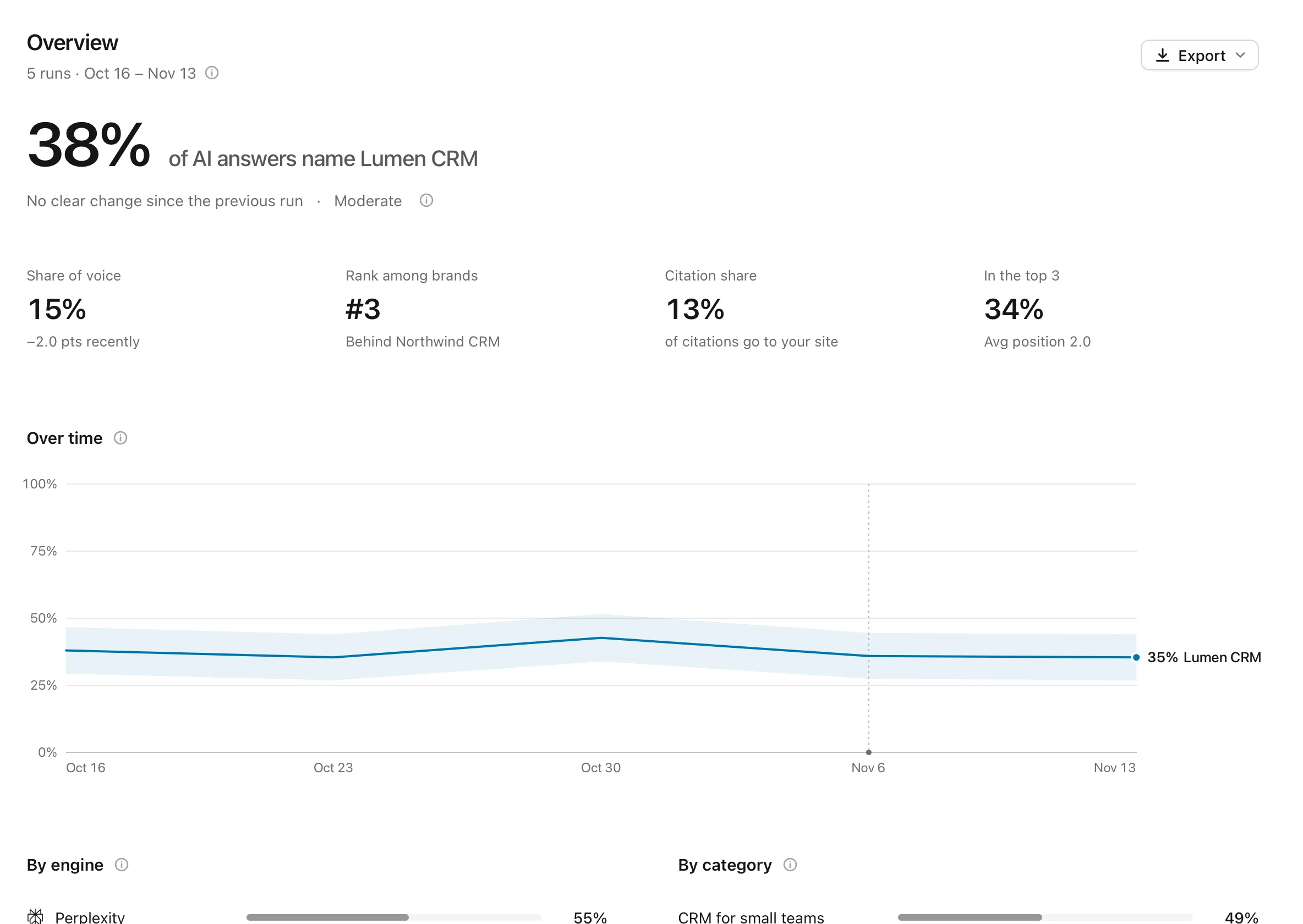
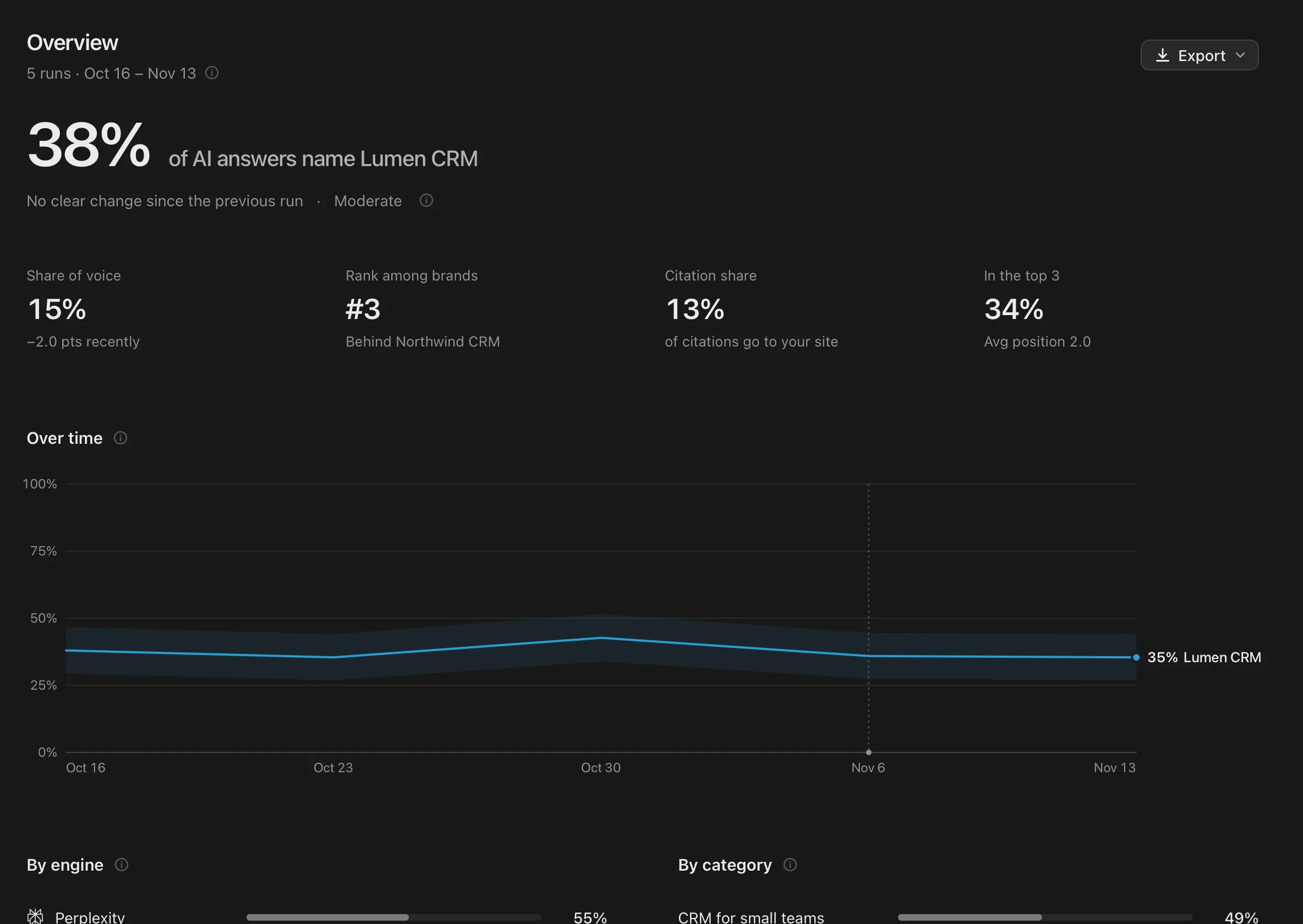
Surfacedd is SEO software for the questions people now ask AI assistants instead of typing into Google. It asks your customers' questions on ChatGPT, Claude, Perplexity, Google AI Mode and the other engines you choose, using your own API keys, and shows who gets named, how often, and which pages each engine cited. On Windows, 1.0 ships as a direct installer; a Microsoft Store listing, the one route where Windows trusts a new app from day one, comes later.
Requirements
| What | Requirement |
|---|---|
| Windows | Windows 10 version 1809 or later, or Windows 11 |
| Processor | x64. Arm64 builds aren't part of 1.0. |
| Web runtime | Microsoft Edge WebView2. The direct installer downloads it if the PC doesn't have it. |
| Network | Needed for runs, key tests and updates. Your collected data can be browsed and exported offline. |
| Keys | At least one AI provider key (OpenAI or Anthropic is enough to start). See bring your own key. |
Direct installer now, Microsoft Store later
| Direct installer (available now) | Microsoft Store (coming later) | |
|---|---|---|
| Who signs it | Not code-signed | Microsoft re-signs the package |
| SmartScreen | "Windows protected your PC" until you choose Run anyway | No warning |
| Smart App Control (Windows 11) | Blocked while Smart App Control is on | Not affected |
| Updates | The app updates itself, verifying each update's signature | Delivered by the Store |
| Install scope | Per user, no admin rights needed | Per user, from the Store |
| Launch at login | Registry Run entry | Windows startup task |
| Licence | Same key, same 3 activations | Same key, same 3 activations |
Microsoft's own guidance for developers is blunt about why: Store-distributed apps are signed with Microsoft's certificate and never get SmartScreen download warnings, while an unsigned file starts with no reputation and shows "Windows protected your PC" until the user picks "Run anyway". We plan to use the Store rather than buy a code-signing certificate, because Microsoft also says an OV or EV certificate no longer skips the warning for a new app. Until the Store listing is live, the direct installer is the way to install.
Install with the direct installer
- Download the
.exefrom this page and compare its SHA-256 with the checksum shown under the button. In PowerShell:Get-FileHash .\Surfacedd-setup.exe(SHA-256 is the default). - Run it. If SmartScreen shows Windows protected your PC, click More info, check the file name, then click Run anyway.
- The installer sets Surfacedd up for your user account only, without asking for administrator rights.
The file name in step 1 is an example; use the name of the file you downloaded. The SmartScreen guide covers each message you might see, including the case where Windows 11 blocks the installer with no Run anyway button.
Install from the Microsoft Store (when the listing is live)
- Open the Store link on this page, once it appears, and choose Get or Install.
- Open Surfacedd from the Start menu.
- Choose Get started, or Explore sample workspace to see a fictional brand with six weeks of results first, with no licence or keys.
- Paste the licence key you bought on surfacedd.com. The Store listing is a free download; the key is what turns on runs.
Updates
The two builds update differently, and neither withholds versions from you:
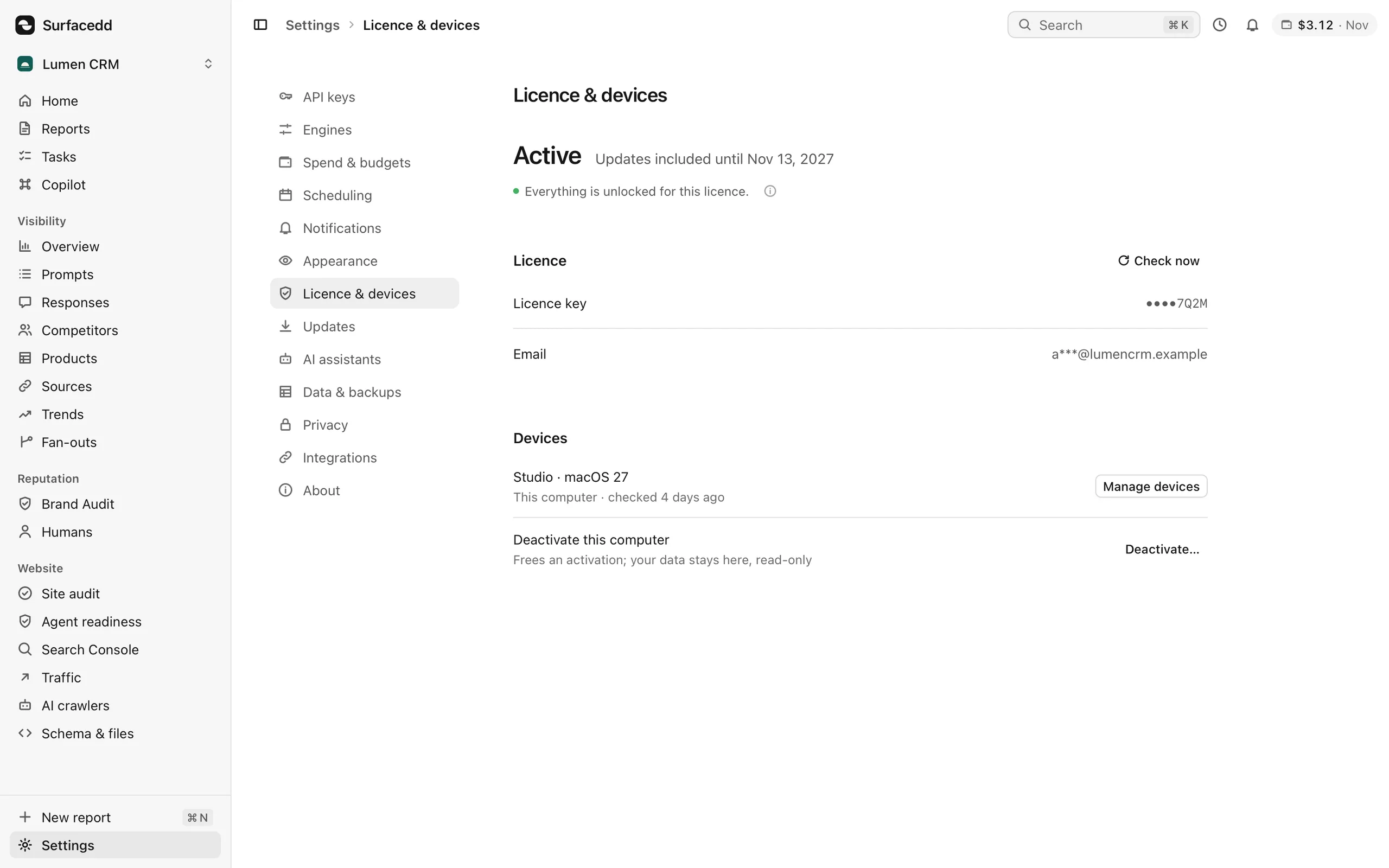
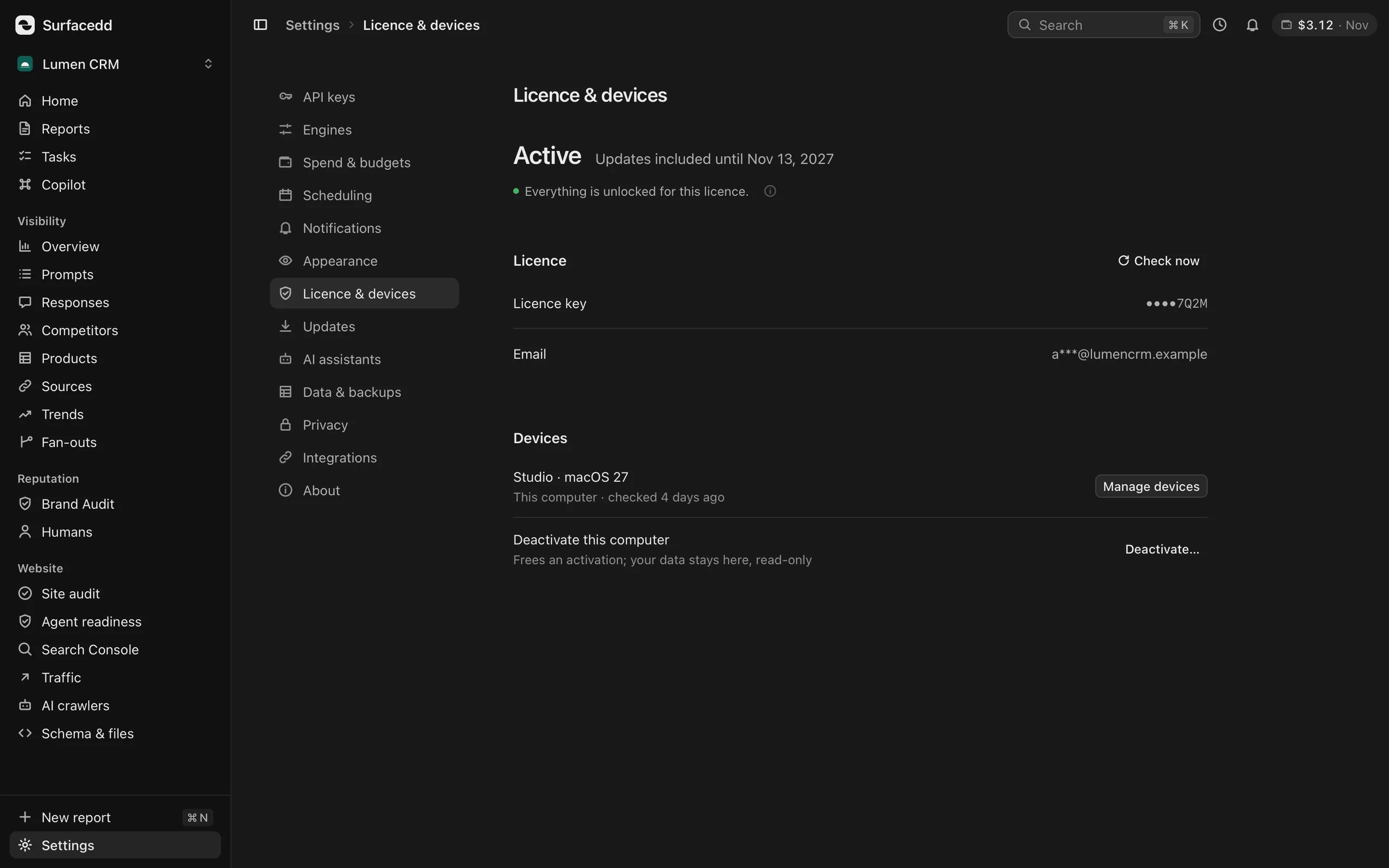
- Store build: the app's own updater is compiled out. The Store installs new versions, and Settings › Licence and updates shows your version with a button that opens the Store page.
- Direct build: the app checks for updates every six hours, downloads them in the background, verifies the signature with our update key and asks you to restart. An update that fails verification is refused.
On both, every licensed user gets every build. Your licence decides which features are open: everything released during your update year stays yours in every later version, and fixes, security patches, engine changes and price-table updates reach everyone.
Schedules that run from the system tray
Tracking AI visibility means re-asking the same prompts and comparing like with like, so Surfacedd is built to run on a schedule:
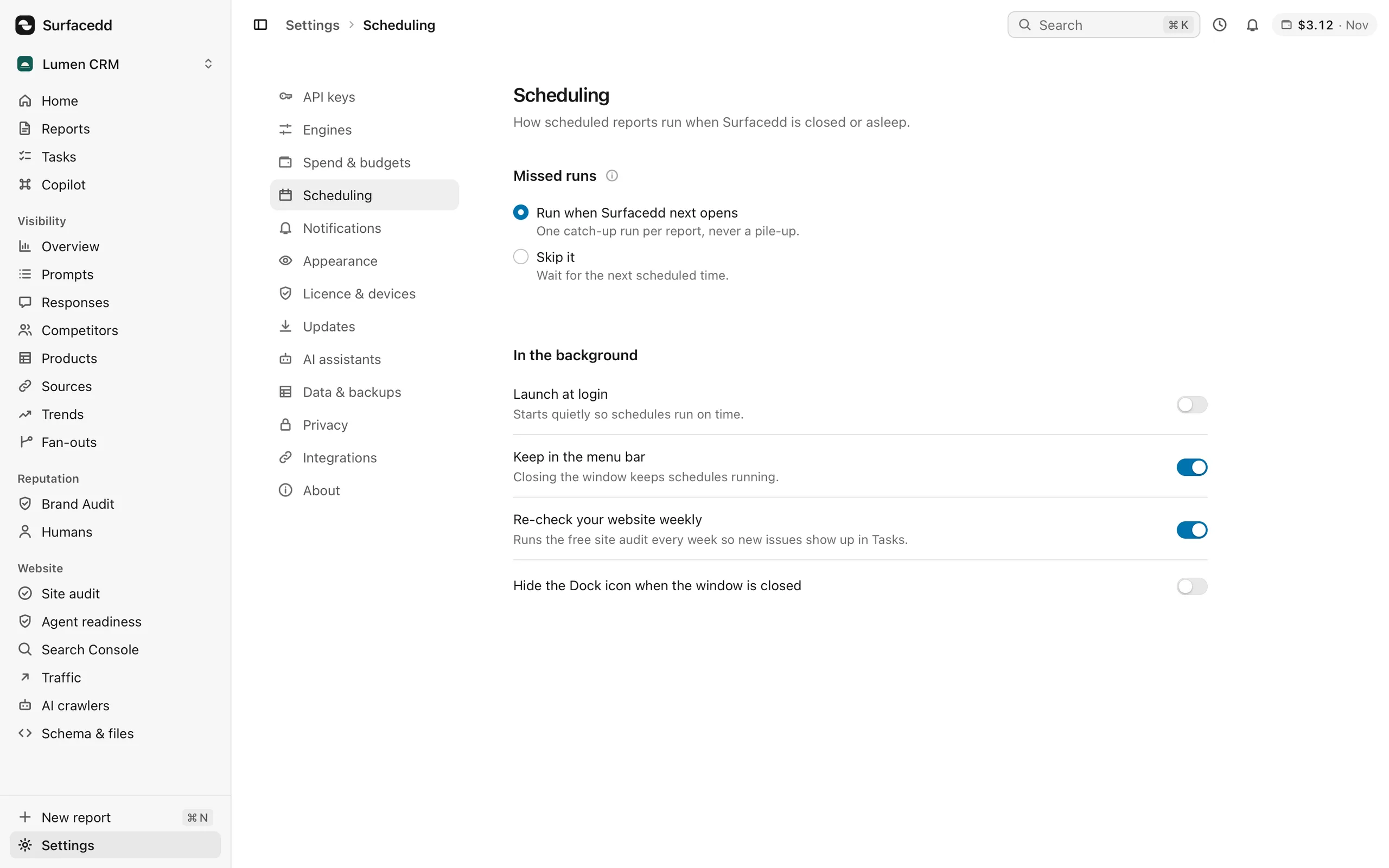
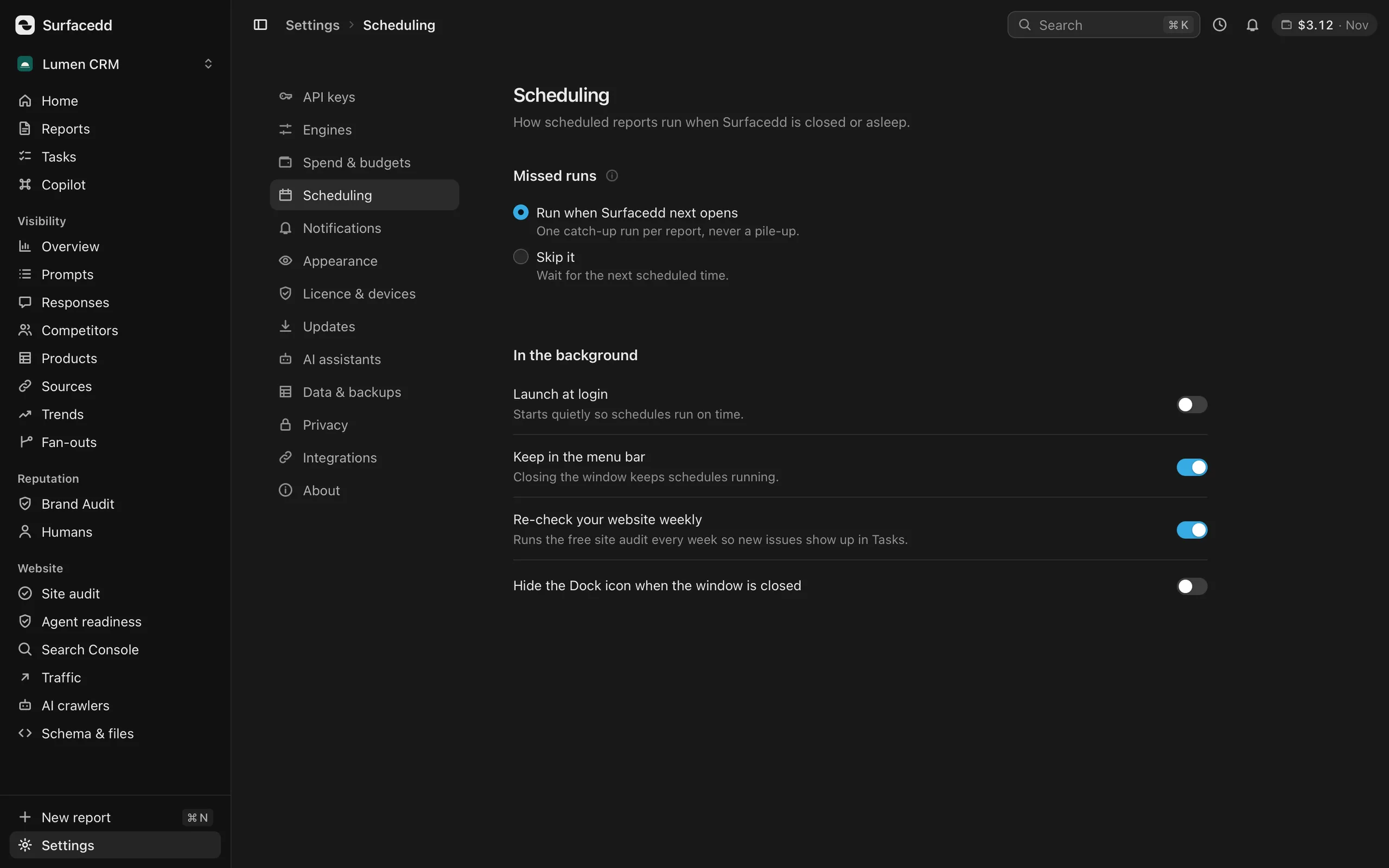
- With Keep in the system tray on, closing the window keeps scheduled runs going. Quit in the tray menu exits.
- Launch at login starts Surfacedd quietly in the tray.
- While a run is in progress the app asks Windows to stay awake.
- If the PC was off or asleep at the scheduled time, it runs one catch-up per report when it next opens, or skips it if you prefer.
Where your data lives on Windows
Your database lives in your user profile: %APPDATA%\com.surfacedd.app for the direct build, and inside the Store package's own app-data folder for the Store build, which Windows keeps separate for packaged apps. API keys are stored in Windows Credential Manager, never in the database or in logs. BitLocker, where you have it on, encrypts the data at rest; the app adds no database encryption of its own in 1.0.
The local MCP server, which lets Claude Desktop, Claude Code or Cursor read your Surfacedd data, works with both builds. On the Store build it's registered as the surfacedd-mcp command, so assistants reach the same database as the app. See the MCP server page.
What it costs
Launch price $29, $79 after 23:59 UTC on January 30, 2027.$79 once. The same licence works on Mac and Windows, on up to 3 computers at a time. AI answers are billed by each provider to your own account: a weekly check of 10 prompts on the default engines is about $1.52 a month at today's prices, and the app shows an estimate before every run. Pricing has the worked budgets.
Sources
Fair questions
Why does the direct installer trigger SmartScreen?
Because it isn't signed with a Windows code-signing certificate. SmartScreen warns about unsigned files with no download reputation, and Microsoft says even an OV or EV certificate no longer avoids the warning for a new app. The Microsoft Store build, which comes later, is re-signed by Microsoft and will install with no warning.
Is the direct installer safe to run anyway?
Run it only if it came from this page and its SHA-256 checksum matches the one published under the download button. Get-FileHash in PowerShell computes SHA-256 by default. A matching checksum shows the file is the one we published. If the checksum differs, delete the file and download it again.
Does the Store version cost extra?
No. When the Store listing goes live it will be a free download. You buy one licence on surfacedd.com and paste the key into the app, on Windows or Mac. Launch price $29, $79 after 23:59 UTC on January 30, 2027. Buying outside the Store also means one licence covers both platforms, up to 3 computers at a time.
Can I switch from the direct installer to the Store build?
Yes, but the two builds keep their data in different folders, because Windows gives Store apps their own app-data location. Export a workspace from Settings › Data in the direct build, install the Store build, then import it there. API keys are never exported, so add them again. Uninstall the direct build afterwards.
Does it run on Windows on Arm?
Not as a native build in 1.0: Surfacedd ships for x64 Windows, and an Arm64 build is planned. We haven't tested the x64 build under Windows' emulation on Arm PCs, so we can't promise it works there yet. If you try it, the sample workspace lets you check before buying a licence.
Will scheduled runs work when the window is closed?
Yes, with Keep in the system tray on: closing the window hides it and schedules keep running, and launch at login starts it quietly in the tray. Runs need the PC awake. A missed run is caught up once per report the next time Surfacedd opens, unless you've chosen to skip missed runs.
Run it on your own keys.
Surfacedd tracks this continuously, on a schedule, with every answer stored on your computer.
Launch price $29, $79 after 23:59 UTC on January 30, 2027.$79 once. One-time licence. No subscription.